The traditional B2B sales funnel is dying. In 2026, the modern buyer—sophisticated, time-pressed, and research-hungry—has declared war on the "Request a Demo" button. Product Marketers, Sales Ops, and Growth Leads—who are aiming to bridge the gap between "showing" and "telling"—know this better than anyone else: prospective customers want to experience software rather than wait for an email or phone call.
Think about your own actions. When you visit a software page, do you want to fill out a 10-field form and wait 48 hours for a discovery call just to see what the dashboard looks like? Or do you want to click a button and start exploring with the features right away? The answer is apparent, and the data support it.
Research shows that prospects who engage with interactive demos convert up to 8× more than those who view static pages or PDFs. These demos also drive higher engagement, faster buying decisions, and more qualified pipelines—exactly what modern GTM teams care about.
Without a self-serve way for prospects to “touch” your product, you’re losing leads to competitors. This guide reviews the 7 best interactive demo tools this year, focusing on efficiency, cost, and conversion impact.
Comparison of Top Interactive Demo Software (2026)
| Tool | Best For | Technical Method | Starting Price |
| Storylane | Marketing Product Tours | HTML/Screenshot Capture | $500+/mo (HTML) |
| Navattic | Self-Guided Website Tours | HTML Capture | $600/mo |
| Walnut | Enterprise Sales Personalization | HTML Cloning | Custom/Enterprise |
| Arcade | Visual Storytelling | Screenshot/Video | $32/mo (Basic) |
| Reprise | Full Sandbox Environments | Full App Cloning | $30k+/year |
| Supademo | Quick AI-Powered Flows | Screenshot Capture | Free/Pro Tiers |
| Consensus | Buyer Enablement (Complex Sales) | Video-Guided Tours | Custom/Enterprise |
Deep Dive: The 7 Best Interactive Demo Tools
1. Storylane: The GTM All-Rounder
Storylane has become one of the most widely adopted interactive demo platforms among mid-market GTM teams. Its core appeal is flexibility: you can build demos quickly using screenshot-based flows, or invest more time into higher-fidelity HTML-capture demos that closely resemble your live product.
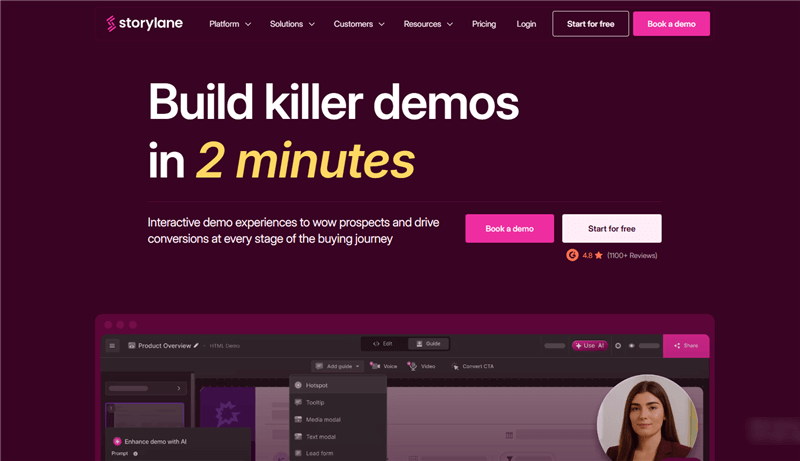
This dual-mode approach makes Storylane suitable for both marketing and sales use cases—from homepage “Try the Demo” buttons to outbound sales links sent by SDRs.
Key Feature: Lead Gating & Forms
- Storylane allows you to place email gates or forms inside a demo flow—for example, after the third or fourth interaction. This makes it possible to capture leads directly from demo engagement rather than relying on a traditional landing page.
- Storylane offers native integrations with HubSpot, Salesforce, and popular marketing automation tools, making it easy to route demo leads into existing pipelines.
Pros
- Balanced feature set for marketing + sales
- Strong CRM and marketing stack integrations
- Good visual fidelity with HTML capture
Cons
- HTML-based demos are locked behind higher pricing tiers
- Setup time and maintenance increase significantly for complex products
- Overkill for very early-stage startups or solo founders
Best For: B2B SaaS teams that want one demo tool that works across top-of-funnel marketing and sales outbound.
2. Navattic: The Website Specialist
Navattic is one of the pioneers of the modern “interactive product tour” category and is heavily optimized for website conversion use cases.
Most teams use Navattic to embed a “Take a Tour” or “See It in Action” button directly on their homepage or pricing page, letting visitors explore a guided version of the product before talking to sales.
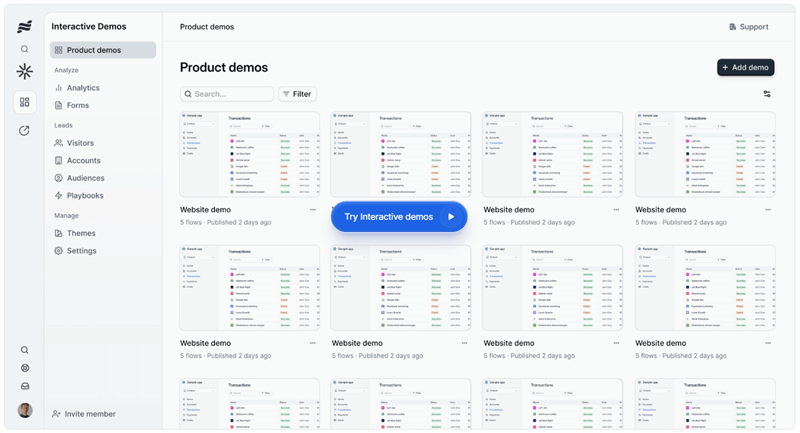
Navattic recreates your product UI by capturing and rendering its front-end structure in a controlled environment. This allows users to hover, click through flows, and see tooltips layered on top of realistic UI elements.
Strengths
- Excellent for top-of-funnel conversion
- Strong embedding and website performance
- Polished, marketing-friendly presentation
Limitations
- HTML capture can break when your product UI changes
- Requires ongoing maintenance for fast-moving products
- Not designed for deep sales personalization
Best For: Marketing teams focused on homepage conversion and inbound lead quality.
3. Walnut: The Sales Personalization Platform
Walnut is built first and foremost for sales teams—not marketers. Its core promise is not just “build a demo,” but personalize demos at scale for outbound and late-stage sales conversations.
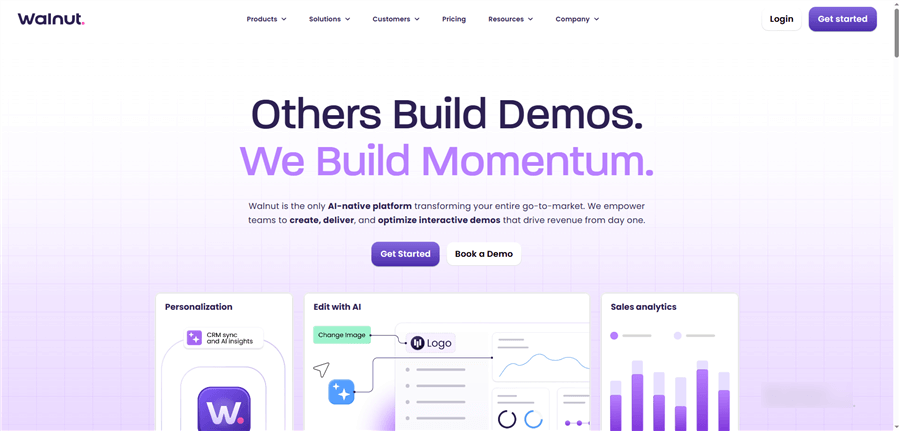
Key Feature: Dynamic Variables
- Walnut allows teams to define variables such as company name, logo, industry, and sample data.
- A single master demo can then be dynamically customized for each prospect link.
- Walnut integrates deeply with Salesforce and sales engagement tools, enabling SDRs and AEs to send personalized demo links as part of outbound sequences or post-call follow-ups.
Pros
- Best-in-class personalization
- Strong sales workflow integrations
- Excellent for enterprise outbound
Cons
- Expensive relative to SMB budgets
- Overkill for marketing-led demo use cases
- Steeper onboarding and setup
Best For: High-growth or enterprise sales teams that need consistent, branded, personalized demos for large outbound volumes.
4. Arcade: The Visual Storyteller
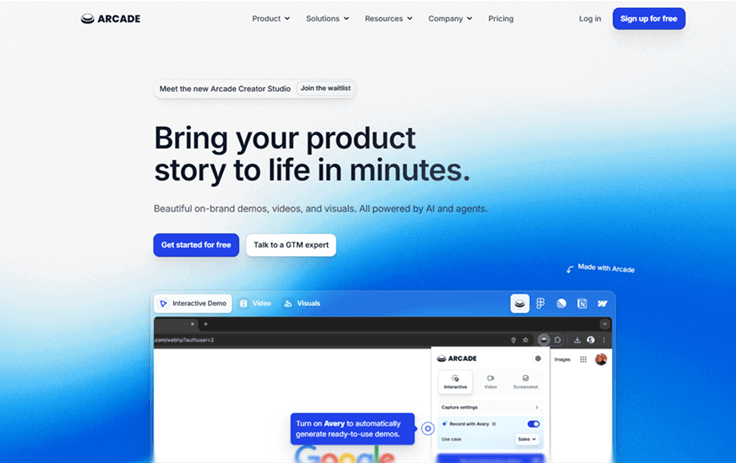
Arcade is designed for storytelling rather than strict product realism. Instead of focusing on perfect UI fidelity, Arcade helps teams create cinematic, narrative-style demos that feel more like interactive stories than technical walkthroughs.
Arcade lets you add background music, voiceovers, and transitions that sync with step-based interactions. The result feels closer to a social media story or launch video than a traditional product tour.
Strengths
- Extremely modern, sleek output
- Ideal for launch announcements and landing pages
- High emotional engagement
Limitations
- Limited analytics and lead tracking
- Not built for sales qualification or scoring
- Less suitable for technical onboarding
Best For: Marketing and product teams that want beautiful, high-impact demos for launches and brand storytelling.
5. Reprise: The Enterprise Sandbox
Reprise is the heavyweight enterprise solution in this category. Instead of screenshots or simple HTML capture, Reprise builds sandboxed “digital twins” of your product that users can interact with in a controlled environment.
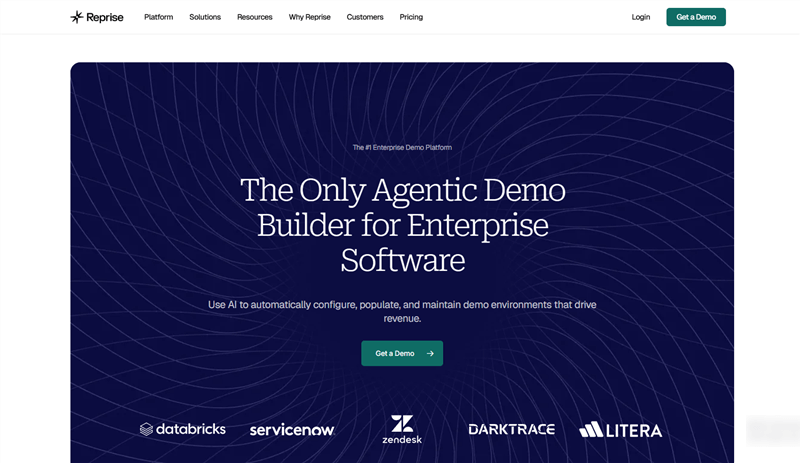
Reprise can simulate workflows, form inputs, and limited data interaction. It’s the closest thing to letting a prospect “use” your product without touching production.
Strengths
- Extremely high realism
- Supports complex enterprise workflows
- Trusted by large companies (e.g., Adobe-scale orgs)
Tradeoffs
- Very high cost
- Long implementation cycles
- Requires dedicated demo operations resources
Best For: Large enterprise companies with complex products and long sales cycles.
6. Supademo: The AI-Powered Speedster
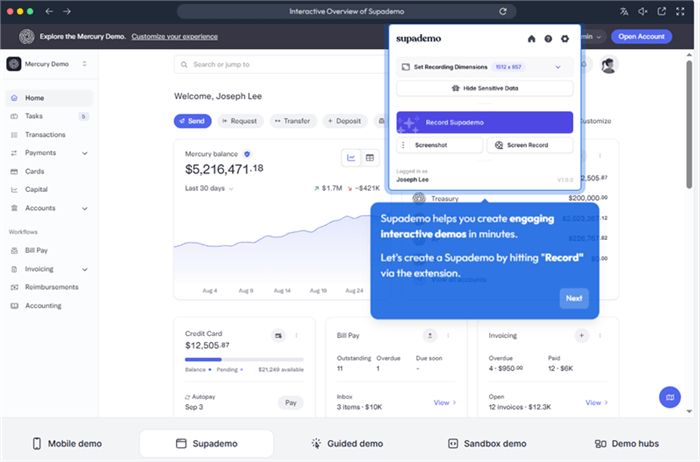
Supademo focuses on ultra-fast creation of guided product walkthroughs. It sits somewhere between a screen recorder and a demo builder, using automation and AI to reduce manual editing.
Supademo automatically generates step titles and descriptions based on user interactions during recording.
Strengths
- Extremely fast setup
- Low learning curve
- Affordable for small teams
Limitations
- Limited customization
- Not true HTML interactivity
- Not designed for enterprise sales
Best For: Customer support and product teams building help docs, onboarding guides, and quick tutorials.
7. Consensus: The Buyer Enablement Platform
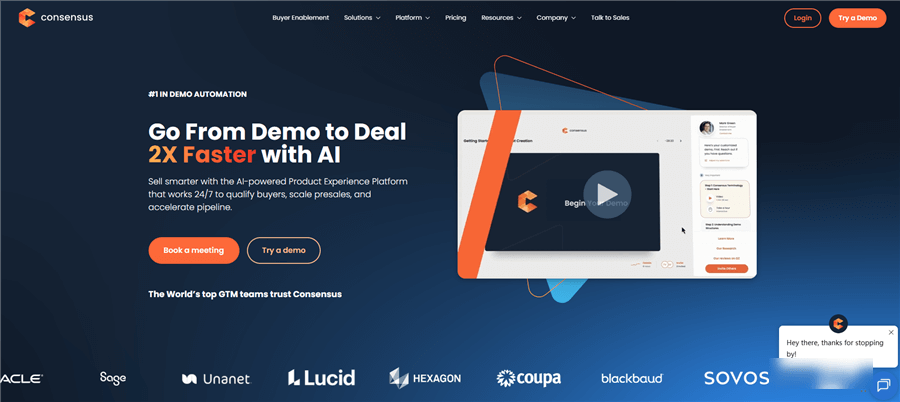
Consensus is not a traditional demo builder. It is a video-led buyer enablement system designed for complex B2B sales. Consensus asks prospects qualifying questions at the start (role, department, use case). It then dynamically serves different video segments based on their answers.
Key Feature: Stakeholder Tracking
Consensus tracks which stakeholders inside an account watched which sections—e.g., CFO watched pricing, CTO watched architecture. This gives sales teams insight into:
- Internal buying dynamics
- Hidden decision-makers
- Objections forming inside the account
Strengths
- Exceptional for multi-stakeholder sales
- Deep analytics and intent data
- Strong enterprise credibility
Limitations
- Not interactive UI demos
- Heavy video production workload
- High enterprise pricing
Best For: Enterprise sales teams running complex, committee-driven buying processes.
How to Choose the Right Software for Your Team
Choosing the "best" tool depends entirely on your specific "Job to be Done."
- If you need a "Product Tour" for your website homepage, look at Navattic or Storylane. You want that high-fidelity HTML feel to impress visitors.
- If you are an SDR sending 50 emails a day, you need Walnut or Poindeo. You need speed and the ability to personalize quickly.
- If you are building a Help Center or Documentation, Supademo or Poindeo are your best bets. The goal here is clarity and "instant" understanding.
- If you have a complex enterprise sales cycle with multiple stakeholders, Consensus is the clear winner for buyer enablement.
Poindeo: The Fastest Way to Turn Screenshots into Product Demos
Poindeo is built for teams that want a polished product demo without re-recording their app, learning video editing, or dealing with fragile HTML capture.
Instead of cloning your UI or stitching together screenshots manually, Poindeo lets you turn the assets you already have—screenshots, images, PDFs, and lightweight screen recordings—into guided demo videos in minutes.
Its core workflow is refreshingly simple: click → zoom → annotate. You click on any area of a screenshot or PDF, and Poindeo automatically creates a smooth zoom-in effect. You then add short text annotations, optional narration (for images/PDFs), and captions to guide the viewer step by step.
There’s no traditional video timeline to manage, no design skills required, and no complex setup. Everything runs directly in the browser.
Why Teams Choose Poindeo
- Ultra-fast demo creation from existing screenshots or PDFs
- No HTML capture, no UI rebuilding, no video editing timeline
- Built-in narration (for images/PDFs) and automatic AI captions
- Export once, use everywhere: supports 16:9, 9:16, 4:3, and 1:1
- Fully browser-based — no downloads or OS constraints
For SMBs and indie teams, Poindeo removes the two biggest blockers to shipping demos: time and complexity.
You upload your screenshots or PDFs, apply zooms and annotations, optionally add narration, and export a professional-looking demo in minutes.
Best For:
- Indie founders creating Product Hunt or landing-page demo videos
- Marketers are turning product screenshots into hero sections or social clips
- Customer success and support teams are building onboarding guides
- Educators converting lesson PDFs into narrated walkthroughs
- Small teams producing internal training content fast
Limitations: Poindeo does not create true, clickable, HTML-based product demos. It is a video-led demo tool, not a fake UI sandbox.
If your use case requires users to click through a simulated product interface, tools like Navattic or Reprise are a better fit. If your goal is to explain, showcase, and guide visually with speed and clarity, Poindeo is one of the fastest and most accessible demo tools available for SMBs.
Final Thoughts
In 2026, the barrier between "marketing" and "product" has vanished. Your marketing is the product experience.
Whether you choose an enterprise giant like Reprise or a high-efficiency tool like Poindeo, the goal remains the same: Remove the friction. Give your buyers the keys to the car before you ask them for a deposit.
By providing an interactive, self-guided way to explore your software, you aren't just improving your SEO—you’re building trust. And in the modern B2B landscape, trust is the only currency that matters.
Ready to build your first interactive demo in minutes? Check out Poindeo’s latest features here.
FAQs on Interactive Demo Software
Q: Do I need coding skills to use interactive demo software?
A: No. Almost all the tools on this list are "no-code." They use browser extensions to record your screen or capture your app's HTML automatically.
Q: How much does this software typically cost?
A: Prices vary wildly. Prosumer/SMB tools start around $20–$50/month, while enterprise platforms can cost between $10,000 and $50,000 per year.
Q: Can I embed these demos in my emails?
A: Yes! Most tools provide a "GIF preview" or a link that you can paste into your email signature or outbound sequences to increase click-through rates.
Q: Is it better to use video or screenshots for my demo?
A: It depends on the goal. Video is better for showing smooth workflows and "feel," while screenshots/HTML are better for precise tutorials where the user needs to read specific text.