Ready to Turn Still Images into Engaging Videos?
Merge photos into videos with intuitive tools and easy editing features.
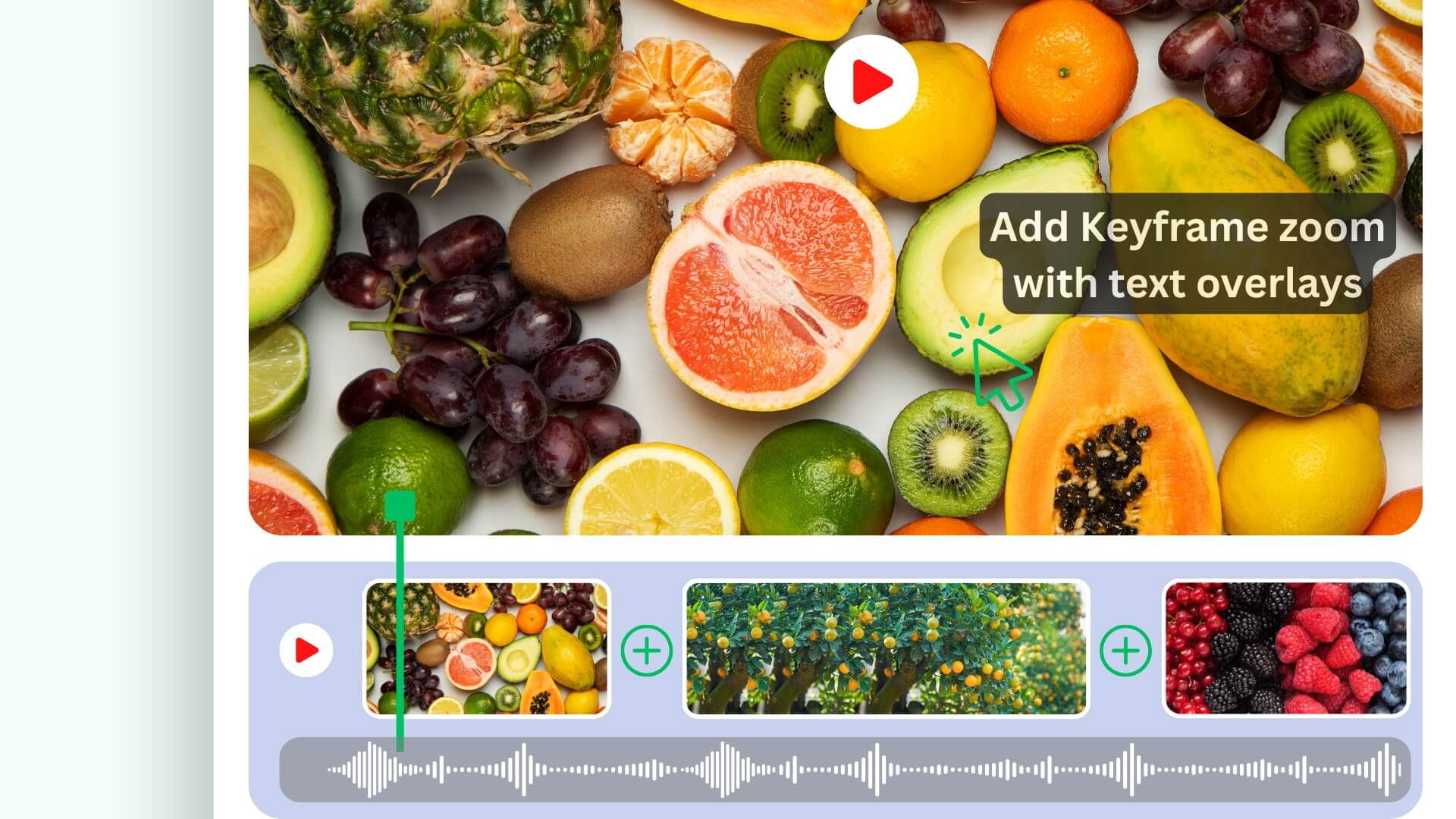
Click "Upload Your Photos" above, drag & drop photos onto the Poindeo editor.
Click the Add button to upload more files. Customize backgrounds, resize photos, add music, and apply zoom animations to any image.
Preview your video and export it at 720p for free, or up to 4K at 60fps with Pro.
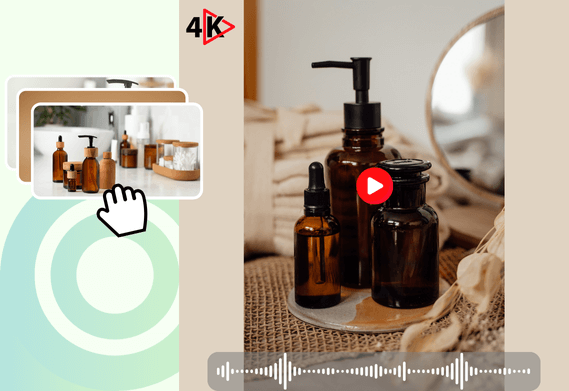
Our video maker lets you add photos freely with the Add button — the free plan holds up to 2 scenes, and Pro removes the limit. Then insert background music, add mosaic boxes for privacy, round image corners, and adjust the playback speed. Export at 720p free, or in 4K with Pro - all easily accessible in your browser.
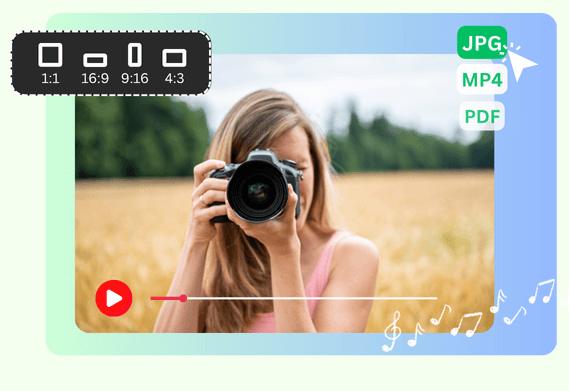
Merge photos, videos, or PDF pages to create dynamic product demos or tutorials. Choose and apply an aspect ratio (16:9, 9:16, 1:1, or 4:3) for all files and easily share to platforms like YouTube or Instagram.
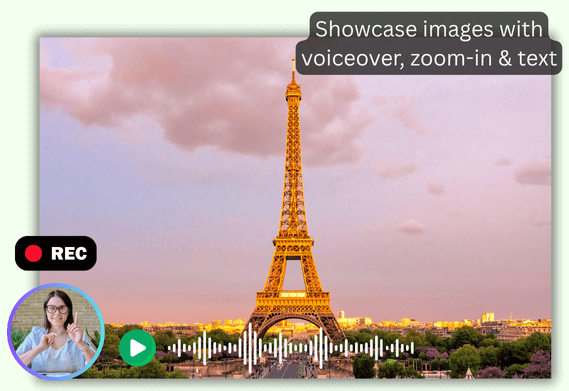
Use the Narrate Images feature to record voice-overs while highlighting parts of an image with smooth keyframe zoom effects and text overlays. Even without recording, easily click points to create zoom-in/out animations automatically.
Whether it's a simple memorial slideshow with background music for showcasing, a promotional post for social media, a logical video guide for business & education, or turning still product pictures into engaging demos for video marketing, Poindeo makes it easy, even for beginners.
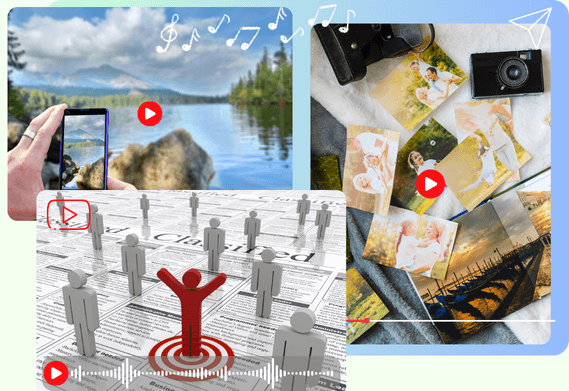
Yes. Poindeo offers a built-in music library, or you can upload your audio or record directly from your mic. Multiple audio tracks are supported.
Not at all. Poindeo's interface is designed for beginners - just click and create. Effects are applied automatically.
Yes. Choose a suitable aspect ratio, then export the video in high-quality MP4 for easy sharing on any platform.
Yes. All processing happens locally on your device. Nothing is uploaded to any servers.
Merge photos into videos with intuitive tools and easy editing features.
While Poindeo is perfect for turning your photos into dynamic videos, it also offers powerful tools for recording, editing, and enhancing your content. Explore full features:
Capture your entire screen, a browser tab, webcam, and audio directly in your browser. Auto-sync to the timeline for seamless editing.
Organize visuals, zoom sequences, and multiple audio tracks on a simple timeline.
Automatically highlight specific visual areas to guide your viewer’s attention - perfect for showcasing product details or demonstrating a process.
Choose from stunning backgrounds, stylish padding, and music to enhance your storytelling.
Add your logo and text, customize fonts and colors, and apply your brand identity to every creation.
Make eye-catching videos for professional demos, audio-enhanced materials, and compelling content for YouTube, Instagram, and online courses.