Create Videos Incredibly Easy With All-In-One Features
Zoom Effects
Add dynamic zoom to any part of your content with a single click — with optional 3D tilt for extra depth and focus.
Fast Recording
Record screen, webcam, and mic — separately or all at once — then edit the take in the same tab.
Audio Addition
Add audio, background music, or audio recording to PDFs, images, and videos.
Brand Customization
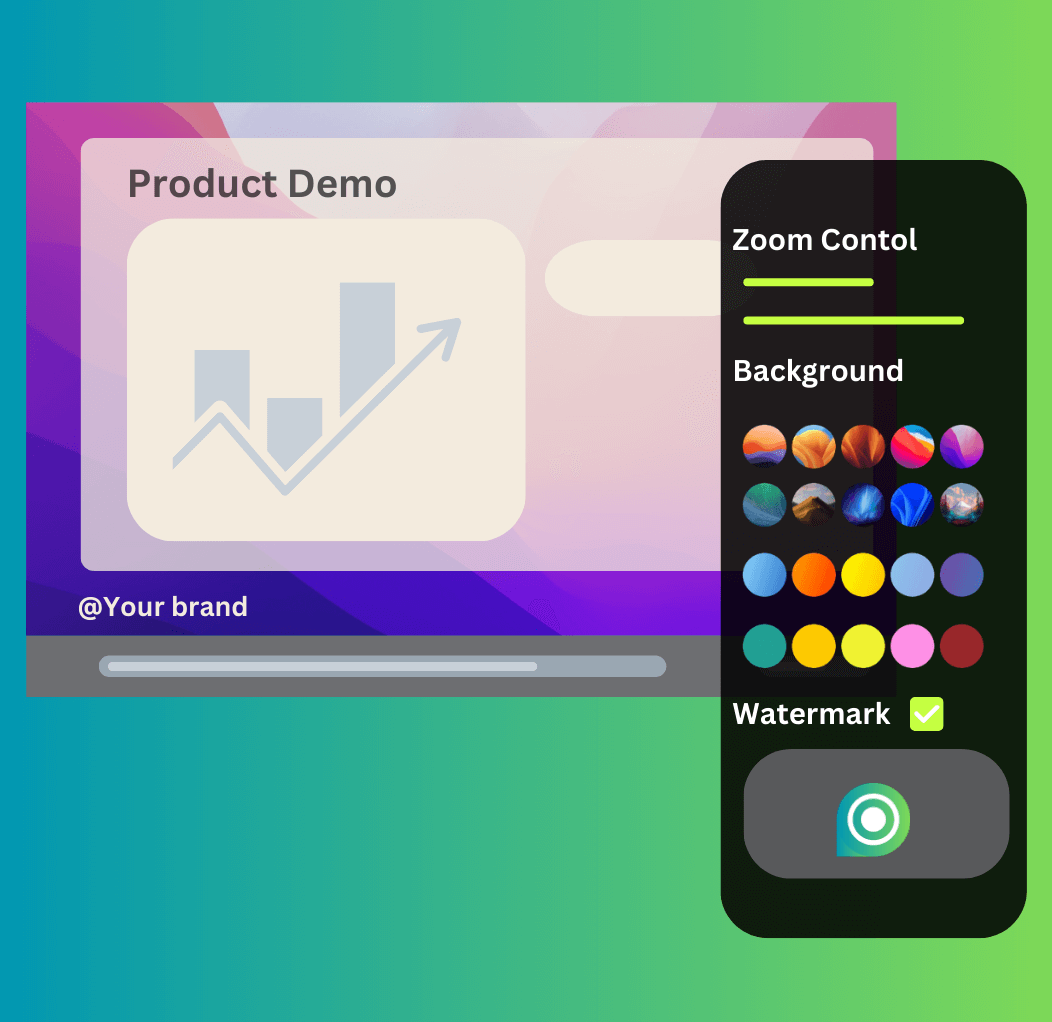
Customize text or upload an image as a watermark to your creations, enhancing brand presence and protecting intellectual property.
Platforms Optimization
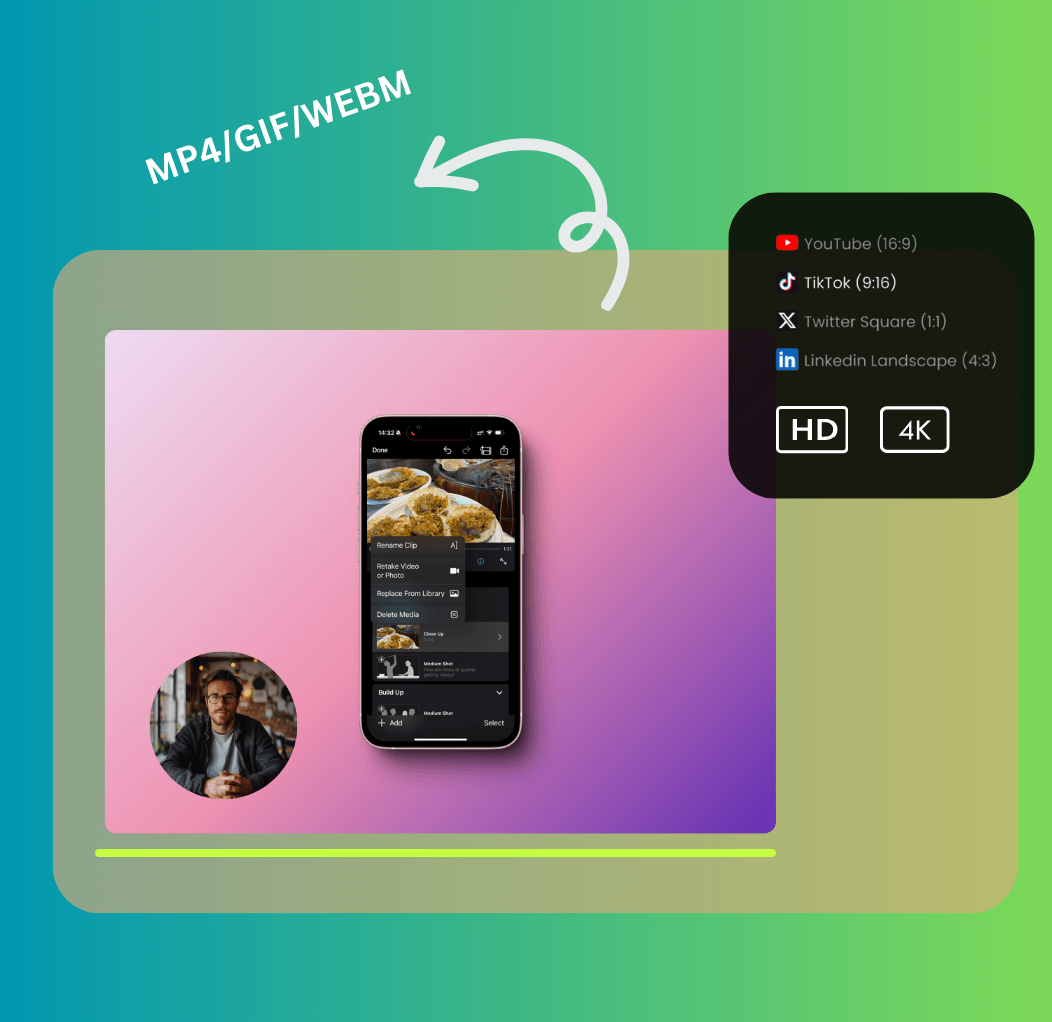
Make creations in the perfect dimensions for YouTube (16:9), TikTok and Instagram Stories (9:16), Instagram Square (1:1), LinkedIn (4:3), and more.
Quick Export & Sharing
Edit images, screenshots, PDFs, videos, or capture screen & camera. Export as high-resolution videos, GIFs, or image files to share.
Automatic Captions
Automatically recognizes speech in your videos and converts it into subtitles/captions.
Privacy Blur Protection
Selectively blur sensitive data in videos/images/PDFs for content protection.
Record with Auto Zoom
The Chrome extension follows your clicks while you record, moving the camera to whatever you're showing. Zooms land automatically, and every one stays editable afterward.
Fewer Clicks, More Creativity
Dynamic Zoom Effects
Spotlight key details in product demos, tutorials, or cinematic scenes with professional-grade zoom and 3D perspective.
Multisource Recording
Simultaneously capture screen, webcam, and audio for tutorials, demos, or interactive content.
Photo/PDF to Video
Merge images or documents with audio/music to craft marketing reels, presentations, or storytelling videos.
Edit, Export, and Share
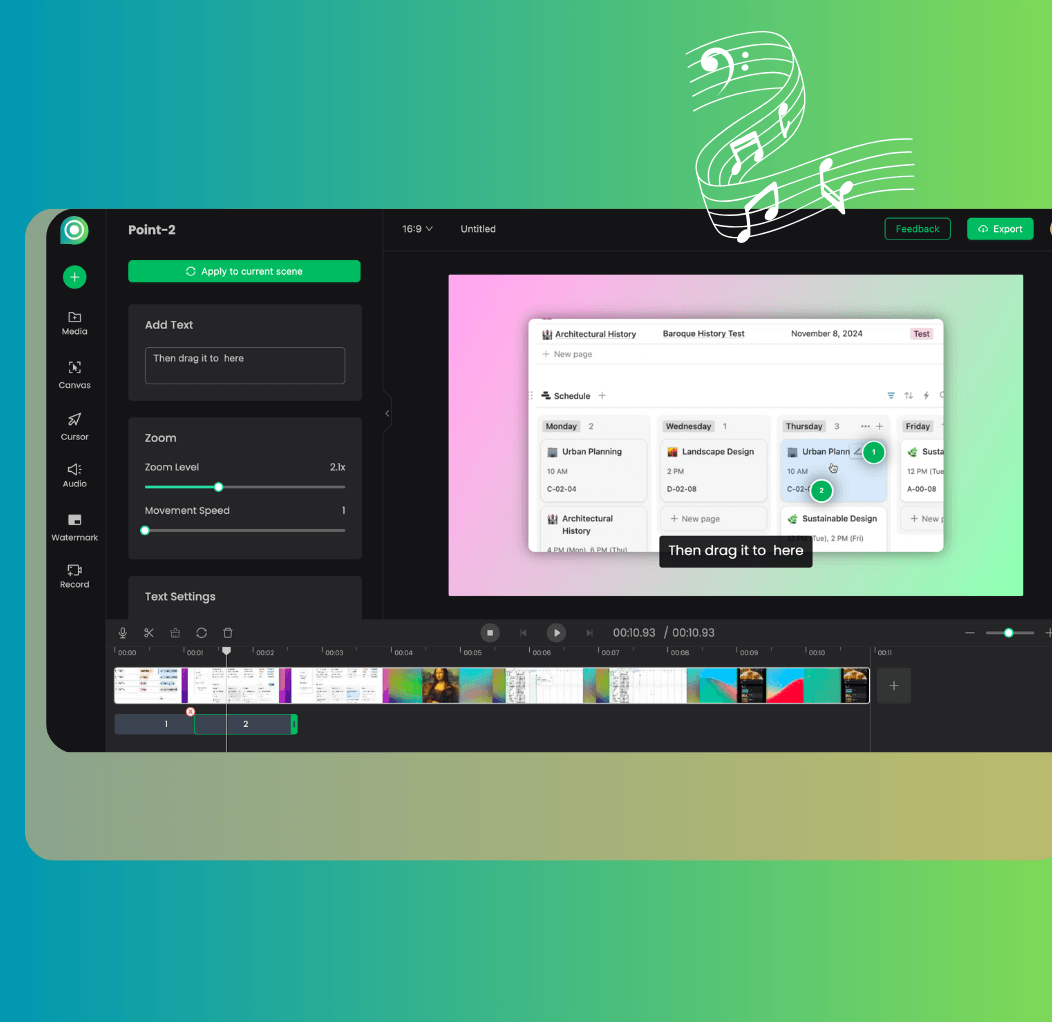
Effortless Editing for Everyone
Add a zoom point by clicking. Drag it to move it, tweak the magnification and speed. If you can point at something, you can make a video about it — no timeline experience required.
All-in-One Creativity
Recording, zoom effects, captions, music, backgrounds, watermarking — it all happens in one tab. No exporting between three tools just to add a soundtrack.
Your Ideas, Perfected to Share
Zoom in on the key moments, string photos into a story, layer in narration or music, then export as MP4, GIF, or images — sized for YouTube, TikTok, or wherever your audience watches.
What can you create with Poindeo
Demos and Social Media Content
Zoom in on the button you're announcing, keep it under 30 seconds, post. Product demos, quick tips, and short clips come together in minutes — sized for Instagram, TikTok, YouTube, and more.
Try Poindeo Free
Tutorials and How-To Guides
Record the process once, zoom in on the tricky step, talk over it. Tutorials and how-to guides that answer the question before it gets asked — for educators, creators, and marketers alike.
Try Poindeo Free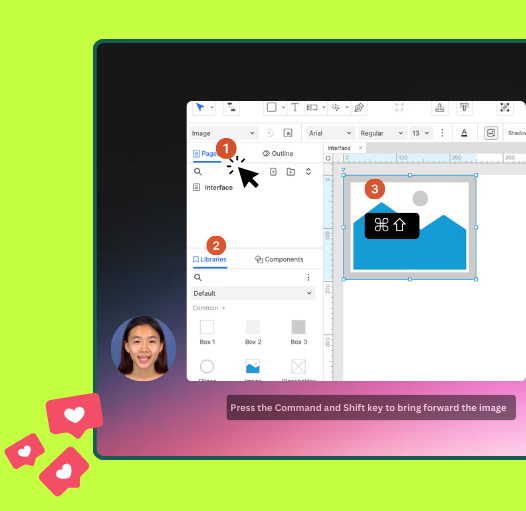
Presentations and Online Courses
Turn existing slides, screenshots, PDFs, and recordings into lessons people actually finish. Zoom in to walk through each point, record narration over it, and keep your audience following along.
Try Poindeo Free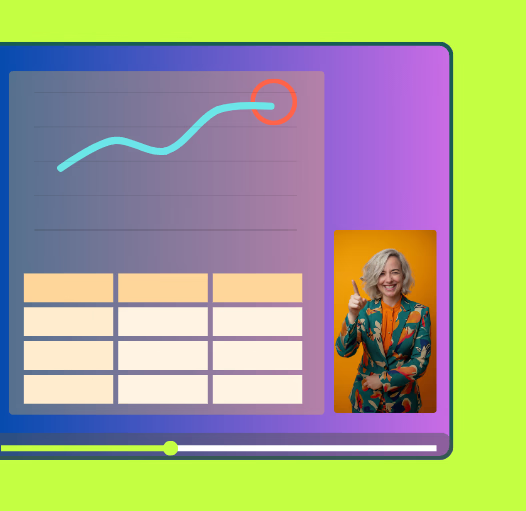
What our users are saying