What is the effective way to showcase your fantastic product to potential customers? A product demo is the most popular answer. It helps customers see and experience the core value before they purchase.
A great product demo software easily records workflows and transforms pre-recorded videos or even static screenshots into engaging guided presentations. Making product demos turns curious visitors into buyers — see a product in action and get the aha moment faster.
This post will help you find the right tool for creating product demo videos. We will review the top demo makers in 2026, from simple tools for creating quick demo videos to platforms for interactive & live recordings. Find the right product demo software and a step-by-step process to create one.
What is Product Demo Software?
A product demo software is a creation tool that allows marketing, sales, and customer success teams to create compelling showcases of their products. These tools can record, edit, and share videos. Some of them are integrated with analytics and collaborations.
Try your first demo creation tool to make your product features & values specific and understandable to potential customers. Or get an alternative to your current demo maker, saving your time with ease of use and creating more attractive and persuasive demos.
Top Softwares for Creating Product Demos
Check out our top list for quick video demos, interactive demos, and especially for Saas.
Best for Quick Video Demos
1. Poindeo - The Easiest Tool for Engaging Demos
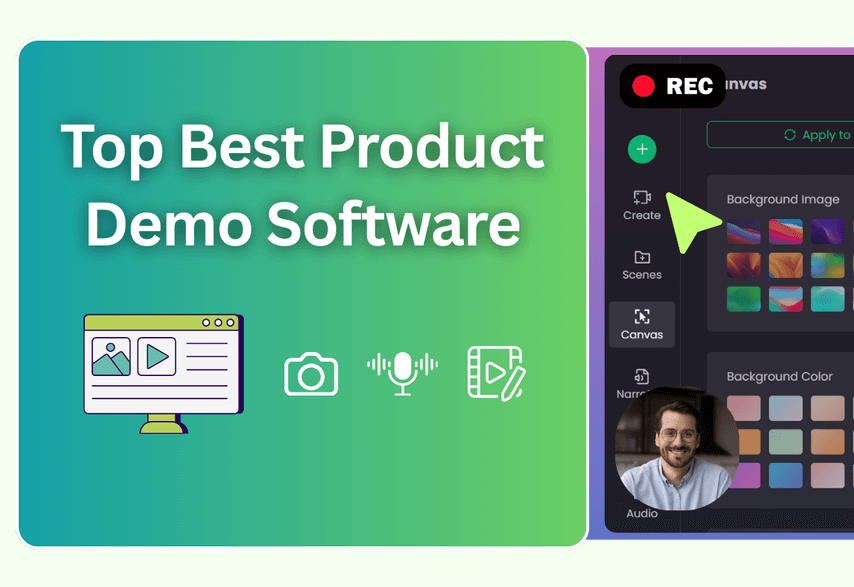
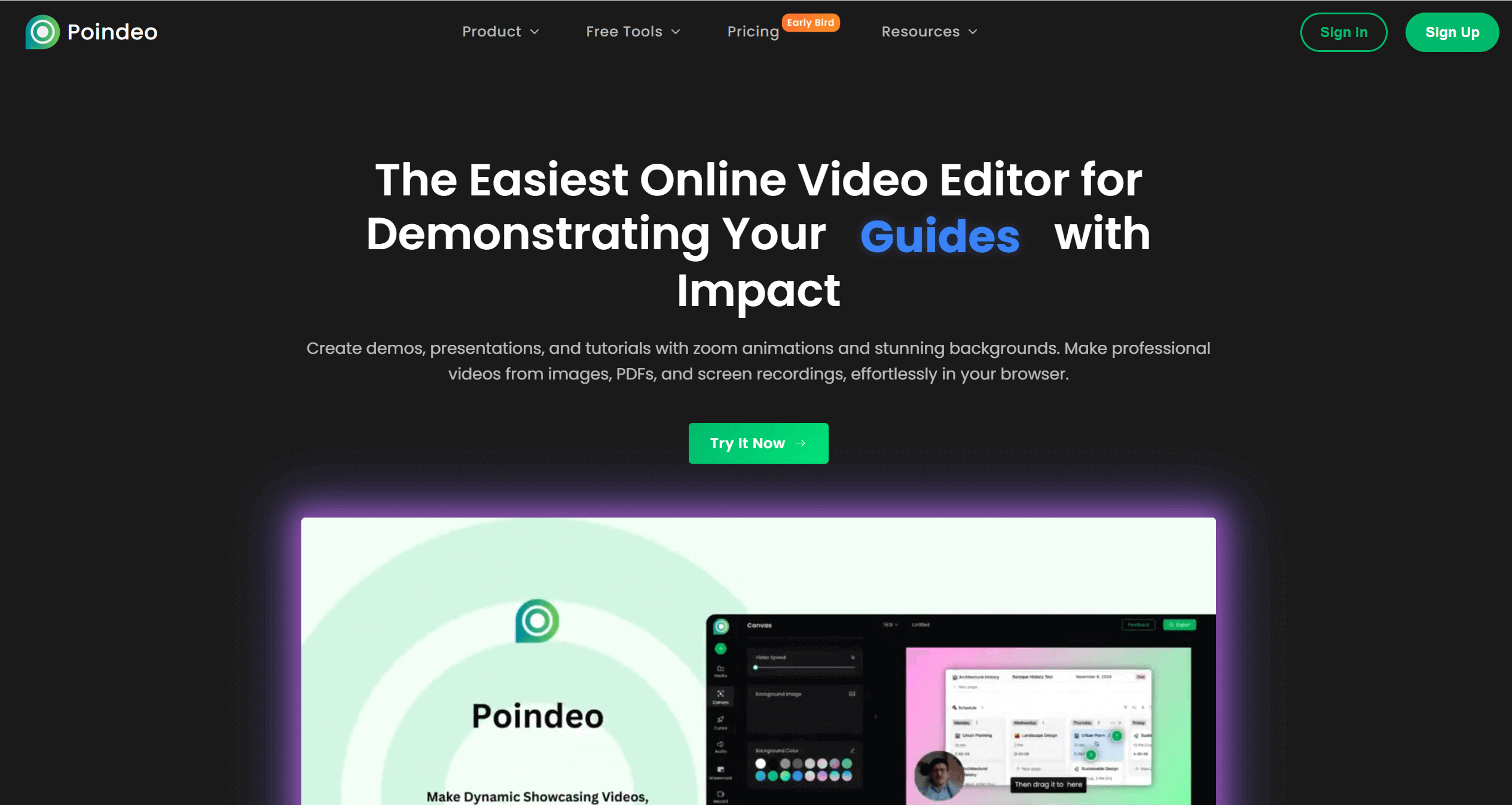
Poindeo is an online video demo software that is designed to make demo creation incredibly simple and fast. The usefulness of Poindeo extends beyond screen recording, also including the availability of step-by-step instructions, zooming in on frame details, narrating an image or PDF file, auto-subtitles, branding, and more.
Most users benefit from this tool’s ease of use, safety, smooth zoom and pan effects, and capabilities for demos, promotional videos, tutorials, and lessons.
Key Features for Product Demos:
- Easy Screen Recording: Record screen and webcam simultaneously, by capturing the whole screen, a window (desktop softwares), or one of your browser tabs (online products).
- Quick & Intuitive Editing: Recording is auto-added to the timeline for splitting, adding music, zoom effects, branding, and more. Record, edit, and export are all within a single, secure browser.
- Automatic Zoom and Pan Effects: Simply click on the canvas to add smooth zoom animations to highlight key actions, ensuring viewers follow your guides and never miss an important detail.
- Turn Screenshots into Video Demos: This tool allows you to upload a screenshot or PDF page and explain it with voiceover and zoom animations.
- Auto-Subtitles: Auto-generate subtitles with multilingual support, making your demo more accessible and easier to follow.
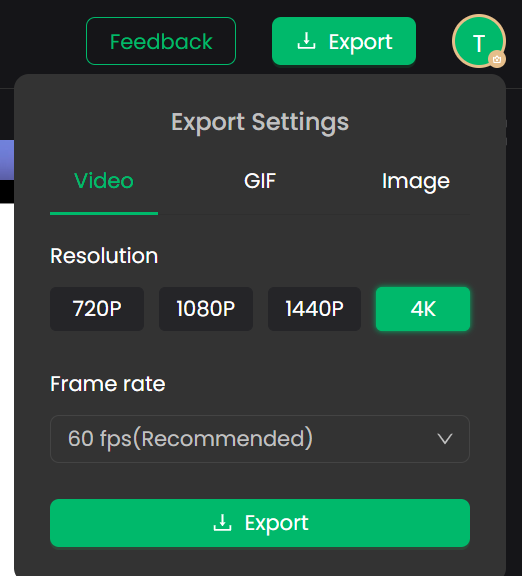
- Flexible Export Settings: Export your demo video as MP4 with high quality up to 4K & 60fps, or create a GIF from short clips.
Pricing:
- Poindeo Free allows users to try all the features with limited file uploading.
- Poindeo Pro ($19.99/month, $3.33/mo billed annually, $99/lifetime) supports unlimited media files, customized branding, and 4K downloads.
Best For: Sales and marketers create demonstrations, educators create educational content, and anyone can record instructional tutorials and explainer videos.
How to Create a Demo Video with Poindeo:
Step 1. Capture your product
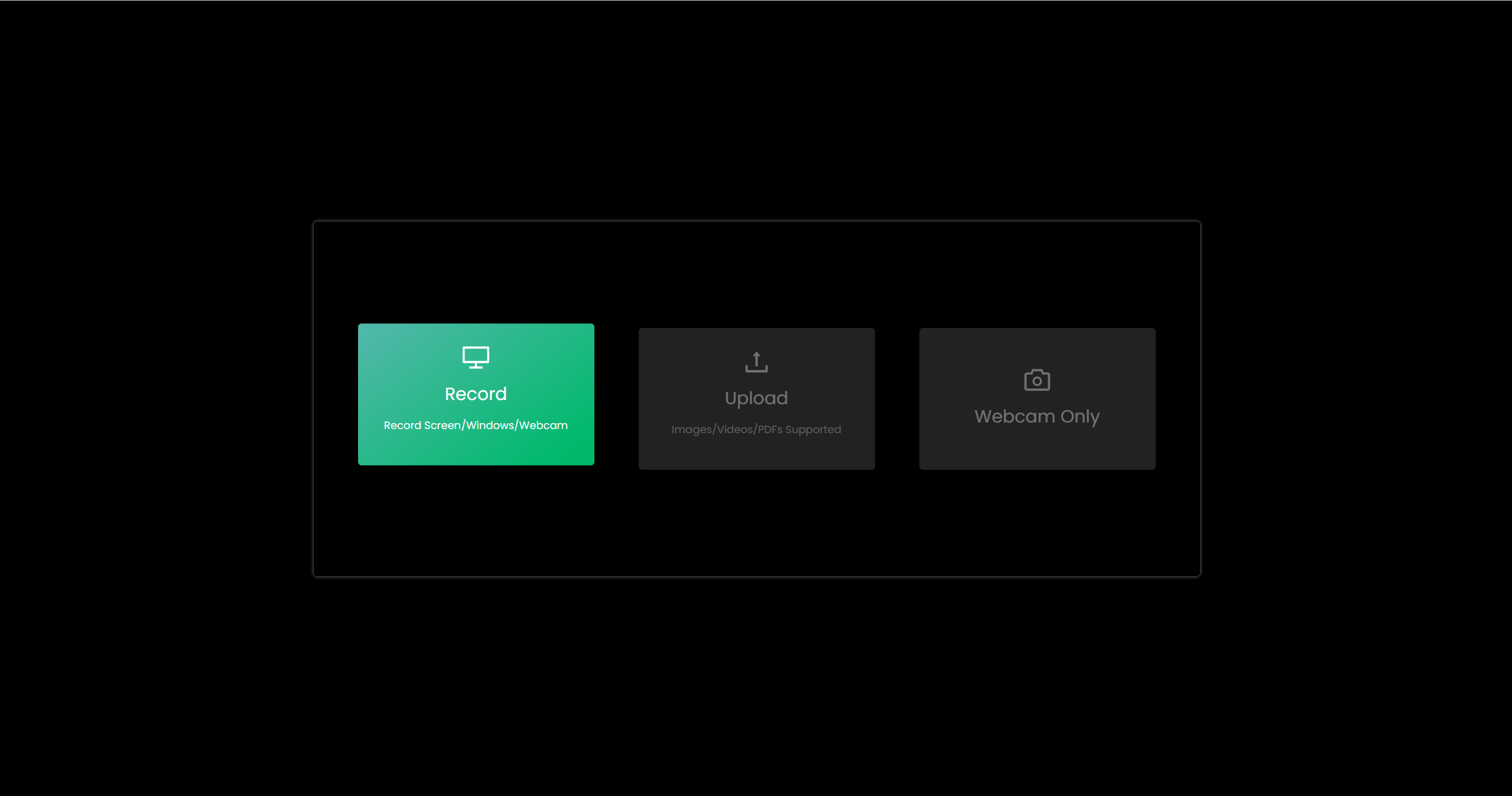
Open the Poindeo editing page directly. Click the Record tab, and choose a browser tab, a window, or the whole screen to start. Enable webcam or microphone, and click the Start Recording button.
Step 2. Edit
Once the recording is finished, click the “+” icon to add it to the timeline. Then you can adjust the basic settings from the left Canvas panel, cut unneeded parts from the timeline, add zoom animations by clicking the mouse on your video, etc.
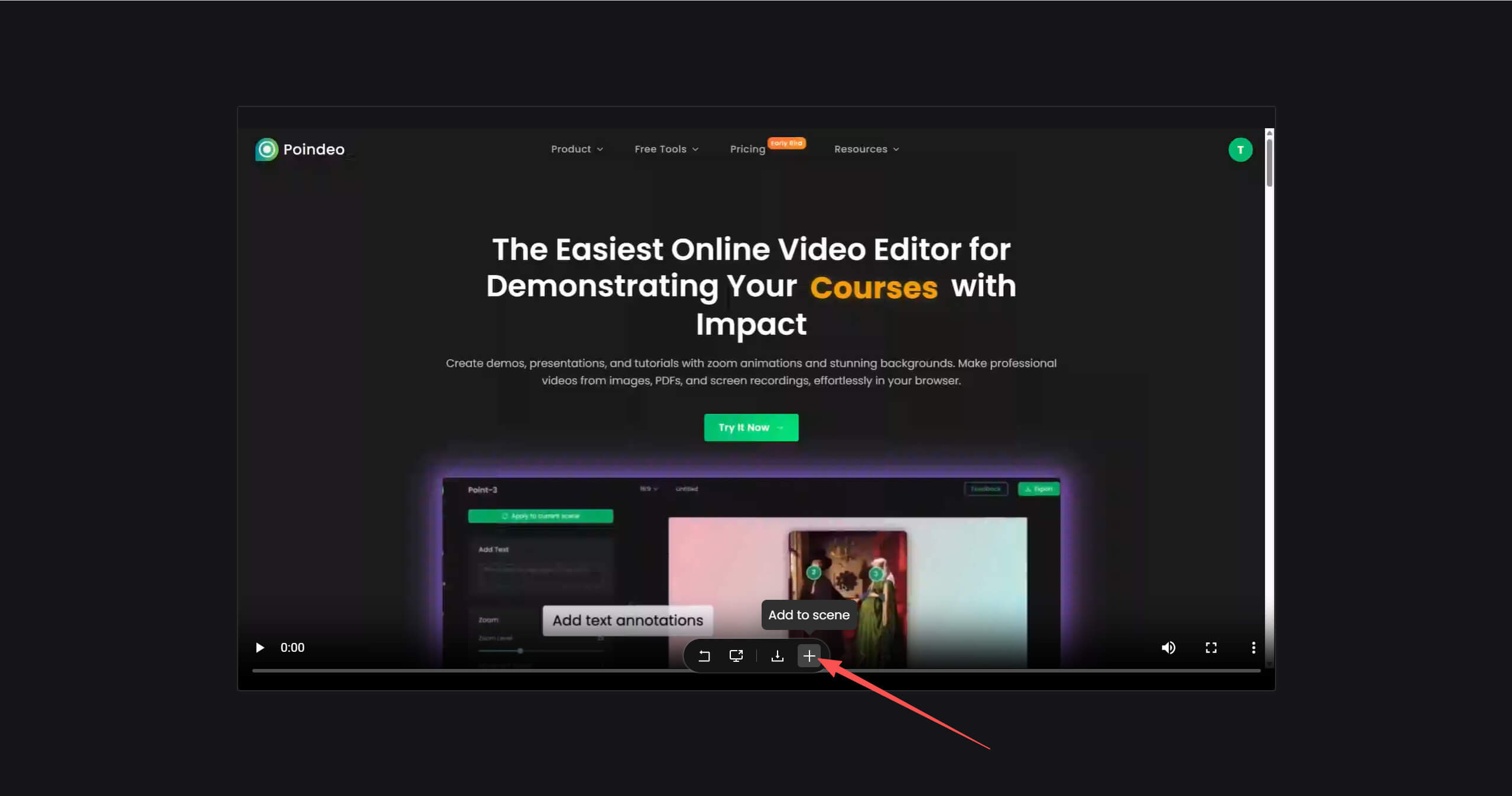
Note: After the recording is finished, click the download icon to save it on your device for backup.
Step 3. Export and share
If everything is OK, click Export from the top-right corner. You can export your demo as an MP4 video, choose GIF format if you need to split short clips, and switch to Image when you need some thumbnails.
2. Loom - Powerful Demo Recorder
Loom is one of the powerful screen recorders for a product demo. It stands out for asynchronous video communication, making it incredibly easy to record your screen and yourself to create personal and engaging walkthroughs.
Users appreciate the quick video recording and efficient sharing. Ideal for simple product videos with low costs but a limited editing suite.
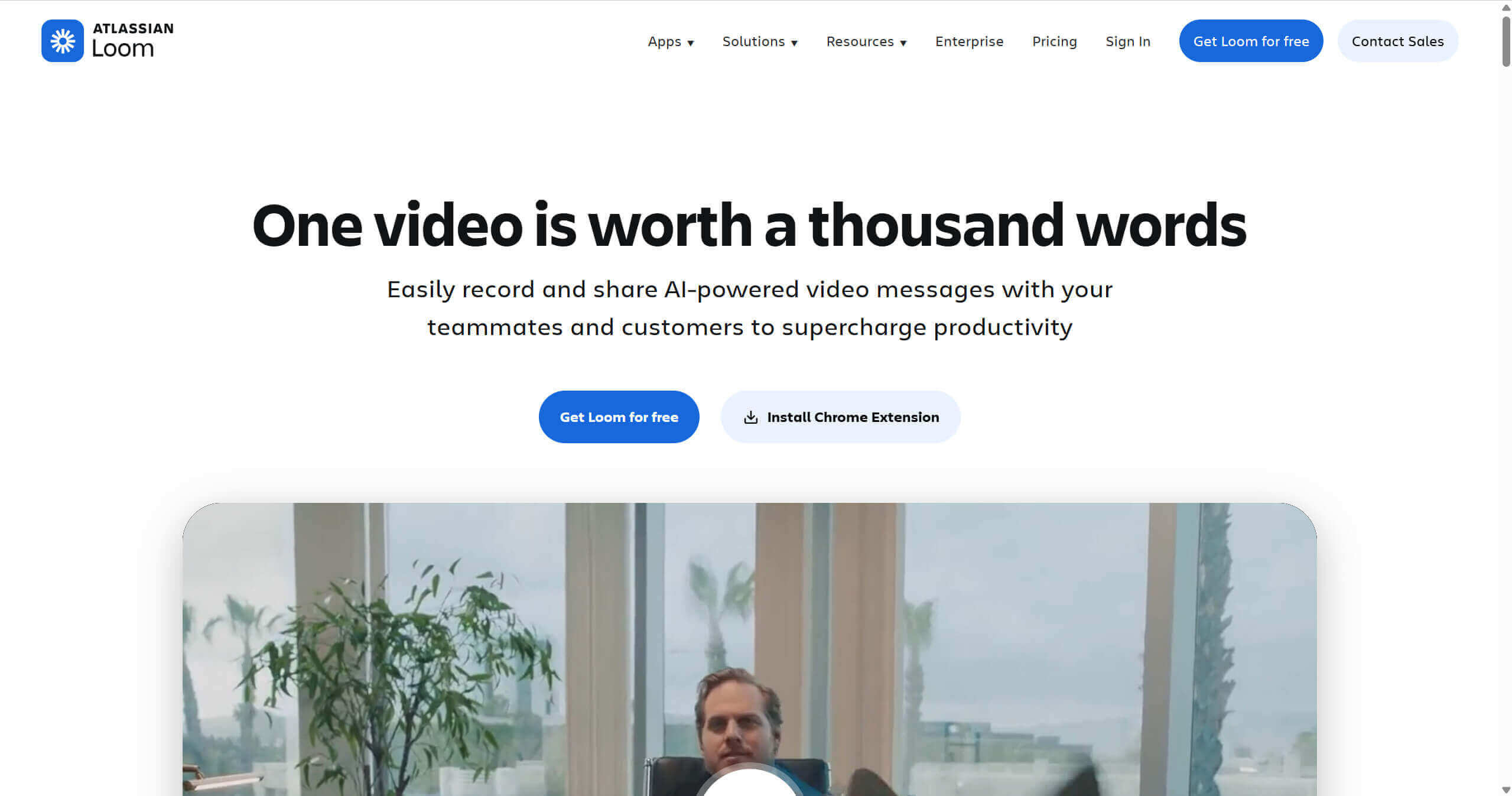
Key Features:
- Fast Screen Recording: Record your product in action with flexible webcam settings, building a personal connection with viewers.
- AI-Powered Editing Suite: Automatically remove filler words ("ums," "ahs"), reduce background noise, and generate transcripts and summaries to make your demo video professional and concise.
- Embeddable Step Buttons: Add a custom button, like signing up, to guide viewers to the next step.
- Instant Sharing & Analytics: Share your demo with a simple link and track viewing performance, including viewers, watching time, and reaction.
Pricing:
- The free version includes 25 videos, 5 minutes per video.
- The business version is $15/user/month with unlimited videos and recording time.
- The business + AI is $20/user/month with extra features, like video enhancement, video-to-text, auto-meeting notes, etc.
Best For: Sales to create video messages to customers and businesses to demonstrate meetings.
3. Jitter – Quick Motion Design for Product Demos
Jitter is a web-based motion design platform that allows creators to make smooth, lightweight animations for UI elements, product demos, and explainer visuals. Its browser-based workflow makes creating demos fast without installing heavy software.
The platform lets users build simple timelines, animate elements, and export directly to video, GIF, or web formats. While it’s not designed for complex compositing, it’s useful for highlighting product features, micro-interactions, or UI animations within demo videos.
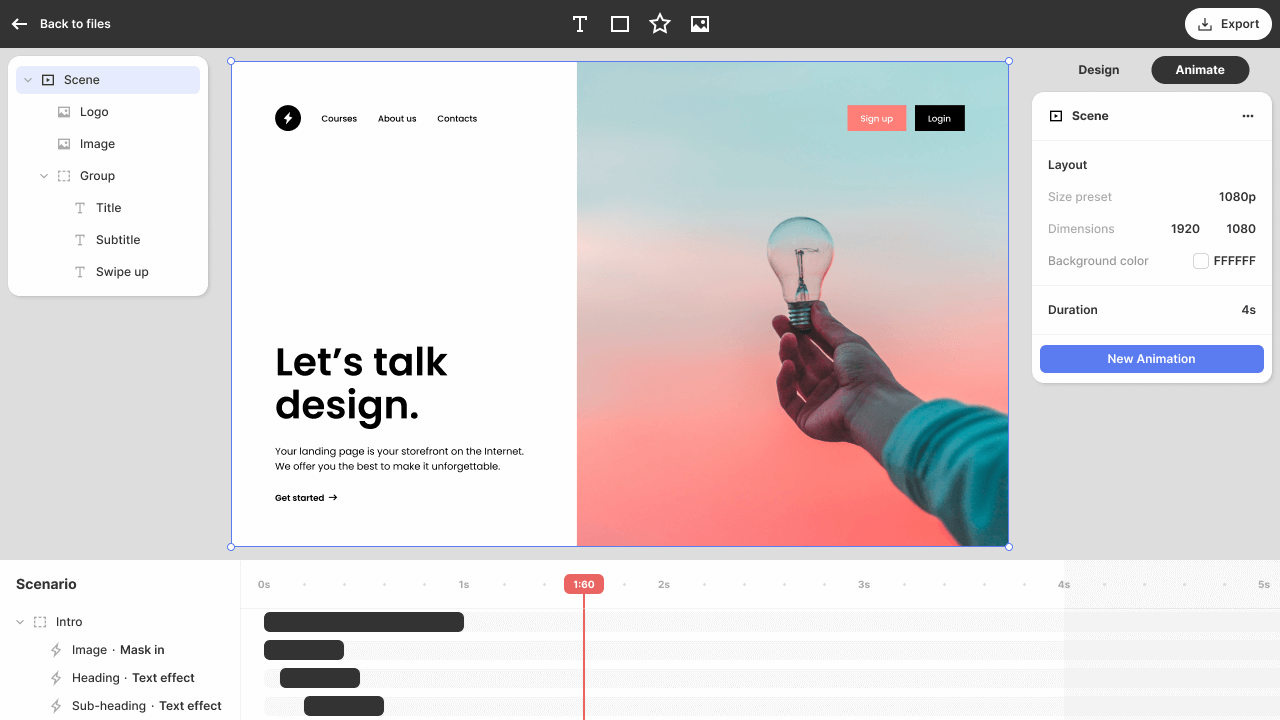
Key Features for Product Demos:
- Fast Browser-Based Workflow: Create animations directly in the browser with no installation required.
- Simple Timeline & Animation Tools: Easily add motion to UI components, text, and graphics.
- Flexible Export Options: Export to MP4, GIF, or web-friendly formats.
- Lightweight for Teams: Ideal for SaaS, product, and marketing teams creating quick demos.
Pricing:
- Jitter Free allows basic animations and exports.
- Jitter Pro ($15/month) unlocks full motion features, higher export quality, and extended timelines.
Best For: Product teams, UI/UX designers, and marketers who need lightweight animations for demos, tutorials, or feature highlights.
Top Software for Interactive Demos
4. Storylane - Build Interactive Demos in Minutes
Storylane is an interactive product demo software for sales & marketing teams. It simplifies the demo creation process with AI capability and customization options. It combines demo creation with performance tracking.
As an interactive product demo software, visitors can actively explore and test a product by clicking. Users find this tool easy for interactive demos, making it a popular choice for sales teams, product marketers, and customer success managers.
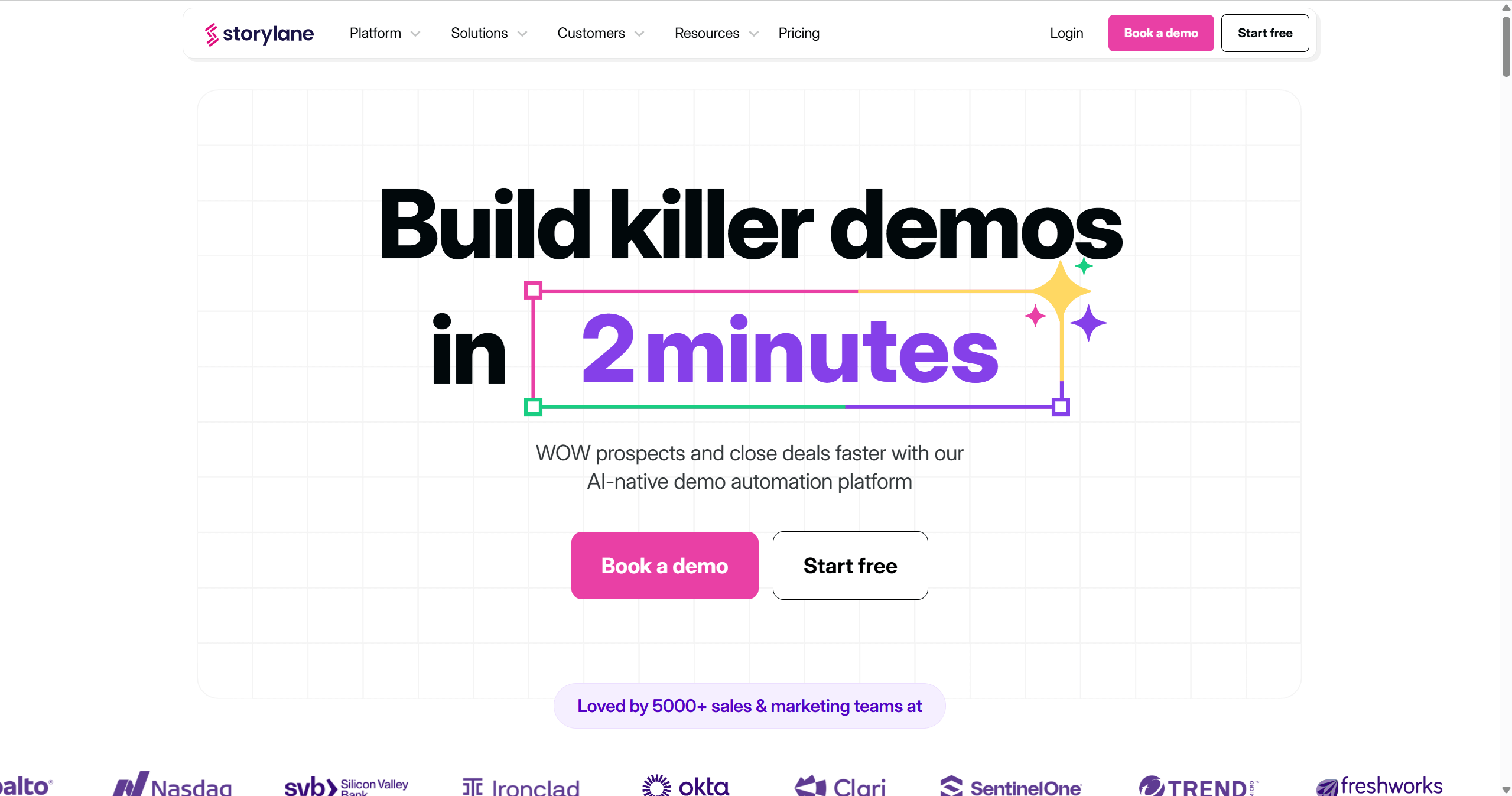
Top Features for Interactive Demos:
- No-Code Demo Creation: Users can start demo creation with a drag-and-drop interface, with no need for technical expertise.
- Customizable Interactive Demos: Enable you to simulate actual product workflows, guiding potential customers through your product’s features.
- Recording and Replay: Users can record interactions within the software and replay them to showcase specific features or processes, which is helpful for training or product walkthroughs.
- Analytics & Insights: Track how users engage with your demos, gain insights on where they interact the most, and optimize the user experience.
Pricing: Storylane’s pricing is based on different sizes for individuals or small teams, including Starter, Growth, Premium, and Enterprise.
- The free plan allows you to test with 1 demo.
- Starter is $50/month for 1 seat and unlimited demos.
Best For: Sales teams, marketers, and customer support professionals who need to create product demos, walkthroughs, and tutorials to engage prospects and onboard new users.
5. Supademo - Best for Simple, How-To Demos
Supademo is also an interactive product demo software that focuses on step-by-step interactive demos. It’s especially useful for onboarding, feature announcements, and support documentation.
Users highlight zero learning time, and a great alternative to making step-by-step guides on a small budget.
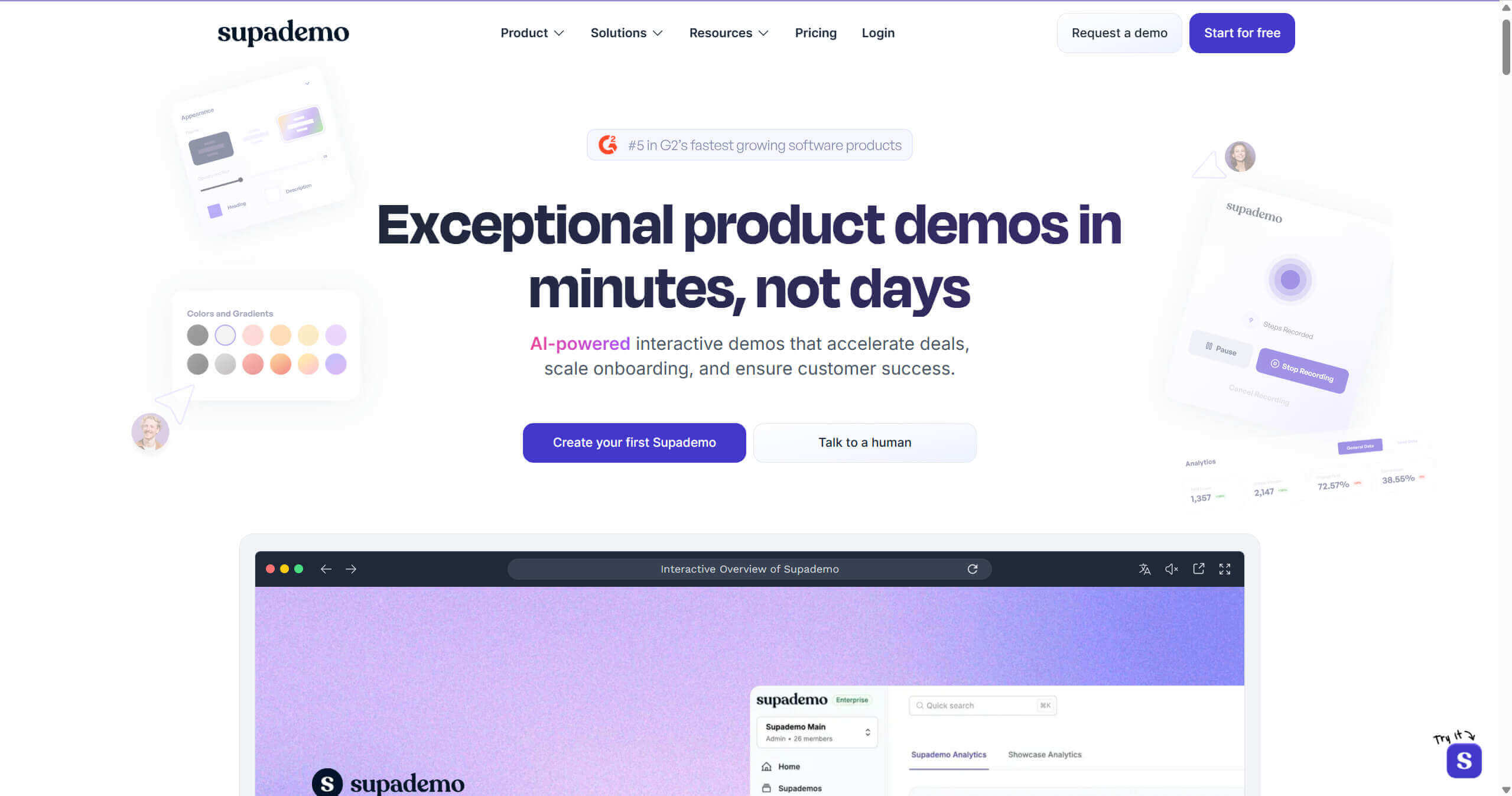
Key Features for Interactive Demos:
- Multi-media Recording: Record with a browser extension, desktop app, and mobile (by uploading screenshots).
- Intuitive Editing: Change hotspot, add annotation, or branding.
- Personalized Options: Enhance your demos with AI capabilities, like AI voice in multiple languages, zoom and pan effects, conditional branching for personalized viewer experience, and more.
- Collaboration & Analytics: Ideal for creators to check comments and demo performances.
- Easy Sharing and Embedding: Share demos with a simple link or embed them directly in help docs, knowledge bases, and onboarding flows.
Pricing:
- The Free version includes 5 supademos for 1 creator.
- The Scale starts $38/month for 1 creator, including unlimited supademos with team workspace.
Best For: Sales, marketing, and customer teams who prefer documentation to guide users.
Best for Live & Sales Demos
6. Saleo - Inject data into a live demo
Lastly, I’d like to share a tool that works at a different flow — Saleo. It is a live demo platform that is designed to help businesses focus on live, real-time customer engagement. Differentiate from the above demo softwares, Saleo can not just capture the screen, but also sync with your CRM and inject relevant data directly into your live product.
You can use Saleo Live to add data to empower the demo effort, or use Saleo Capture to create pre-recorded, interactive demos. It’s a demo creation tool that is ideal for teams to deliver a demonstration with rich data.
How to Choose the Right Product Demo Software
The above top demo creation tools are outstanding with their features. With these options, how do you pick the suitable one for your product demo?
Consider the factors below
- Target: First, clarify the target of your demos, like the main goal and the target audience, which decides the demo type you need. Choose a demo software that is mainly focused on your needs, a pre-recorded quick demo, or an interactive one.
- Ease of Use: Tools with intuitive interfaces, auto features help you create a demo video easily without technical skills. Try Poindeo or Supademo without a learning curve.
- Key Editing Features: Select a tool that allows you to create a product demo with the powerful features that you need. For example, choose Poindeo for auto, smooth zoom effects. And it’s best to adapt to customers’ different scenarios and pain points.
- Customizable Features: Try a tool that lets you tailor the demo with your branding personality and specific visuals.
- Budget: It’s one of the most important factors. Find a tool with transparent pricing and consider your ROI.
- Test: If it’s still uncertain to choose. Always try the free trial to check out its learning curve and whether the finished creation meets your target.
Steps to choose one
Check how to choose the ideal product demo software with the following steps.
Step 1. Visit the Official Website
Here, you can generally realize what the tool helps with and costs. And review their use cases. Most of them deliver that with their own product, so you can check if it satisfies your situation.
Step 2. Review Created Demos
Most tools would like to present what users have created with their products. Find a tool that works well with visuals, audio, and effects you want.
Step 3. Try it Out
Try it out yourself with its free version. Exploring how it actually achieves for a demo video, ease of use, video quality, and other features you are concerned about.
Conclusion
The right product demo software showcases your product to potential customers, builds trust, and drives conversions. Whether you're looking for quick video demos or more interactive, live experiences, there's a variety of tools tailored to different needs.
Each platform has its unique strengths, making it crucial to choose one that aligns with your goals, budget, and ease of use. Ultimately, testing out a few tools with their free versions can help you find the perfect fit for creating compelling, persuasive demos.