Tella earned its following with a simple promise: record in the browser, get a polished-looking video without an editor. In 2026 it went further — Tella now generates zooms from your clicks automatically (on Mac, Windows, and in the browser), which closed the biggest gap it had against dedicated demo tools.
So why are you looking for an alternative? For most teams it comes down to the business model, not the feature list. Tella has no permanent free tier, it's priced per user per month ($13/user billed annually, $26 if you pay monthly), sharing runs through Tella's hosted player, and there's no one-time-purchase option anywhere on the pricing page. None of that is a flaw — it's a trade-off that works well for startups that live in Tella's sharing ecosystem and poorly for solo makers, one-person GTM teams, and anyone who just wants to own their files.
We tested the seven alternatives that product teams actually shortlist when they leave Tella, with pricing verified on each vendor's site in October 2026. Every entry below earns its slot for a specific reason you might switch — not because it's "like Tella," but because it solves the part of Tella that didn't fit.
Quick Answer
- For most demo makers, the closest like-for-like switch is Poindeo — browser-based on any OS, click-triggered auto zoom with editable zoom points, a free starter tier, and a $99 one-time lifetime option.
- On macOS and chasing maximum polish, pick Screen Studio — the cinematic benchmark, at $9/month billed annually.
- If zero cost matters more than anything and your use is non-commercial, Cursorful's free extension does click-following auto zoom.
- Want interactive click-through demos instead of video? Arcade is the purpose-built pick.
Quick Comparison: Tella Alternatives
| Tool | Best for | Platforms | Auto zoom | Free tier | Paid starts at |
| Poindeo | Auto-zoom demo videos in the browser | Any (browser) | Yes — click + hover | Yes, 720p | $3.33/mo annual; $99 lifetime |
| Screen Studio | Cinematic demo polish | Mac only | Yes — click | No | $9/mo annual |
| Cursorful | Free click-following capture | Win/Mac/Linux (extension) | Yes — click | Yes (non-commercial) | $79+ one-time (per device) |
| Arcade | Interactive click-through demos | Any (browser) | n/a — interactive | Yes, 1 published demo | $42.50/seat/mo annual |
| Guidde | AI video + docs at scale | Win/Mac (extension) | Yes — auto from clicks | Yes, 25 videos | $19/creator/mo annual |
| Loom | Async sharing ecosystem | Any | No | Yes, 25 videos × 5 min | $18/user/mo annual |
| VEED | Full browser editing suite | Any (browser) | Manual only | Yes (watermark) | $12/creator/mo annual |
Why Look Beyond Tella?
First, what Tella gets right — because an honest comparison has to start there. The click-based Auto Zoom works on all three platforms and every generated zoom stays editable. The native Mac and Windows recorders plus the Chrome extension cover every way you might record. Transcription covers 106 languages, clips run up to 6 hours, 4K export is included from the Pro plan, and the sharing layer (hosted pages, embeds, password protection, analytics with conversion funnels) is genuinely more developed than most competitors'. If your team lives inside that sharing ecosystem, there is little reason to leave.
The reasons to leave are usually one of these four:
- No permanent free tier. Pro starts at $13 per user per month billed annually — $26 monthly. Solo makers and early-stage teams feel that floor.
- Per-user subscription, no exit ramp. A 5-person team on Premium pays $95+/month forever. There's no lifetime or one-time option.
- Hosted-player sharing. Your videos live on Tella's pages by default. Teams that need local processing, file ownership, or strict privacy postures have to work around it.
- Form factor. Sometimes you don't need another video tool — you need interactive demos, or docs generated alongside the video.
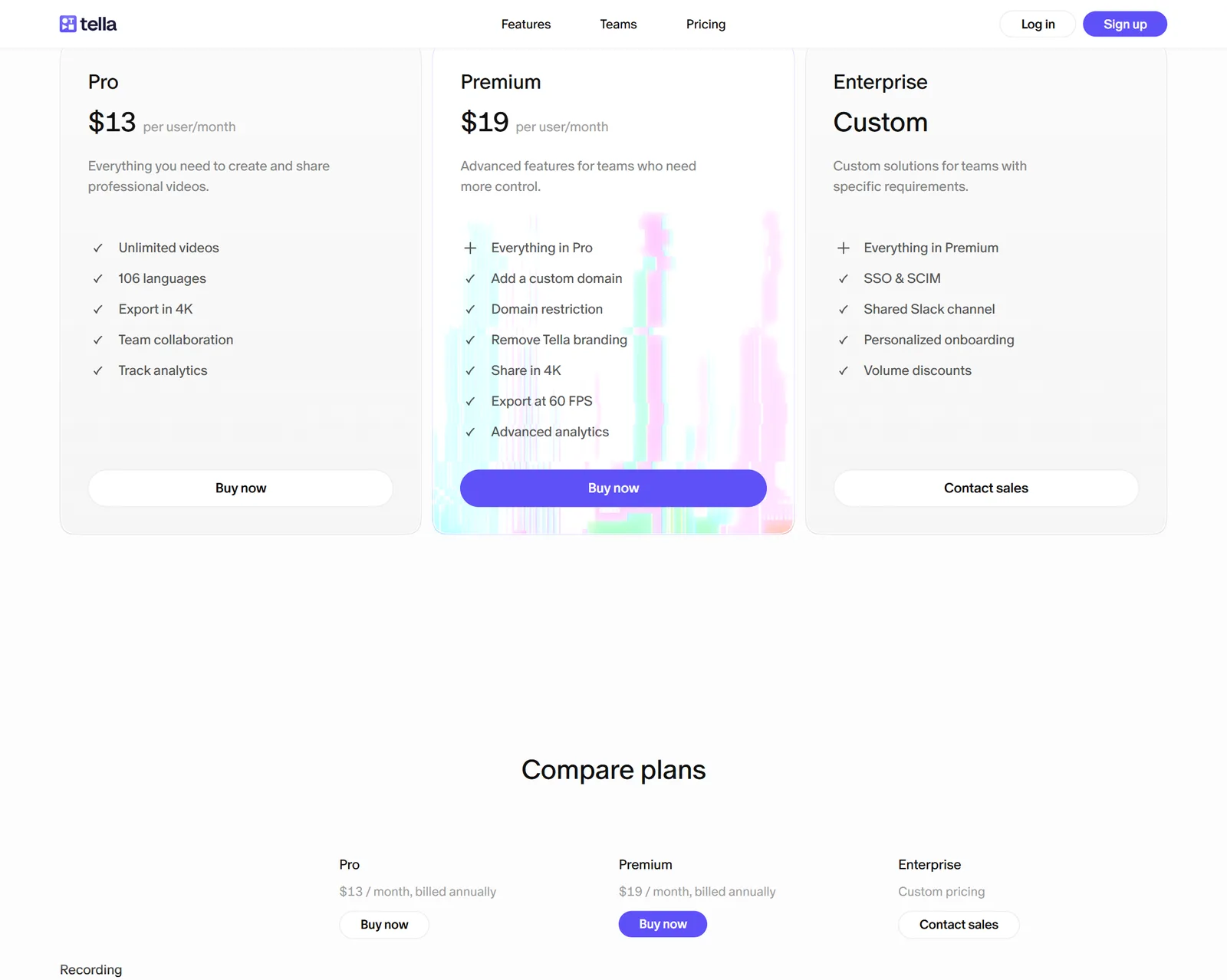
Tella's pricing page in October 2026: three tiers, no permanent free plan, per-user monthly billing.
The 7 Best Tella Alternatives for Product Demos
1. Poindeo: The Closest Like-for-Like Switch
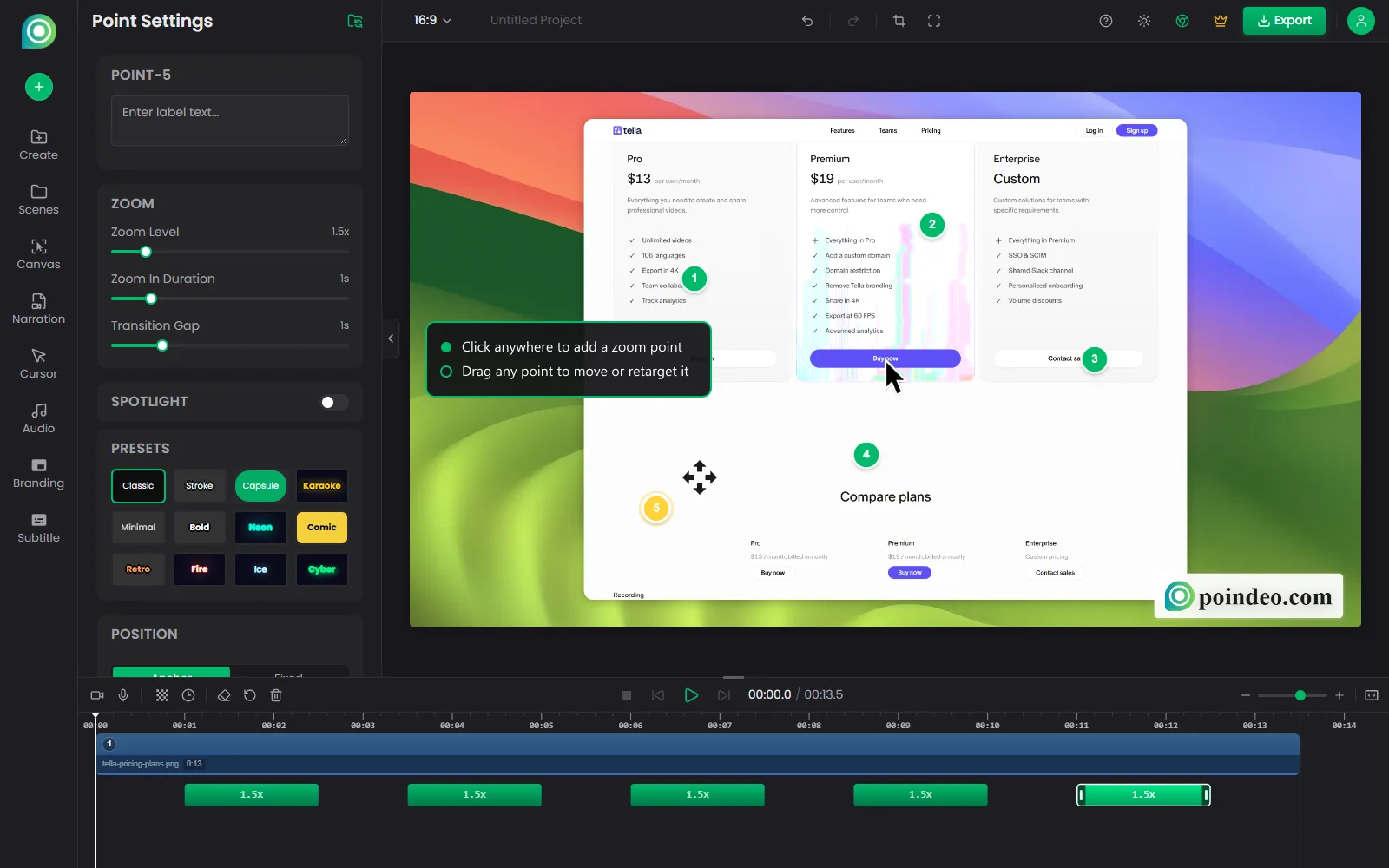
Poindeo's editor: an imported screenshot with five zoom points — every point stays editable after recording.
Poindeo occupies the same slot Tella does — record in the browser, get a demo with automatic camera work — but with a pricing model and data posture aimed at solo makers and small teams instead of per-seat subscriptions.
The auto zoom is click-driven: Poindeo detects where you click (and to a lighter degree, where you hover), starts the camera move before the click lands so the zoom feels intentional rather than late, and — crucially — every zoom point stays editable after recording. Drag it, retarget it, change the zoom depth, or delete it. That last part matters: automatic camera work is only useful if you can override the 10% of cases where the algorithm guesses wrong.
Around that core sit the demo-specific extras: privacy blur and mosaic for customer data in your screenshots, PDF and image import with recorded narration and Whisper-based auto subtitles (useful when the "demo" starts life as a slide deck or a set of screenshots), and multi-aspect-ratio export — one recording out as 16:9 MP4, square, and vertical, plus GIF and still frames for READMEs and docs.
Pricing is where it deliberately diverges from Tella: the free Starter tier includes auto zoom and 720p export for commercial use, Pro is $19.99/month (or $3.33/month billed annually) for 4K, and there's a $99 lifetime one-time option. Processing happens locally in your browser — files don't upload to a render server.
The honest trade-offs: Poindeo has no hosted sharing or analytics layer — you export files and host them wherever you already host things. There are no native desktop apps (the browser is the app, which is also why it runs everywhere Tella does and then some). And its brand and ecosystem are far smaller than Tella's. If the sharing analytics were the reason you liked Tella, skip to Loom below.
Pros: Auto zoom on any OS in the browser; every zoom point editable; free commercial-use tier; $99 lifetime option; local processing; blur, narration, subtitles, and GIF/multi-aspect export in one place.
Cons: No hosted video pages, embeds, or viewing analytics; no native desktop apps; smaller ecosystem.
Best for: Solo PMs, indie hackers, and small GTM teams who want Tella's record-and-done workflow with a one-time price and file ownership.
2. Screen Studio: The Quality Benchmark (Mac Only)
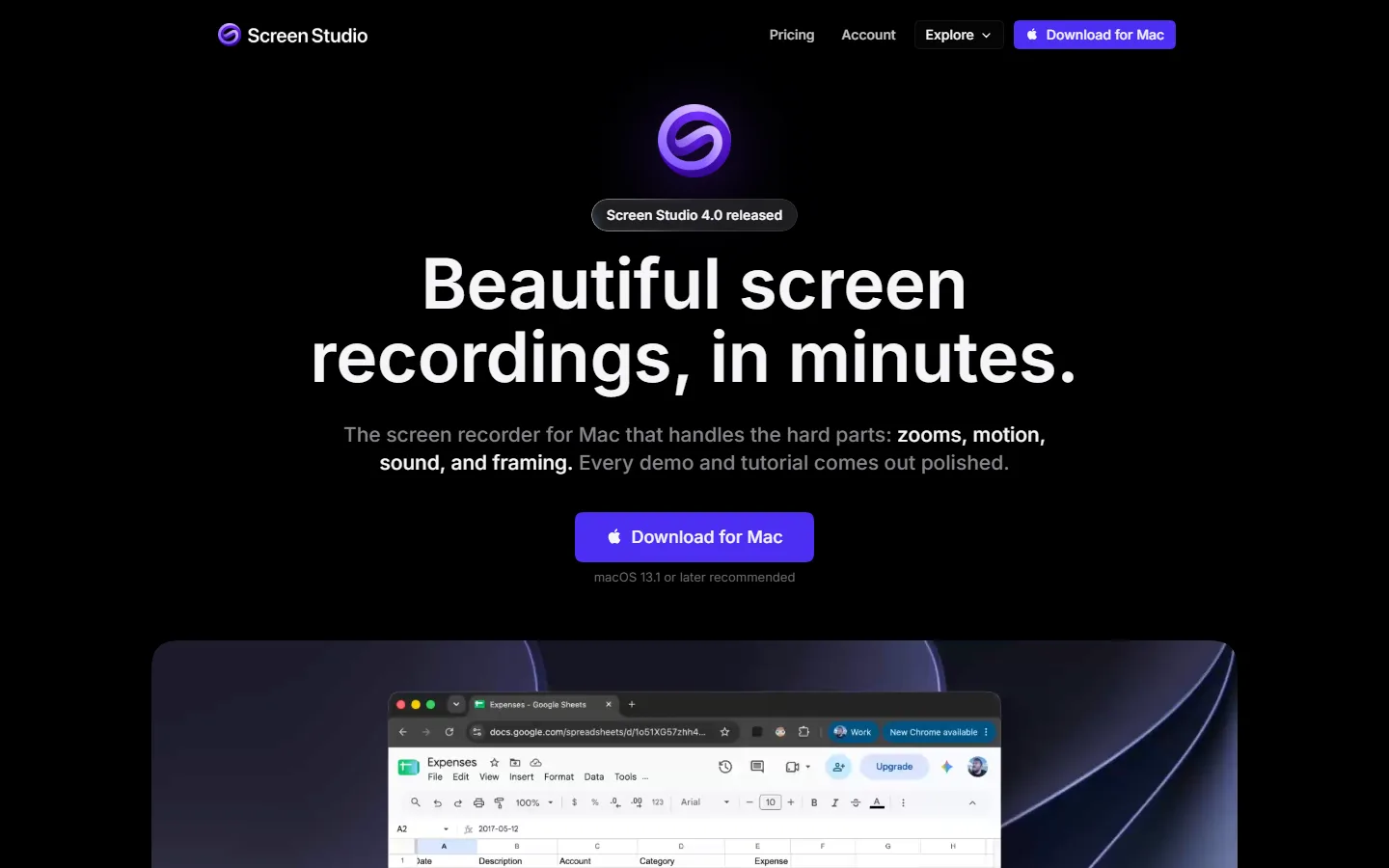
Screen Studio positions on cinematic auto zoom — macOS only, subscription pricing.
If you're leaving Tella on a Mac and your reason is "I want the output to look even better," Screen Studio is the honest answer. It's the tool that defined what automatic zoom-in-a-demo looks like, and its combination of click-following zoom, cursor physics, and motion smoothing still produces the most cinematic result in the category. Where other tools apply zoom, Screen Studio choreographs it — and when you want to take over, the manual keyframe control is the deepest available.
The catch is the same one it's always had: Screen Studio runs on macOS only, and the vendor has said it has no near-firm plans for Windows. Pricing is subscription — $29/month, or $9/month billed annually — which undercuts Tella's annual rate while matching its monthly one.
Pros: Best-in-class zoom and motion quality; deep manual control; the largest community of presets and templates in the niche.
Cons: Mac only; subscription with no one-time option; heavier app to learn than browser tools.
Best for: Mac users making hero demos for launch pages, Product Hunt, and sales calls, where output polish is the deciding factor.
Windows users should see our dedicated guide to browser-based Screen Studio options — the short version: Cursorful and Poindeo lead it, for reasons that rhyme with this list. For the wider field around this Mac flagship, our Screen Studio alternatives roundup covers it.
3. Cursorful: Free Auto Zoom, One-Time Pro
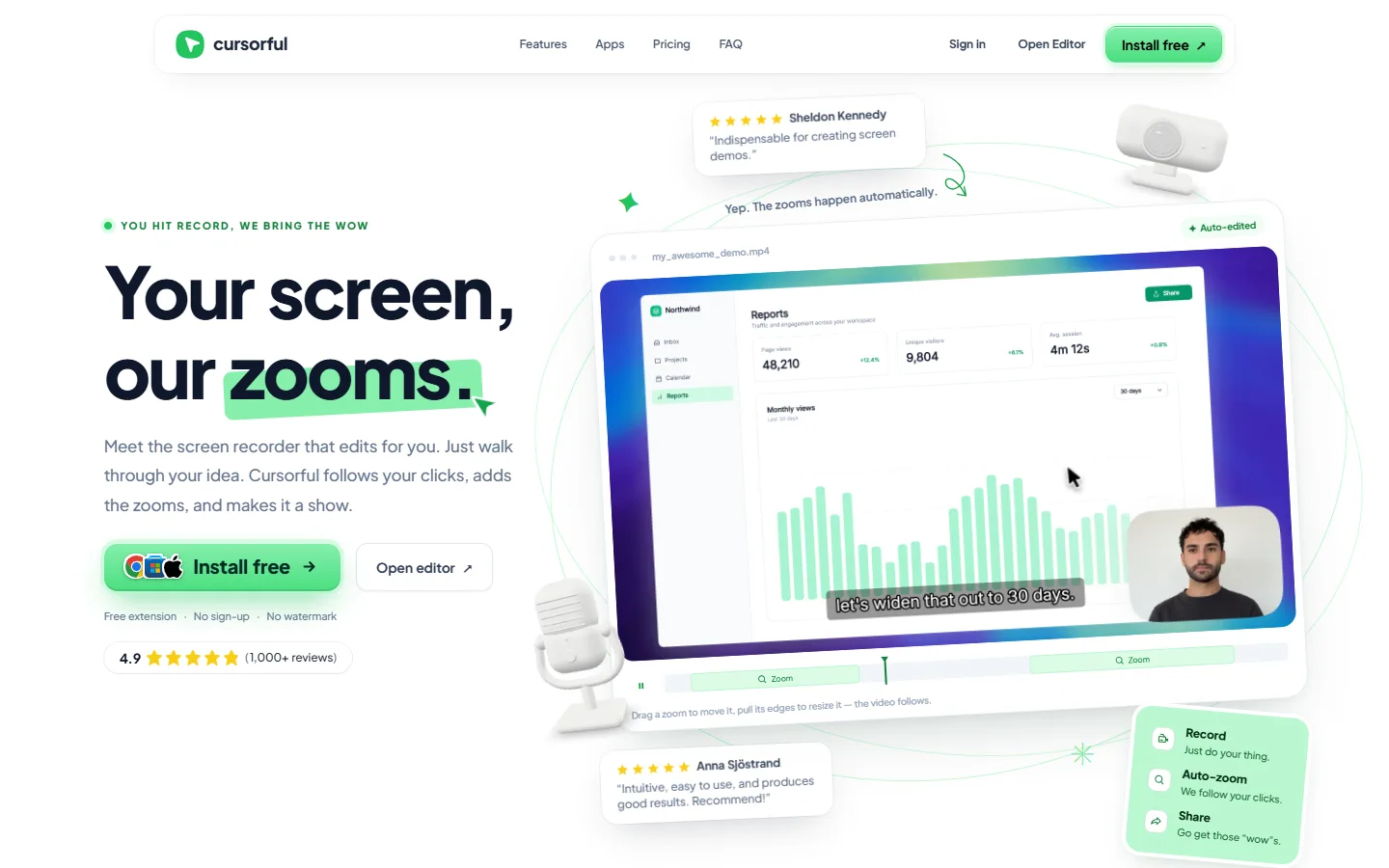
Cursorful ships click-following auto zoom as a free browser extension; Pro is a one-time purchase.
Cursorful is the lightest-weight way to keep Tella's core trick — you click, the camera follows. It's a Chrome/Edge/Brave extension that works on Windows, Mac, and Linux, needs no signup, stamps no watermark, and renders locally on your machine. Zoom segments land on a timeline you can drag and re-time after recording.
The free extension is licensed for non-commercial use, which is the fact to know before you build on it: for hobby projects, portfolios, and internal experiments it costs nothing forever. Commercial users and anyone who wants 4K, ten aspect ratios, recording of any desktop app (not just browser tabs), and a redrawn cursor step up to the Pro desktop app — a one-time purchase priced per device: $79 for one, $198 for three, $295 for five, or $540 for ten. No subscription, per the vendor's site.
Pros: Genuinely free for non-commercial use; one-time Pro from $79; local rendering; nothing to install beyond a browser extension.
Cons: Free tier is non-commercial; lighter editing than full editors; browser-tab focus on the free tier.
Best for: Developers and students documenting side projects — a demo GIF for a README is the canonical use — and anyone validating that click-following zoom fits their workflow before spending money.
4. Arcade: When You Want Interactive, Not Video
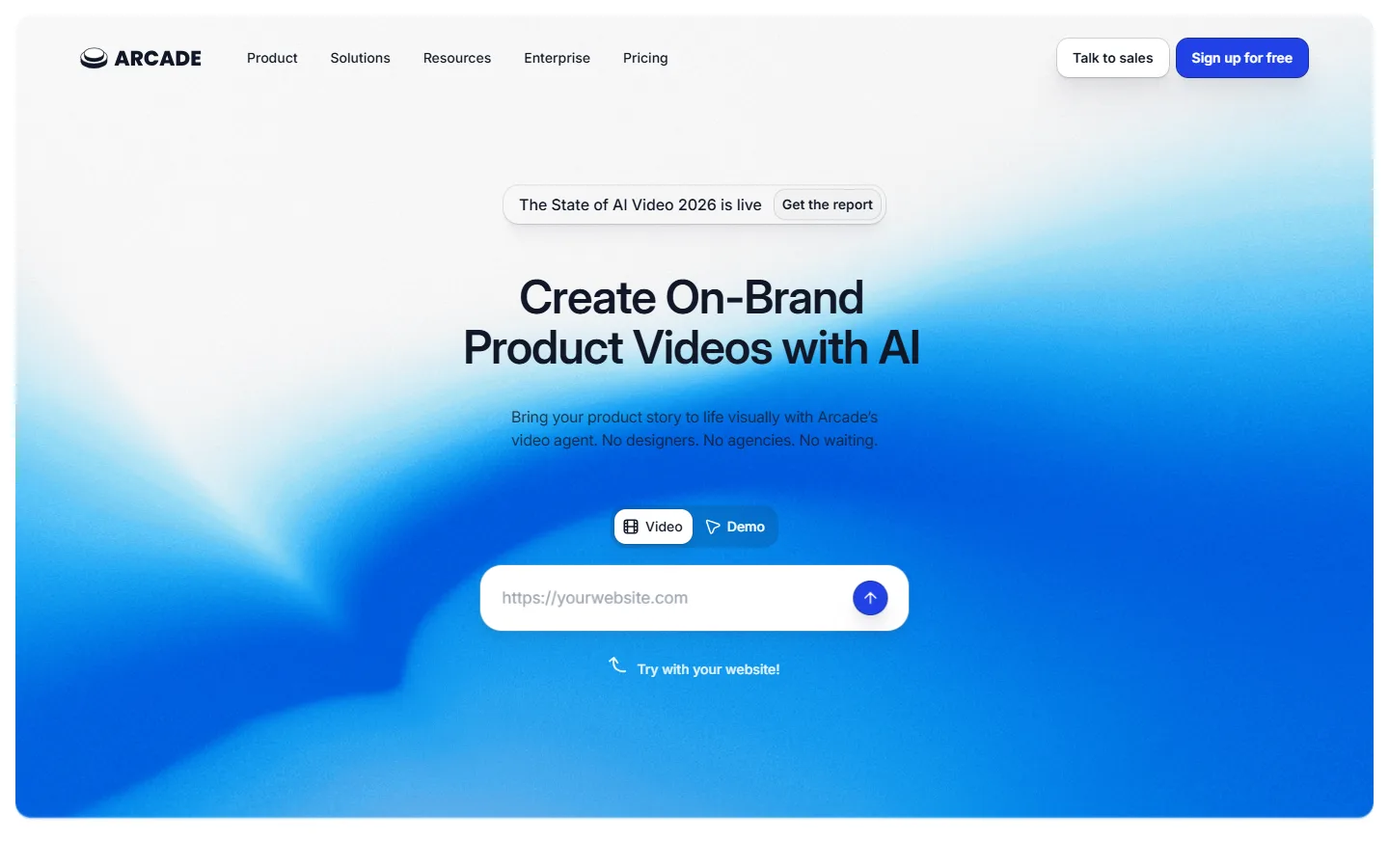
Arcade (now on arcade.software) builds interactive demos viewers click through themselves.
Some product demos shouldn't be videos at all. Arcade's format is the click-through interactive demo: viewers advance through your actual product UI by clicking hotspots themselves, and every interaction lands in analytics. For "try before signup" widgets on landing pages and for sales teams who want to see exactly where a prospect dropped off, that format converts differently than video — and it's the most common reason demo-heavy teams add an Arcade-shaped tool alongside (or instead of) Tella.
The 2026 pricing deserves a close read. The free tier is generous in views (unlimited) but tight in output: one published demo and one published video, plus 200 AI credits a month. MP4 and GIF export, custom branding, branching, and CTAs unlock on Growth at $50 per seat monthly — $42.50 billed annually. Interactive demos themselves are credit-free; AI-generated videos cost 50 credits per 30 seconds. For the full field of tools in this lane, see our interactive demo software roundup.
Pros: Purpose-built interactive format; per-interaction analytics; demos cost no AI credits; unlimited views on free.
Cons: Free tier caps publishing at one demo and one video; real features start at $42.50/seat/month; it's a different artifact than a video file you own.
Best for: Marketing sites that need a "try the demo" section and sales teams tracking engagement click by click.
5. Guidde: AI Video + Docs in One Pass

Guidde generates video, written steps, and interactive versions from one capture.
Guidde attacks the same workflow from the documentation side: capture yourself clicking through a flow, and it generates a zoomed, step-by-step video and a written step guide from the same capture — now including a click-through interactive version too. For customer onboarding, help content, and SOP documentation, getting all three artifacts from one recording session is the whole value proposition, and it's why CS and enablement teams keep it on shortlists.
Pricing runs per creator: Free covers 25 videos (watermarked, web capture only), Pro lists at $19/creator/month billed annually — $29 on monthly billing — and Business at $39/creator/month billed annually ($59 monthly), adding desktop capture, PDF-to-video, analytics, and unlimited AI voice generation. Blur for sensitive UI ships on Pro.
Pros: Video, doc, and interactive demo from one capture; AI voiceover in 50+ languages; blur on Pro; strong enterprise tier (SSO, PII redaction).
Cons: Watermarked and web-only on Free; per-creator pricing scales poorly for large recording teams; output style is "documentation," not "launch trailer."
Best for: Customer success and enablement teams producing onboarding and help content at volume — the same audience as our broader product demo software comparison.
6. Loom: If the Sharing Ecosystem Was the Point
Loom's sharing ecosystem and analytics are the category standard — it has no zoom at all.
Here's the uncomfortable fact for the "just switch tools" plan: if what you actually valued about Tella was the sharing layer — hosted pages, embeds, viewer analytics, the integrations — then Loom, not any recorder on this list, is your alternative. Since the Atlassian acquisition, Loom's ecosystem (Slack, Notion, Jira, Salesforce, and so on) is the largest in async video, and its engagement analytics are the category standard.
What Loom does not have is the thing this whole article pivots on: zoom. Loom's feature set has no automatic zoom or camera motion of any kind — a demo recorded in Loom is a static screen with a cursor. Its free tier is real (25 videos, 5 minutes each, 720p), Business starts at $18/user/month billed annually, 4K arrives on Business, and blur is Enterprise-only. For a deeper treatment, we ran Loom and Poindeo head to head on exactly this trade-off.
Pros: The biggest sharing and analytics ecosystem in async video; real free tier; integrations everywhere an async-video tool should be.
Cons: No zoom or camera motion at all; per-user subscription; blur locked to Enterprise; MP4 download only on paid plans.
Best for: Teams whose videos are internal messages and customer replies — if you were using Tella as "async Loom with nicer zoom," our Loom alternatives comparison covers the full lane.
7. VEED: When You Outgrow Simple Trims
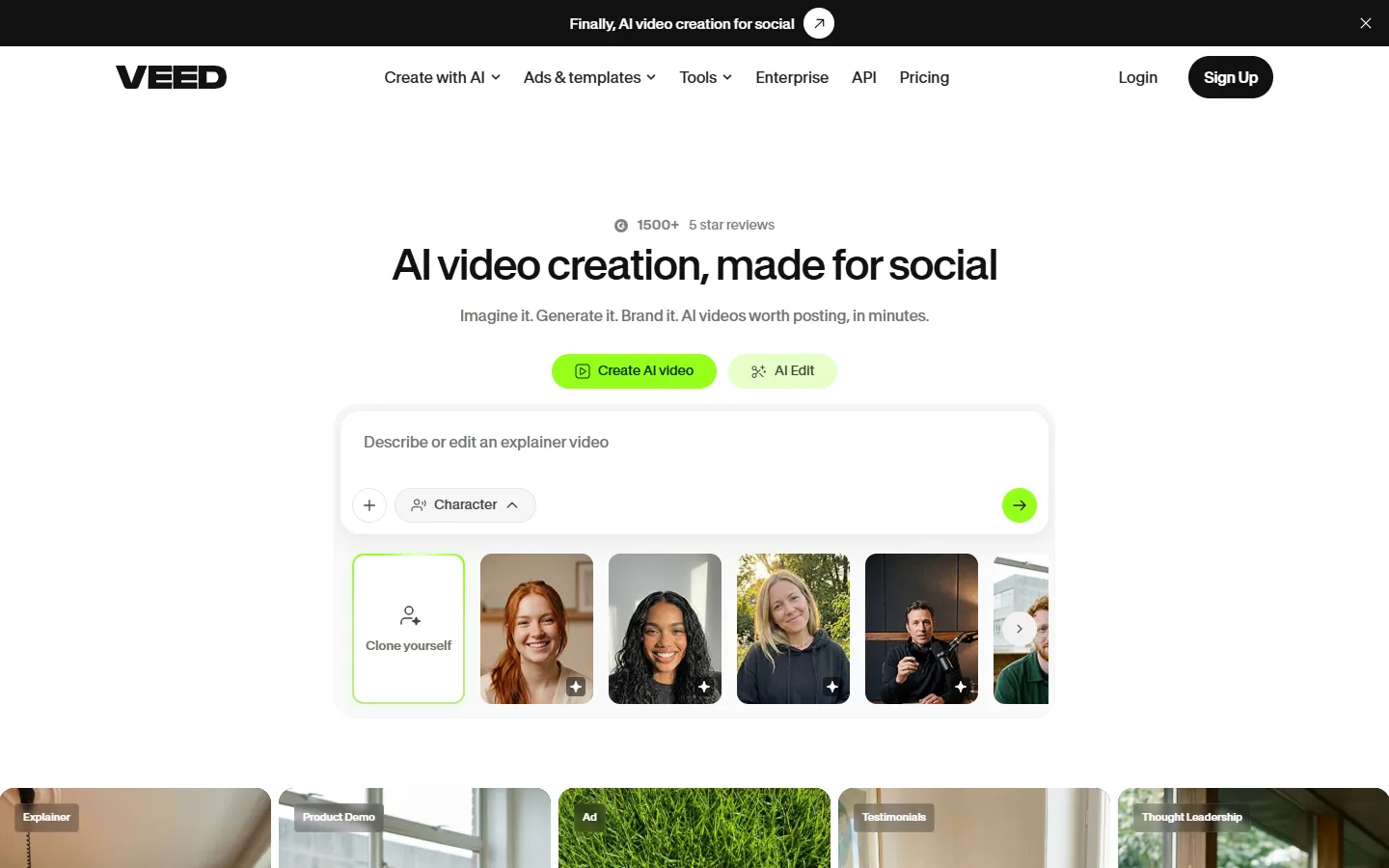
VEED covers the post-recording edit: captions, brand kits, and multi-format publishing in the browser.
VEED is the pick when the bottleneck isn't recording — it's everything after. As a full browser editor it handles subtitles and translation, brand kits, stock, layouts, and multi-format publishing, with zoom available as a manual keyframe effect rather than anything click-driven. If your "product demo" is really a lightly-produced video with music, captions, and a CTA, VEED's editing depth is beyond every recorder above.
The free plan exports with a watermark; paid plans start at $12/creator/month billed annually. The trade for that editing depth is the same as any editor: you're back to doing the work the auto-zoom recorders exist to eliminate.
Pros: Deepest editing toolset here; strong captions/translation; everything in the browser.
Cons: No auto zoom — zoom is manual keyframes; free tier watermarks; per-creator subscription.
Best for: Teams whose demos are content-marketing videos first and screen recordings second.
How to Choose
Match the reason you're leaving Tella to the tool that fixes it:
- Subscription fatigue or budget floor → Poindeo's lifetime tier or Cursorful's $79 one-time Pro.
- "I want it to look even better" on a Mac → Screen Studio.
- File ownership, local processing, privacy posture → Poindeo (local, browser-based) or Cursorful (local rendering).
- Interactive demos instead of video → Arcade, or Guidde if you want video + doc + interactive from one capture.
- Docs and SOPs alongside video → Guidde.
- Sharing, embeds, and analytics above all → Loom, and accept losing zoom.
- Heavy post-production → VEED.
If auto zoom itself is the make-or-break feature, our six-way comparison of screen recorders with auto zoom benchmarks the whole field — including Tella — on zoom behavior, editing depth, and price.
FAQs on Tella Alternatives
Does Tella have auto zoom now?
Yes. Tella generates zooms from your clicks, works on Mac, Windows, and in the browser, and every generated zoom stays editable in its editor. This shipped in 2026 — earlier comparisons (including an earlier version of one of ours) described Tella's zoom as manual, which is no longer accurate. Any alternative you consider now competes on pricing, ownership, and format — not on having zoom at all.
Is there a free version of Tella?
No permanent free tier. Pro starts at $13 per user per month billed annually and doubles to $26 on monthly billing; Premium is $19 annual / $39 monthly. Education and nonprofit discounts exist on application.
What's the cheapest one-time-purchase option?
Cursorful Pro starts at $79 one-time for one device ($198 for three, $295 for five, $540 for ten) — but note its free extension is licensed for non-commercial use only. Poindeo's $99 lifetime option is the cheapest one-time purchase that includes a commercial-use free tier and a full editing timeline.
Which Tella alternative is best for interactive demos?
Arcade, which is built entirely around click-through demos with per-interaction analytics. Guidde is the hybrid pick — it generates video, written steps, and an interactive version from a single capture.
The Bottom Line
Tella in 2026 is a good product with real auto zoom — nobody should switch because of a feature gap that closed. Switch because of the model: if per-user subscription math, hosted-player sharing, or the missing free tier don't fit your team, there are now well-matched exits in every direction. Poindeo for the like-for-like browser workflow with a lifetime price, Screen Studio for Mac polish, Cursorful for free, Arcade for interactive, Guidde for docs, Loom for the ecosystem, VEED for editing depth.
You can start a browser recording with auto zoom — no install, no signup — on the screen recorder with auto zoom page.