Ready to Say Goodbye to Dull, Unfocused Videos?
Use this screen recorder with auto zoom to create demos that capture your audience's attention. No downloads and no learning curve — create stunning videos right in your browser.
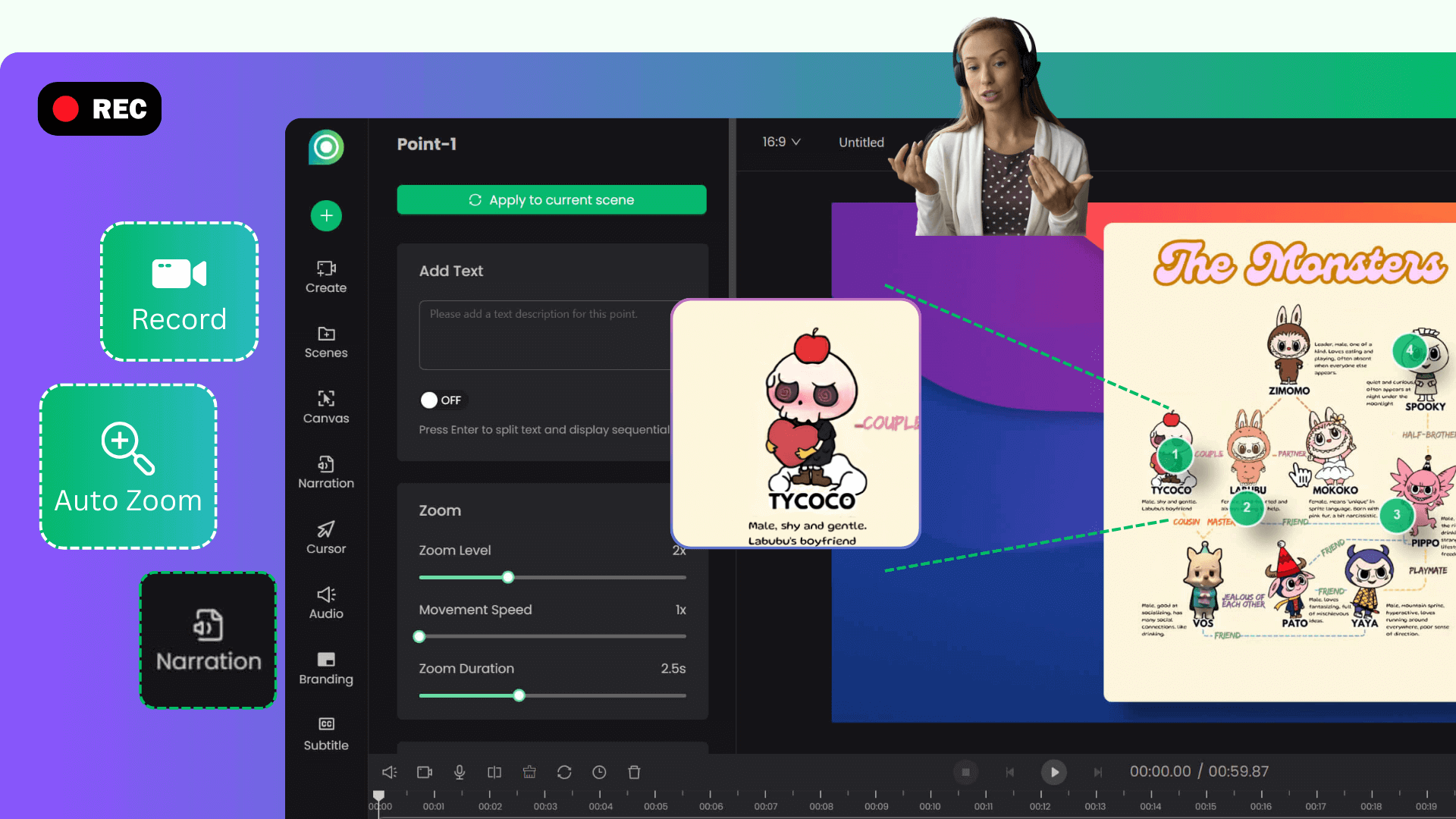
Click “Record with Auto-Zoom” above to install the Poindeo Chrome extension. Click the Poindeo icon to start. Choose to capture your entire screen, a browser tab, or a specific window. Finish preferences settings and click Start Recording.
Click or select where you want to highlight as you record. Auto zoom is triggered after two clicks. Tap on the “Stop” button to finish recording. Poindeo instantly generates smooth zoom and pan animations and takes you to the editor.
In the editor, you can adjust zoom settings, add subtle 3D tilt to any zoom point for extra depth, add background music or upload your own audio file, add your brand logo, generate subtitles, and change the aspect ratio. Then export your stunning video with auto-zoom in high quality, ready to share with your audience.
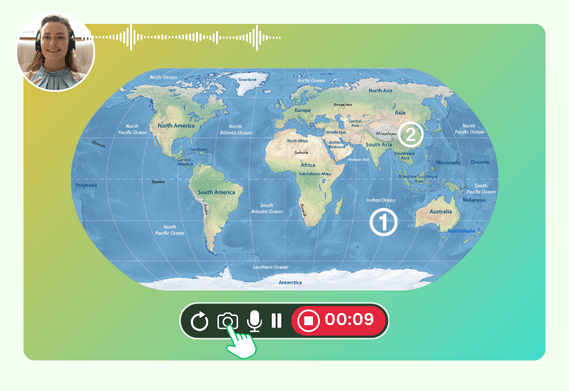
No complex video editing software. Poindeo enables you to record, add zoom effects, edit, and export all in one place. Choose to capture your screen and microphone, and also include your webcam for a picture-in-picture effect, building a personal connection with your audience.
Click to generate pro-level zoom effects automatically with customizable zoom movement speed, magnification, timing, and text description. Add depth with 3D tilt presets — or let Auto 3D set the right perspective for every zoom point in one click. Effortlessly highlight key details, important steps, and guide your audience to what matters most in your screen recording.
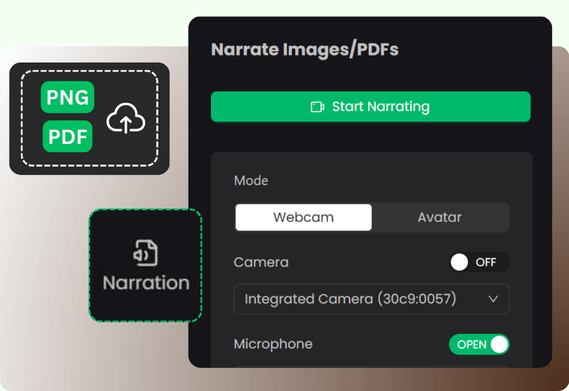
This is our game-changing feature. Open Poindeo Chrome, choose the image or PDF file window to record with auto-zoom. Or upload a screenshot, a PDF page, or a design photo to Poindeo editor. Record your narration, and then apply the same smart zoom effects while recording voiceover. It creates a compelling explainer video only with an image.
Go beyond the zoom animation with polished cursor effects that turn ordinary mouse movements into an easy-to-follow workflow. Highlight clicks, add numbered annotations, apply background music, generate subtitles, and resize your video for any social media platform.
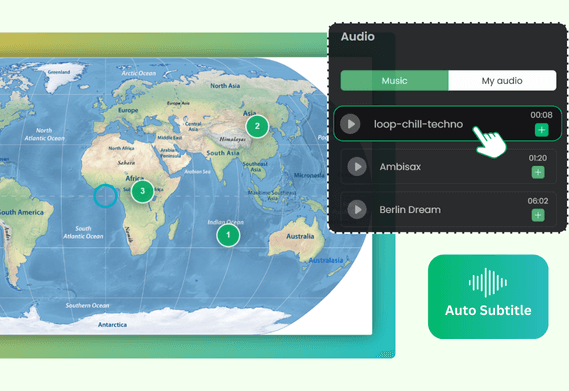
Video creation is easy and fast with Poindeo.
When you open the Poindeo Chrome extension to record a screen, it will track your mouse clicks and auto zoom is triggered after you click or select elements twice. Then you will get a recording, explainer video with smooth zoom and pan effects on the key spots.
And, the Poindeo editing tool allows you to easily select any zoom point to open a simple editing panel where you can adjust the zoom level, movement speed, and more.
Yes. Except for the Chrome screen recorder with auto-zoom, you can upload local videos, images, and PDFs within the Poindeo editing tool. Then, simply click on any area of the preview canvas to create a “zoom point”, record narrations on an image and a PDF page, add background music, and more.
Yes. The Poindeo Chrome extension works well on any operating system. You only need a browser.
Use this screen recorder with auto zoom to create demos that capture your audience's attention. No downloads and no learning curve — create stunning videos right in your browser.
While our smart zoom effects are perfect for creating dynamic screen recordings and explainer videos, Poindeo is a complete video creation suite designed for speed and simplicity. Explore full features:
Capture your entire screen, a browser tab, webcam, and audio directly in your browser. Auto-sync to the timeline for seamless editing.
Organize visuals, zoom sequences, and multiple audio tracks on a simple timeline.
Automatically highlight specific visual areas to guide your viewer's attention, and add 3D tilt for cinematic depth on any zoom point - perfect for showcasing product details or demonstrating a process.
Choose from stunning backgrounds, stylish padding, and music to enhance your storytelling.
Add your logo and text, customize fonts and colors, and apply your brand identity to every creation.
Make eye-catching videos for professional demos, audio-enhanced materials, and compelling content for YouTube, Instagram, and online courses.