You've seen the videos. A cursor glides across a dashboard, the camera punches in on the exact button being clicked, pulls back to reveal the whole interface — and a raw screen recording somehow looks like it was edited by someone who does this for a living.
That's Screen Studio, and there's a reason half the product demos on your feed were made with it. There's also a reason the other half weren't: Screen Studio runs on macOS only. The company's own FAQ puts it plainly — there are no near-future plans for a Windows version. If you're on Windows, the tool everyone keeps recommending simply isn't an option.
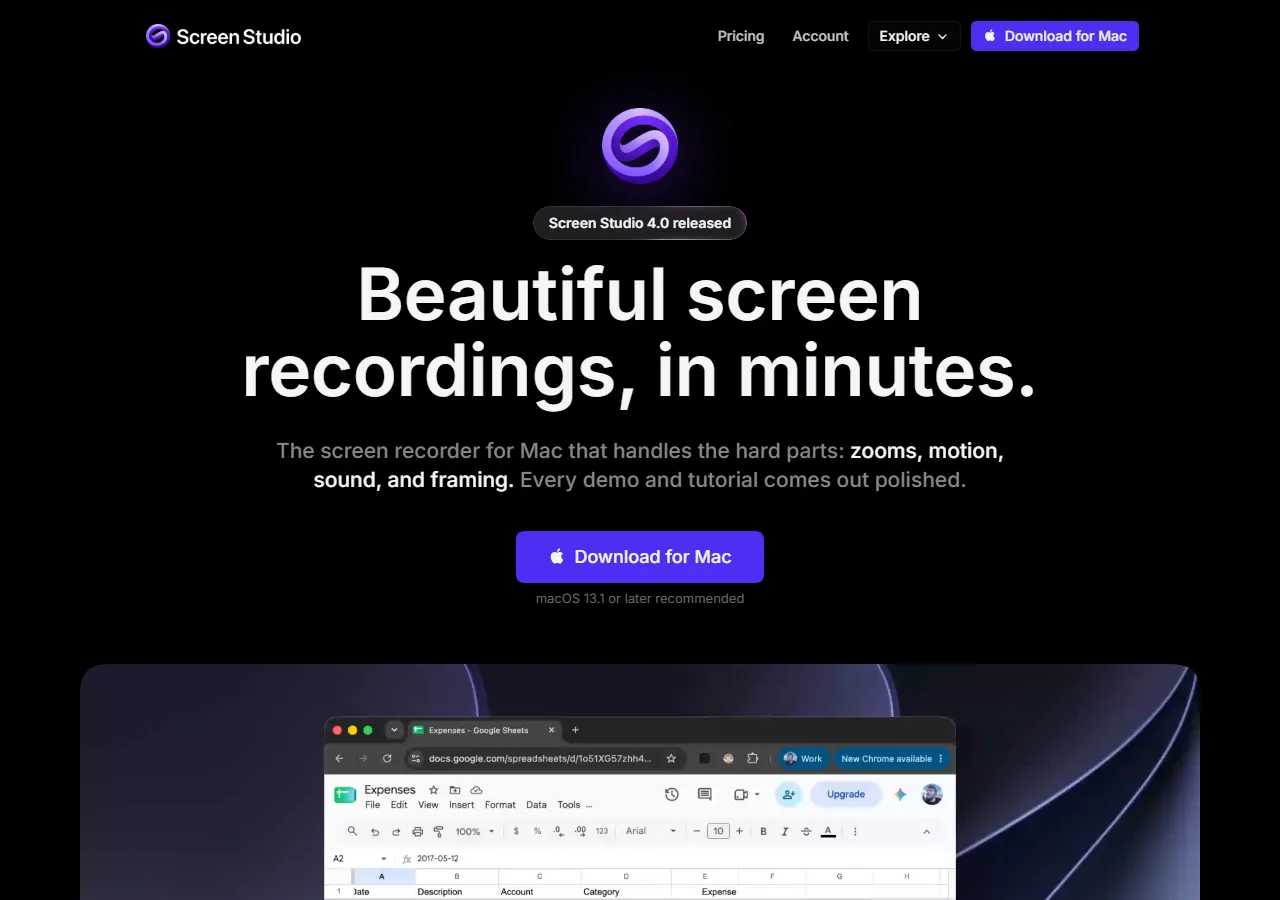
Screen Studio's homepage pitches polished Mac recordings — Windows isn't on the roadmap.
What is an option is one of two paths on Windows: install a native desktop app, or use a browser-based recorder in Chrome or Edge — no installer, no admin rights, nothing to keep updated. This guide covers the browser path, where several tools now do the thing you actually want from Screen Studio: automatic zoom effects generated from your clicks, not keyframes placed by hand.
This guide covers six browser-based tools that work on Windows today, judged by the same criterion Screen Studio made famous — how automatic the zoom effects work really — plus what each costs and who it's for. Looking for native Windows apps instead? We cover those separately in our Screen Studio alternatives guide.
Key Takeaways
- Screen Studio has no Windows version — and its own FAQ says none is coming soon. It's macOS 13.1+ only, now subscription-based ($29/month, or $9/month billed annually).
- Cursorful is the closest match to the Screen Studio experience: a free Chrome extension (no watermark, no time limit) whose auto zoom follows your clicks, with every zoom editable afterward. Commercial use and 4K come with a $79 one-time Pro license.
- Poindeo runs a close second: it detects clicks and hovers during recording, generates the zoom moves itself, and lets you re-edit every zoom point afterward — with a free tier licensed for commercial work, Pro at $19.99/month or a $99 one-time lifetime license.
- Tella now has click-based Auto Zoom too, plus a native Windows app and web recorder. From $13/user/month billed annually, with no permanent free tier.
- Not every "browser recorder" does auto zoom — VEED and Loom are solid tools, but their zoom is manual or absent. The comparison table below separates the two.
- Browser-based is a feature, not a compromise for most demo workflows: nothing to install, works on locked-down work machines, and updates are automatic.
Quick Comparison: Screen Studio Replacements in the Browser
| Tool | How it runs on Windows | Zoom capability | Editing after recording | Pricing |
| Cursorful | Chrome/Edge/Brave extension (Win/Mac/Linux) | Automatic (click-following) | Zoom segments draggable & editable | Free (non-commercial) / $79 one-time Pro |
| Poindeo | Browser editor + Chrome extension | Automatic (click & hover detection) | Every zoom point editable | Free (720p) / $19.99/mo / $99 lifetime |
| Tella | Web recorder + Windows app + extension | Automatic (click-generated), editable | Zoom & layout editing | From $13/user/mo annually |
| Guidde | Chrome extension (AI capture) | Automatic (AI-generated) | Limited fine control | Free / $19/mo Pro |
| VEED | Browser recorder + editor | Manual (timeline effects) | Full timeline editor | Free (watermark) / from $12/mo |
| Loom | Chrome extension + desktop app | None (mouse emphasis only) | Trim, stitch, captions | Free (25 videos) / $18/user/mo |
Browser Tool or Native App?
Two paths lead to Screen Studio-style videos on Windows, and the trade-off is simple:
| Native desktop app | Browser-based tool |
| Deeper OS integration and raw performance | Nothing to install — works even on locked-down corporate machines |
| Major-version upgrades cost extra | Always current — features update server-side |
| Best for hour-long raw captures and heavy post-production | Best for 2–5 minute demos with auto zoom |
Today's browser tools do 4K capture, click detection, timeline editing, and local processing — the fundamentals Screen Studio built its reputation on — so for the demo format, start in the browser and only go native if you hit a wall. Native options exist too, from Camtasia's manual zoom-n-pan to newer apps with auto zoom; our Screen Studio alternatives guide covers the desktop landscape in depth.
The 6 Options, Ranked
1. Cursorful: The Free Extension Closest to the Screen Studio Feel
Cursorful is what happens when you strip Screen Studio down to the feature everyone actually wants — automatic, cinematic zooms — and ship it as a free Chrome extension — the closest thing to a native app in this list: one install and it lives in your browser toolbar, one click from any tab. Hit record, walk through your product; the extension follows your clicks, adds the zooms and pans, and hands you an auto-edited video. No sign-up, no watermark, no time limit.
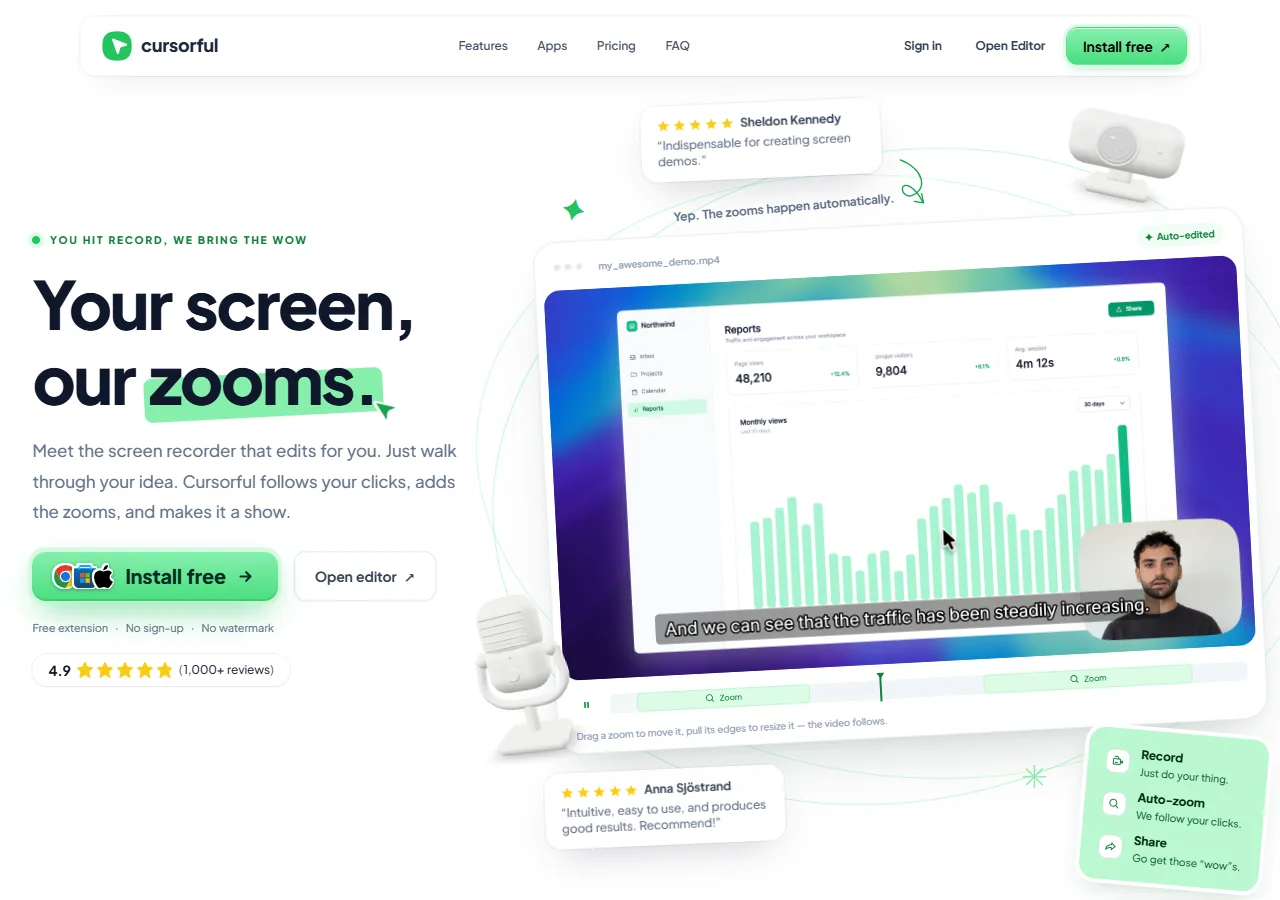
Cursorful's pitch: you hit record, it follows your clicks and adds the zooms.
The part that earns it first place: the zooms are not baked in. Each one lands on the timeline as a draggable segment — move it, resize it, dial the depth, delete the ones that miss. Manual zooms can be dropped anywhere too. Beyond zoom: one-click captions generated on-device, speed and trim controls, automatic cropping to the recorded window, background presets, a webcam bubble, and exports in ten aspect ratios from 16:9 to 9:16. Rendering is 100% local — your video never leaves your machine unless you opt into cloud sharing.
The extension records your browser in Chrome, Edge, and Brave on Windows, macOS, and Linux — so the Windows path needs nothing else installed. A Pro desktop app (macOS and Windows) adds recording any application, plus redrawn-cursor effects like click animations and motion blur. The catches are honest ones: the free plan is licensed for non-commercial use only, and 4K exports plus commercial use live behind Pro — a $79 one-time payment per seat (currently $40 off its regular $119 at launch), not a subscription. And the editor is video-shaped: there is no multi-scene timeline or built-in blur and mosaic for hiding sensitive data.
Best for: solo makers and small teams who want the Screen Studio look in the browser — free to start, and $79 once if it sticks.
2. Poindeo: Auto Zoom in the Browser, Editable After
Poindeo was built around the same premise as Screen Studio — the recorder should do the camera work — and it runs natively in the browser on Windows. If Cursorful is the closest free match, Poindeo is the closest full-featured one.
While you record, Poindeo watches your clicks and cursor. Every significant click becomes a zoom-in on that exact spot; when the action moves elsewhere, the camera eases back out and re-frames. Hover behavior gets a lighter zoom weight than clicks, so the camera follows your intent without lurching. You never open a keyframe editor, and you never place a zoom by hand.
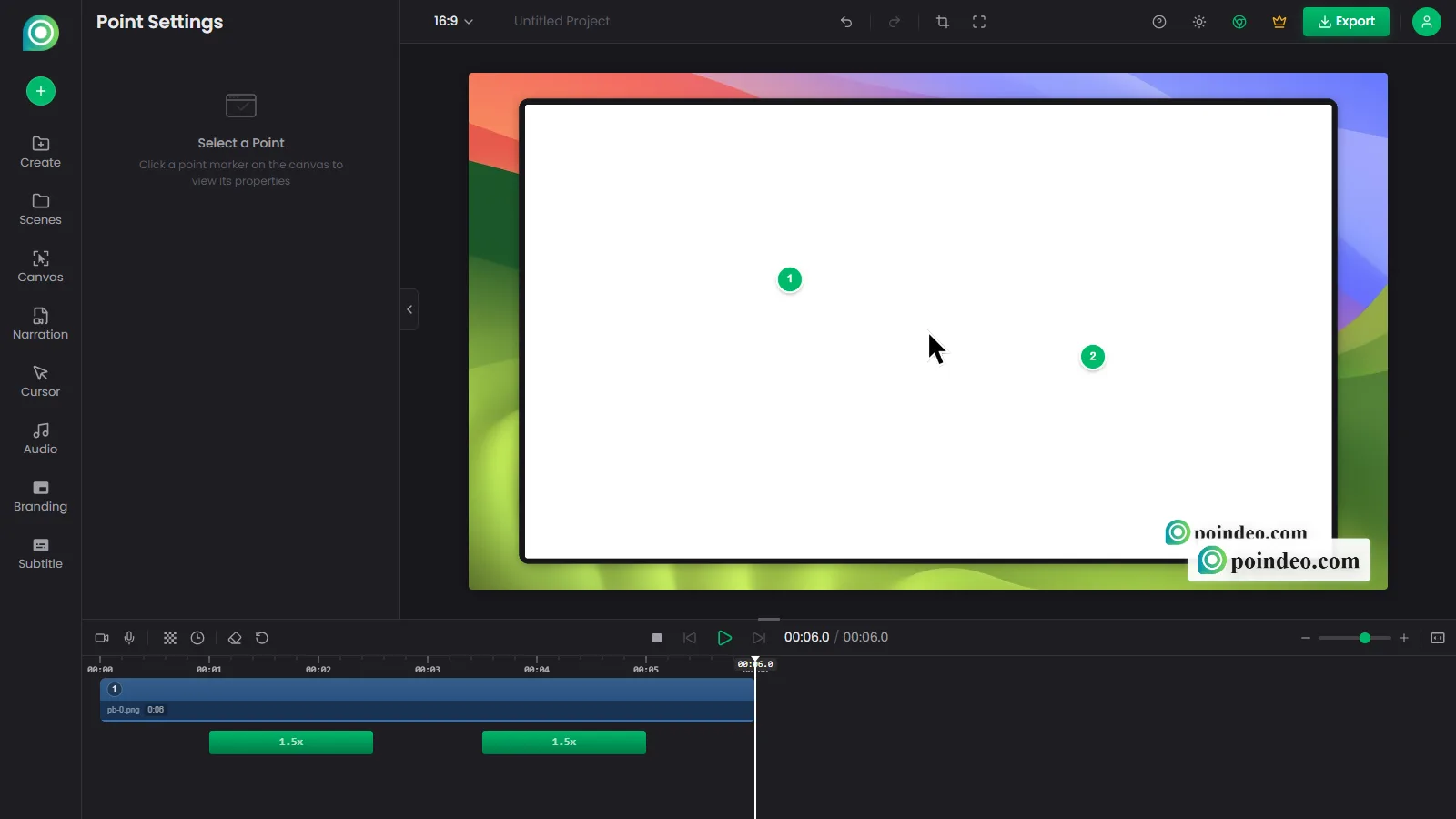
The Poindeo editor running in a browser on Windows: imported footage, two click-generated zoom points sitting on the timeline.
Where it diverges from Screen Studio — in a good way for most teams — is what happens after recording. Each auto-generated zoom point stays on the timeline as an editable object: nudge the timing, change the zoom depth, delete the ones that don't matter. Automation gets you 90% there; editing the last 10% is optional, not mandatory.
The rest of the pipeline is demo-shaped: auto subtitles in multiple languages, blur and mosaic for hiding customer data before anyone sees it, and exports in 4K MP4, GIF, or image formats sized for YouTube, LinkedIn, and vertical social. Processing happens locally in your browser — your recording isn't uploaded to anyone's server.
Pricing keeps the door open: the free Starter plan includes auto zoom and 720p exports; Pro is $19.99/month (or $3.33/month billed annually) with 4K; and there's a $99 one-time lifetime license — a pricing structure Screen Studio itself abandoned when it went subscription-only.
Best for: product demos and tutorials where you want the Screen Studio look without buying a Mac or a subscription.
3. Tella: Auto Zoom Plus a Real Windows App
Tella spent years as the "polished async video" tool — good-looking webcam layouts, clean sharing pages — with zoom being something you directed manually in the editor. That's no longer true: Tella now generates zooms from your clicks automatically, then lets you edit each one, and markets the feature for exactly the product-demo use case Screen Studio owns on Mac.
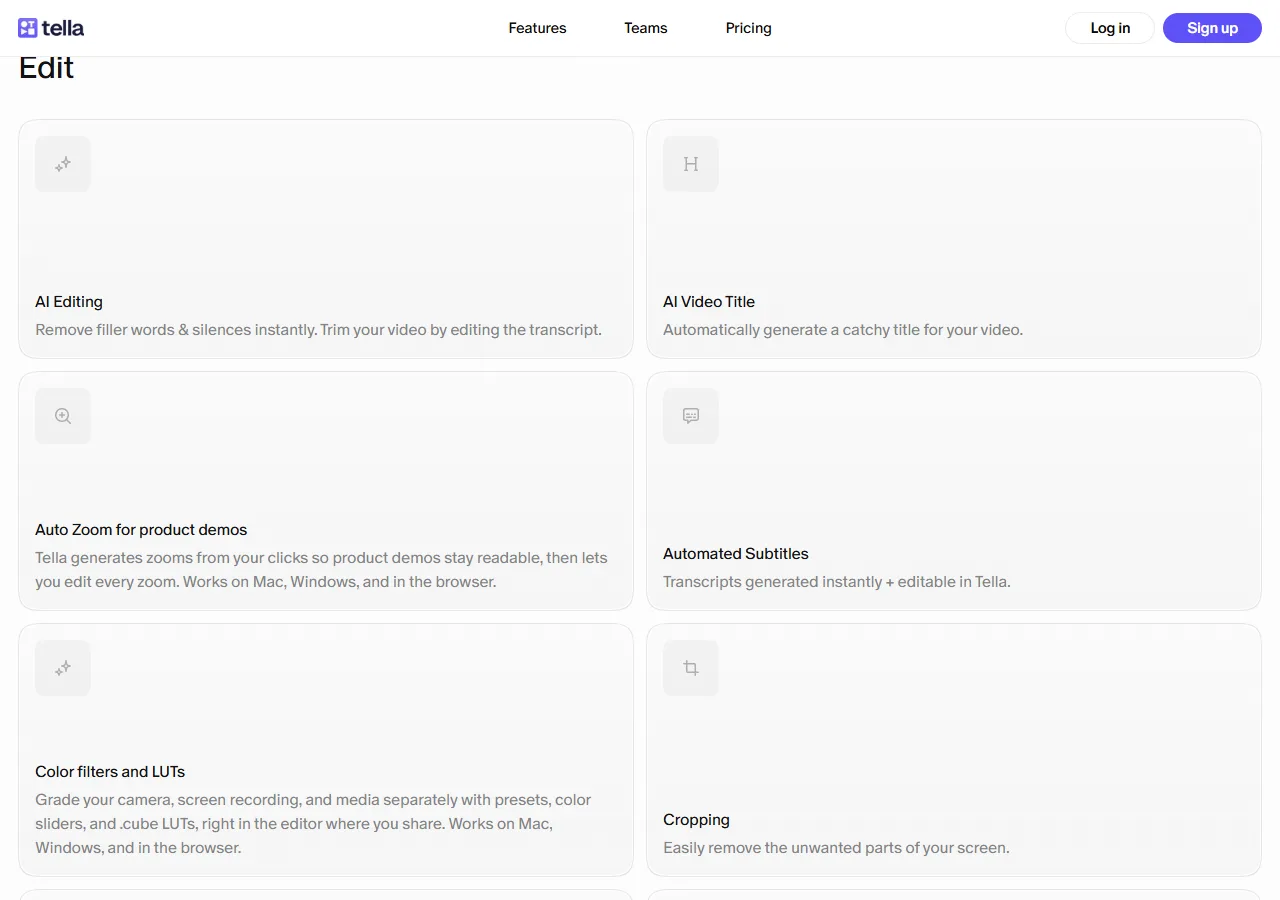
Tella's Auto Zoom page: zooms generated from clicks, each one editable afterward.
Tella also runs in more places than any other tool on this list: a web recorder that works on any OS, a native Windows app, a native macOS app, and a Chrome extension. Record on your Windows machine in the browser, edit on the same page, share a hosted player with analytics, transcripts in 106 languages, and viewer tracking.
The trade-offs are structural. There's no permanent free tier — you're choosing between Pro at $13/user/month and Premium at $19/user/month (billed annually; monthly billing doubles those), with a trial to evaluate first. And Tella is a hosted-video product at heart: sharing runs through Tella's player and pages, with custom domains and branding removal reserved for the Premium plan. If your goal is a self-contained MP4 for a landing page or a GitHub README, Tella's center of gravity isn't there.
Best for: startup teams who want click-driven auto zoom plus hosted sharing, analytics, and a polished player — and don't mind a subscription.
4. Guidde: AI Auto-Capture for Step-by-Step Content
Guidde takes a different swing at automation. Instead of recording a free-form screen video, its Chrome extension watches you perform a workflow and then generates a narrated walkthrough — zoom-ins on each click, highlighted steps, AI-written descriptions, and a choice of output formats including video and interactive step guides.

Guidde captures a workflow from a Chrome extension and generates the walkthrough for you.
The zoom work is genuinely automatic, and the format is unusually good for the content nobody wants to produce: "how to do X in our admin panel" documentation, onboarding SOPs, support answers that outlive a single ticket. A free tier exists, with Pro at $19/month and Business at $39/month.
The catch is control. Guidde's output is guide-shaped by design — steps, highlights, steady pacing. If you want a cinematic demo with dramatic punch-ins, custom pacing, and a hand on the final edit, Guidde will fight you. It's an auto-zoom tool, but for a different genre than Screen Studio's.
Best for: customer-facing step-by-step guides and help content, where speed of production beats creative control.
5. VEED: A Full Editor Where Zoom Is Manual
VEED belongs on this list with an asterisk: it's a browser screen recorder plus a genuinely complete timeline editor — and in an editor that complete, zoom is something you do, not something the tool infers.
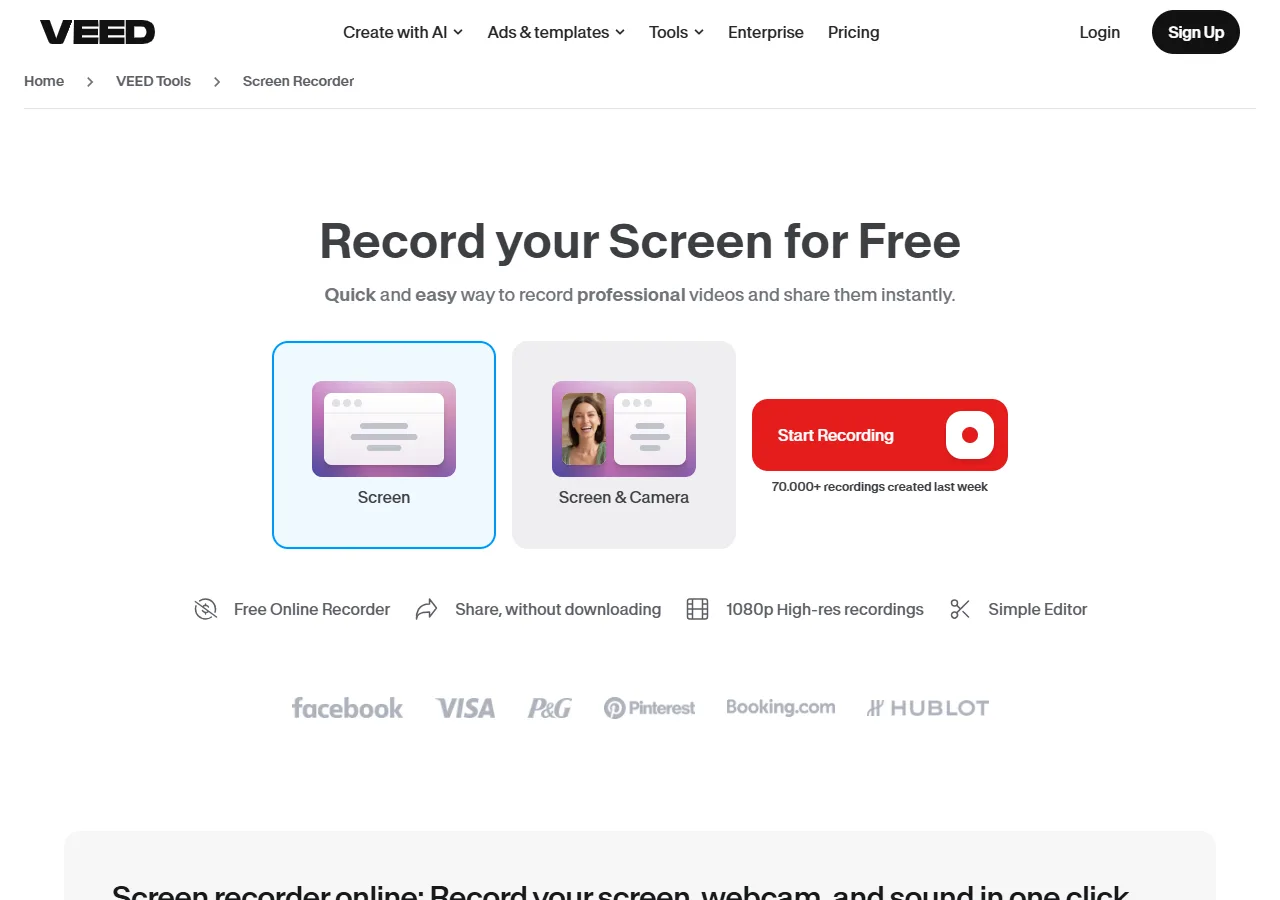
VEED's browser screen recorder — recording is the easy part; the zoom moves are placed by hand in the editor.
The workflow: record your screen or webcam in the browser, then place zoom effects on the timeline, adjust their timing and scale, layer text, subtitles, and music, and export. It's the traditional editing model, executed well, in a browser, on Windows, with no install.
The free plan records and edits but exports with a watermark; paid plans (Creator at $12, Pro at $22, Studio at $39 per user/month billed annually) remove it and unlock 4K and larger quotas. VEED's recent pivot toward AI video generation means its pricing tiers are increasingly built around AI credits — worth checking which tier actually covers your use case before committing.
Best for: teams who already think in timelines and want zoom plus full editing control in one browser tool — and accept placing camera moves by hand.
6. Loom: The Async Standard, Without the Cinematics
No honest list of browser recorders on Windows skips Loom — it's the tool most of your colleagues already have. The Chrome extension records screen and camera on Windows without ceremony, the sharing workflow (links, transcripts, comments, viewer analytics) is best-in-class for async communication, and the free Starter plan's 25-video cap with 5-minute recordings is enough for genuine work.
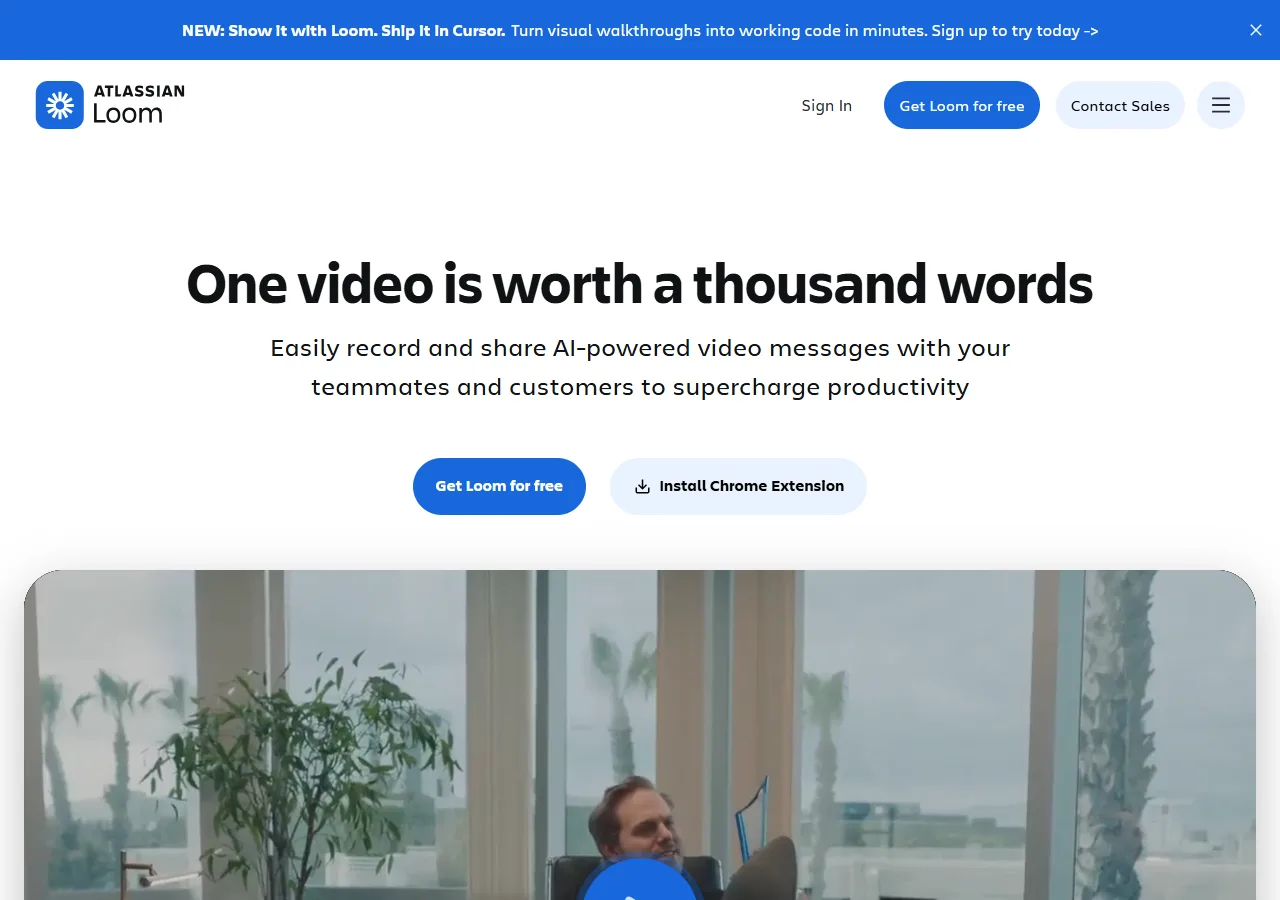
Loom's homepage tells you the priority: record and send — not cinematic editing.
But search intent matters, and this article's intent is Screen Studio. Loom has no auto zoom and no cinematic camera work — mouse emphasis and a drawing tool are the extent of its attention direction. If you've seen a Loom recording, you know the look: flat, full-screen, functional. That's by design; Loom optimizes for "record and send in 90 seconds," not "publish a product demo."
Pricing scales fast if you outgrow the free tier: Business is $18/user/month (about $15 billed annually) for unlimited videos and recording length.
Best for: internal updates and customer replies where speed beats polish — not the Screen Studio experience.
How We Judged
The six tools above were evaluated against four criteria, weighted for the person searching "Screen Studio for Windows":
- Does it actually run on Windows without a Mac? All six are browser-first or extension-based; Tella additionally ships a native Windows app.
- How automatic is the zoom? Fully automatic (Cursorful, Poindeo, Tella, Guidde) vs. manual timeline work (VEED) vs. absent (Loom). This is the feature Screen Studio is famous for, so it dominates the ranking.
- What can you fix after recording? Auto zoom gets you most of the way; the ability to re-edit zoom points (Poindeo, Tella) determines whether the last 10% costs you an afternoon.
- What does it cost over time? Free tiers (Cursorful, Poindeo, Guidde, VEED, Loom) vs. subscriptions (Tella, VEED, Loom) vs. one-time licenses (Cursorful's $79 and Poindeo's $99). Occasional-recorders feel subscription fatigue fastest.
FAQs on Screen Studio for Windows
Is Screen Studio available for Windows?
No. Screen Studio runs on macOS 13.1+ only, and its own FAQ states there are no near-future plans for Windows support. Windows users need an alternative — our ranking of the six best tools with auto zoom, including Screen Studio itself, is in Best Screen Recorders with Auto Zoom (2026).
What's the closest free alternative to Screen Studio on Windows?
Cursorful's free Chrome extension is the closest match for personal and non-commercial use: auto zoom that follows your clicks, editable zoom segments, no watermark, no time limit. If you need a free tier for commercial work, Poindeo's free Starter plan is the closest option — auto zoom from click and hover detection, editable zoom points, and 720p exports, in the browser on Windows. Guidde's free tier automates zoom for step-by-step guides, but in a documentation format rather than cinematic demos.
Do browser-based screen recorders work as well as desktop apps?
For short-form demos, yes — modern browser recorders handle 4K capture, click detection, and timeline editing inside Chrome. Native apps still hold an edge for very long recordings and heavy multi-track post-production. For the 2–5 minute demo format Screen Studio is known for, the difference is negligible.
Can I get Screen Studio's auto zoom without a subscription?
Yes — twice over. Cursorful offers a $79 one-time Pro license (free tier first, non-commercial), and Poindeo a $99 one-time lifetime license (free tier first, commercial use included), while Screen Studio itself, Tella, VEED, and Loom are subscription products. If you record occasionally, one-time pricing compounds in your favor fast.
How do I add zoom to a recording I already made?
True auto zoom needs the click data captured during recording, so re-record with auto zoom enabled if the workflow is repeatable. For adding zoom to existing footage manually, see How to Add Auto Zoom to Screen Recordings (Without Keyframes).
The Bottom Line
Screen Studio's absence on Windows used to mean settling: flat recordings, manual editing, or a Mac purchase. In 2026 it doesn't. The browser has caught up to the point where the cinematic, click-driven demo format is available on any OS with Chrome — and in Cursorful's and Poindeo's cases, with free tiers and one-time licenses ($79 and $99) that Screen Studio no longer offers anyone, on any platform.
If you take one thing from this comparison: pick based on what the zoom automation is worth to you. Tools that generate camera moves from your clicks (Cursorful, Poindeo, Tella, Guidde) give you the Screen Studio experience. Tools where you place zoom by hand (VEED) give you an editing suite. Both are legitimate — but only one of them is why you searched "Screen Studio for Windows."
Start with the free tier of Poindeo's screen recorder with auto zoom — record a demo on your Windows machine, let the clicks place the camera, and see how close the browser gets to the tool you couldn't have.