
You need a product demo video. Someone on your team says "just use Loom" — and someone else asks why the finished videos from Loom never look like the ones on Product Hunt, the ones where the camera glides in on every click. That gap is exactly what this comparison is about.
Loom and Poindeo both record your screen, and both promise "record, share, done." They are built for different jobs: Loom is an async video messaging platform — 400,000+ companies use it to replace status meetings and long emails. Poindeo is a browser-based demo video maker that turns one recording into polished output with automatic zoom effects, subtitles, and multiple export formats.
This guide compares them head-to-head for one specific task — making product demo videos — with verified pricing and feature facts as of October 2026.
Quick Answer
Choose Loom if demos for you mean quick walkthroughs shared inside a team — you record, grab a link, and the conversation happens in comments. Choose Poindeo if the demo is a finished asset — published on Product Hunt, embedded on a landing page, posted to YouTube, or attached to a changelog — and you want automatic zoom effects without editing.
The single biggest functional difference: Loom has no zoom or camera-motion feature at all (as of its published feature set, October 2026), while automatic zoom on clicks and hovers is Poindeo's core capability. The single biggest Loom advantage: its sharing layer — viewer analytics, comments, and integrations — has no Poindeo equivalent.
Two facts worth knowing up front: Loom bills per user per month ($0 / $18 / $24 with annual billing), while Poindeo offers a free tier plus a one-time $99 lifetime option; and Poindeo processes recordings locally by default, while Loom is cloud-first by design.
Quick Comparison
| Loom | Poindeo | |
| Best for | Async video messages, team updates | Polished demo videos, GIFs, tutorials |
| Auto zoom / camera motion | None | Automatic on clicks and hovers, editable |
| Free tier | 25 videos, 5-min cap, 720p | Starter tier with auto zoom, 720p |
| Paid (annual billing) | Business $18/user/mo; +AI $24 | Pro $19.99/mo; $3.33/mo annual; $99 lifetime |
| Max quality | 4K (Business and up) | 4K (Pro) |
| Editing | Trim, stitch, captions, AI cleanup | Zoom points, trim, subtitles, mosaic/blur |
| Exports | Hosted video page, MP4 download (paid) | MP4, GIF, still images, multiple aspect ratios |
| Sharing & analytics | View tracking, comments, emoji, embeds | Standard video/GIF embedding |
| Integrations | Slack, Notion, Jira, Salesforce, 100+ | Chrome extension |
| Data handling | Cloud-first | Local processing by default |
| Platforms | Chrome, desktop apps, iOS, Android | Any modern browser |
What Loom Does Best
Loom's strengths are real, and for async communication they are unmatched in this comparison.
A sharing layer built like a product. Every Loom recording gets a hosted page with view counts, watch-time analytics, comments, and emoji reactions. When you send a demo to a customer, you can see whether they watched it, which parts they rewatched, and what they replied. For sales and customer success teams, that feedback loop is the entire point.
The Atlassian ecosystem. Loom was acquired by Atlassian in 2023 for $975 million and now integrates with Slack, Notion, Jira, Confluence, Salesforce, and dozens of other tools. If your team already lives in that stack, a Loom link pastes into the conversation exactly like a text message would.
AI that cleans up talking-head video. On the Business + AI plan ($24/user/month), Loom removes filler words, cuts silence, generates summaries and chapters, and writes titles automatically. For recorded meetings and voice-first updates, this genuinely reduces editing to zero.
Record anywhere. Loom runs as a Chrome extension, native Mac and Windows apps, and mobile apps — you can record a demo from your phone.
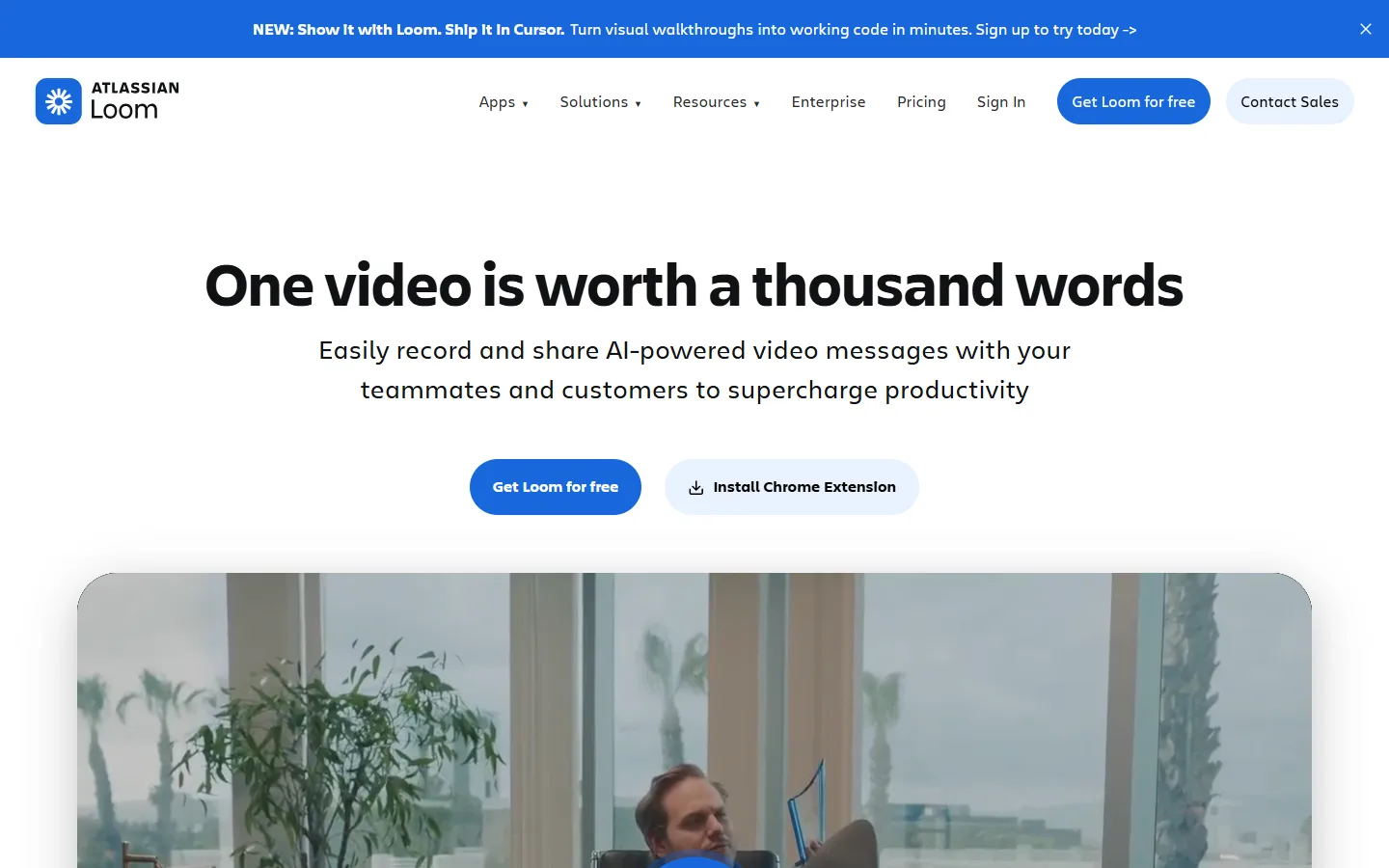
Loom positions itself as video messaging infrastructure — the share-and-comment layer is the product.
Enterprise features. SSO, SCIM provisioning, and a 99.95% uptime SLA exist on the Enterprise tier — Poindeo has nothing comparable for large-org IT requirements.
What Poindeo Does Best
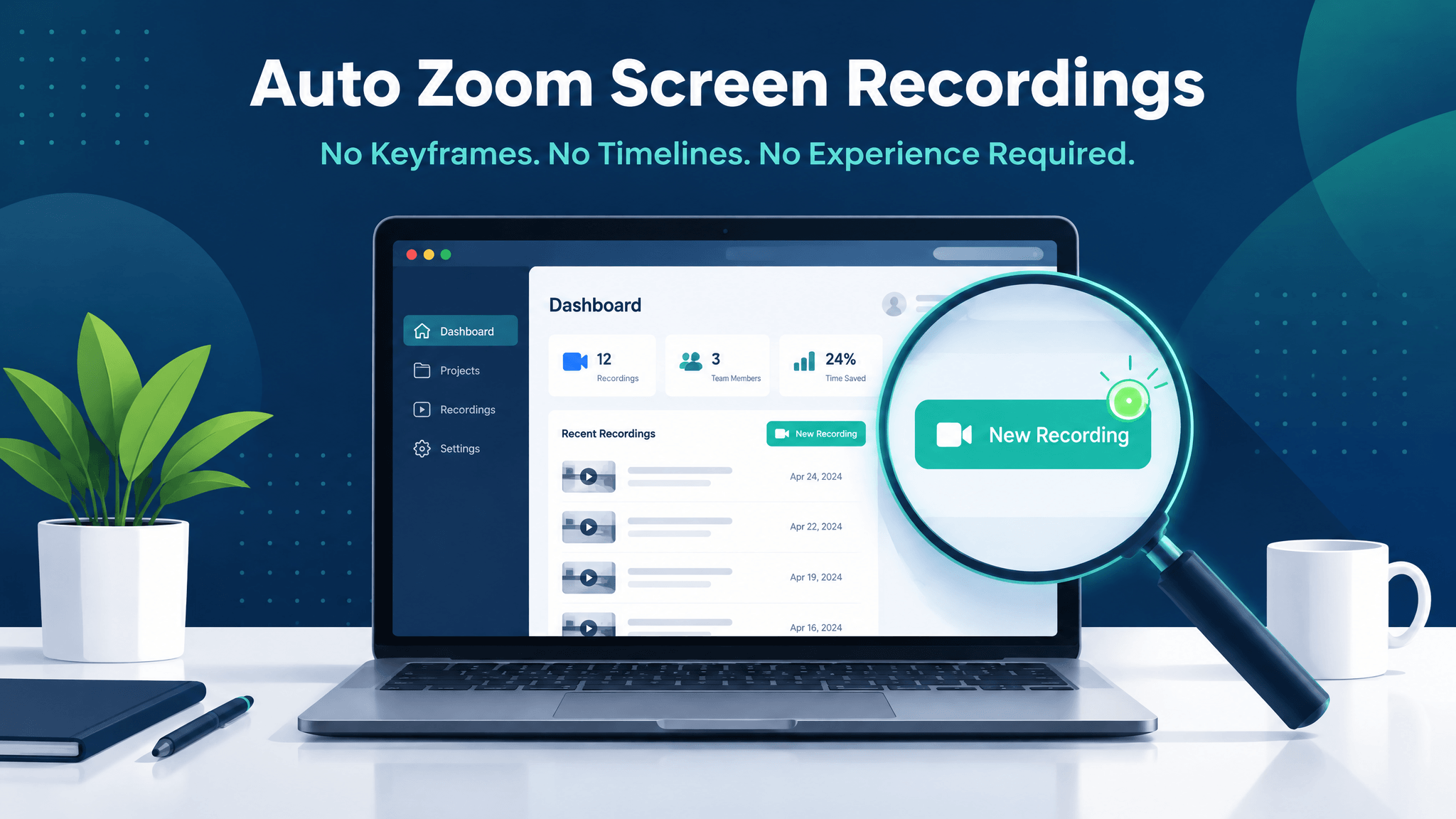
Automatic zoom — the feature Loom doesn't have. Poindeo watches your recording session and detects clicks (and hovers) as you make them, generating a zoom on each meaningful action. The camera anticipates the click and starts moving before it lands, then pulls back. This is the difference between a video that looks produced and a video that looks like a screen capture. Crucially, every zoom point stays editable afterward — drag it, retarget it, or delete it, no keyframes required.
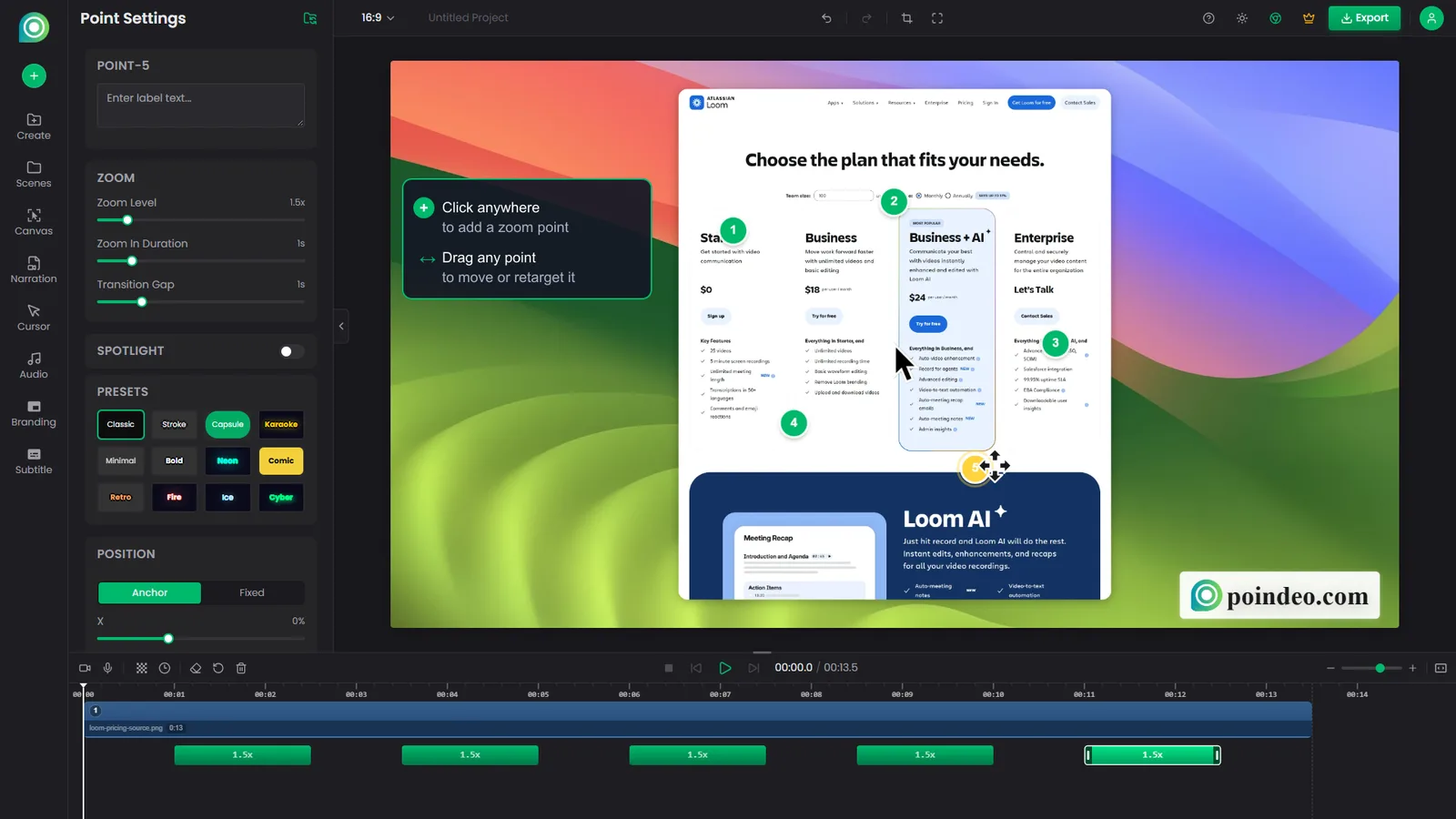
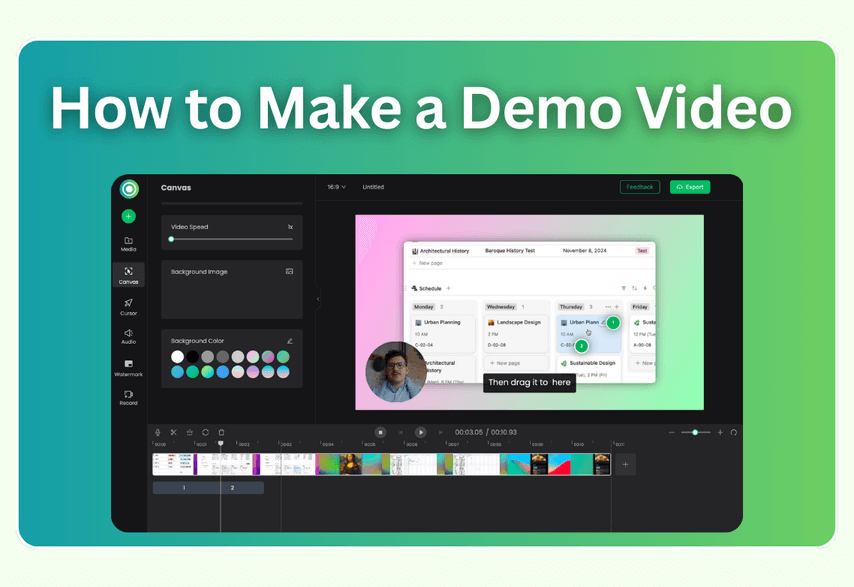
In Poindeo, zoom points are draggable objects — click anywhere on the canvas to add one, drag it to move or retarget it.
One recording, many formats. A product demo rarely lives in one place. Poindeo exports the same timeline as 4K MP4 in multiple aspect ratios (16:9 for YouTube, square and vertical for social), as an animated GIF for a README or changelog, and as still images for docs. With Loom, the primary output is a Loom-hosted page; file download lives on paid tiers.
Privacy tooling built for demos. Customer data on screen is the norm in product demos. Poindeo has native blur and mosaic regions you can place over sensitive UI — plus local processing, so the recording file isn't uploaded to anyone's cloud by default. Loom's blur feature is Enterprise-only.
Subtitles without a subscription. Poindeo generates subtitles locally via speech recognition on the free tier. Loom added transcriptions to its free plan, but stylized captions are paid.
Pricing that doesn't scale per seat. If you're a solo founder or a two-person team, per-user pricing compounds. Poindeo's Pro is $19.99/month, $3.33/month billed annually, or a $99 one-time lifetime purchase. Loom's Business is $18 per user per month — the third teammate costs more than Poindeo's lifetime tier.
Head to Head
Recording Quality and Sources
Both tools record screen plus camera bubble plus microphone, and both top out at 4K on paid tiers. Loom's free tier caps at 720p and 5 minutes per video — a real constraint for demo content, which often runs past 5 minutes. Poindeo's free Starter tier also caps at 720p but lists no comparable time limit.
Loom records on more devices (desktop apps, mobile). Poindeo records from any desktop browser via its Chrome extension or the web app — Windows, macOS, or Linux, nothing to install, which matters if you've already noticed how many polished-recording tools quietly assume you're on a Mac (we covered that gap separately in Screen Studio for Windows).
Edge: tie on quality, Loom on device coverage, Poindeo on free-tier limits.
Automatic Zoom and Camera Motion
This is the category that decides "recorded message" versus "produced demo."
Loom's published feature set (checked October 2026) includes trim, stitch, captions, thumbnails, overlays, transcript-based editing, and AI cleanup — and no zoom or camera-motion feature of any kind. If you want the camera to punch in on the button you're clicking, the Loom answer is: record a second take closer to the screen, or crop after the fact.
Poindeo's entire pipeline is built around this: click detection, hover detection, predictive camera movement that starts before the click lands, and post-recording editing of every zoom point. You record once and the cinematography exists — we walk through the full mechanics in How to Add Auto Zoom to Screen Recordings.
Edge: Poindeo, decisively.
Editing
Loom's editing is cleanup-oriented: trim and stitch on Business, waveform editing, filler-word and silence removal on the AI tier, captions, thumbnails, and text/box/arrow overlays. For a talking-head update, that's plenty.
Poindeo's editing is timeline-oriented: rearrange scenes, adjust every zoom point, add mosaic and blur regions, restyle subtitles, change aspect ratio. There's no filler-word removal — the focus is visual composition, not audio cleanup.
Edge: depends on the job — Loom for voice cleanup, Poindeo for visual composition.
Sharing and Analytics
Loom wins this outright. Hosted pages, view and watch-time analytics, threaded comments, emoji reactions, embeddable branded players, folders, and team libraries — the distribution side is a mature product.
Poindeo videos are standard MP4/GIF files: you embed or upload them wherever the destination is. If your demo's home is a landing page, Product Hunt, YouTube, or GitHub, that's all you need — but you won't get viewer analytics from Poindeo itself.
Edge: Loom, decisively.
Privacy and Data Handling
Poindeo processes locally by default — the recording file stays in your browser until you export. Blur and mosaic are available on all tiers.
Loom is cloud-first by design; that's what enables its analytics and sharing. Its blur tool is Enterprise-only, and organizations with data-residency requirements need the Enterprise tier's security controls.
Edge: Poindeo for sensitive content; Loom Enterprise covers formal compliance needs.
Pricing
| Plan | Loom | Poindeo |
| Free | 25 videos, 5 min, 720p | Starter: auto zoom, subtitles, 720p |
| Individual | — | Pro $19.99/mo, or $3.33/mo annual |
| Team | Business $18/user/mo (annual) | Same Pro seats, no per-user multiplier |
| Lifetime | — | $99 one-time |
| AI tier | Business + AI $24/user/mo | Included (subtitles, zoom) |
Loom's per-user model is the standard SaaS answer for teams and is priced accordingly. For a solo maker or small team producing demo assets rather than messages, Poindeo's lifetime option ends the subscription math entirely.
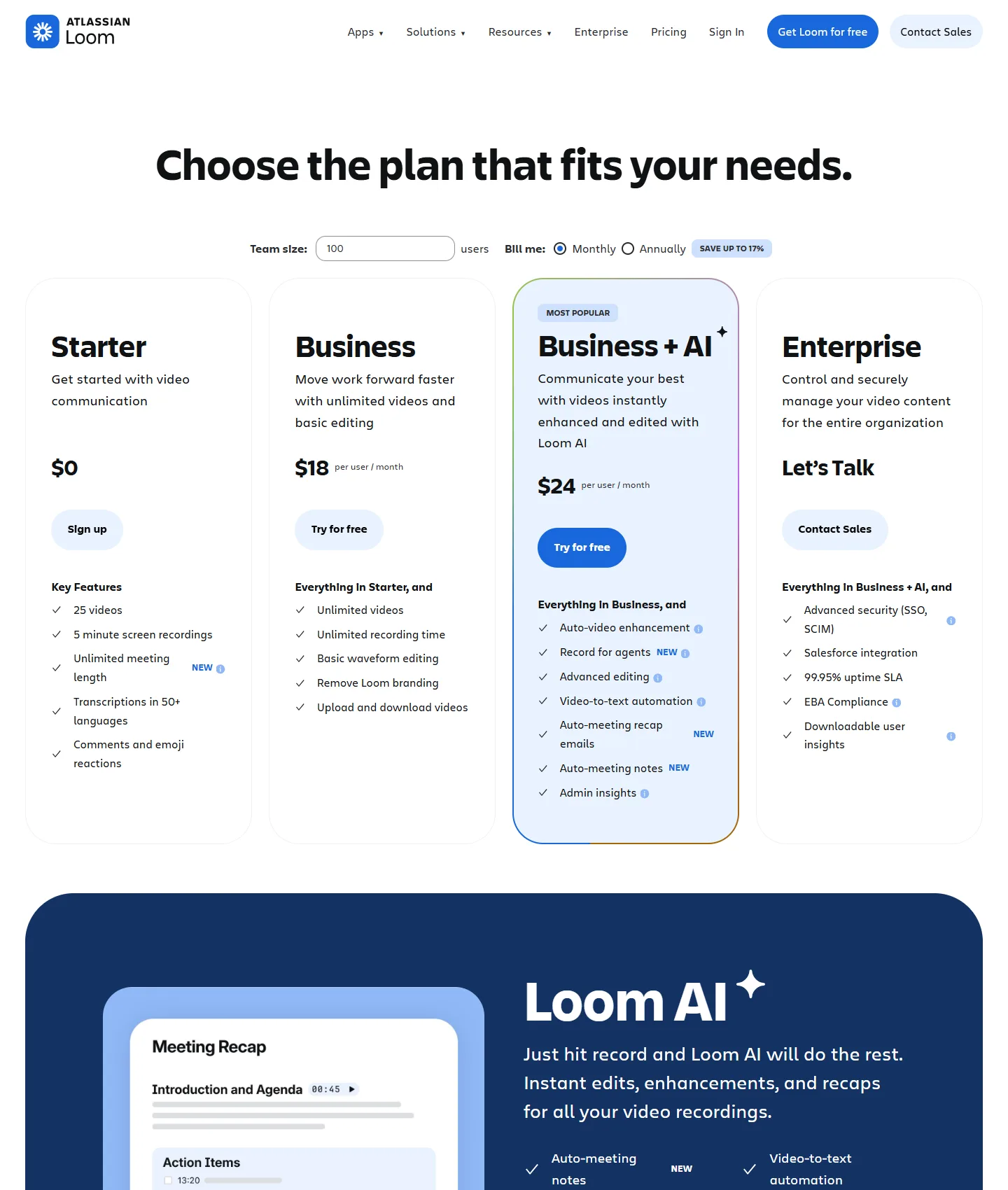
Loom pricing as of October 2026 — Starter is free with a 25-video, 5-minute, 720p cap; Business unlocks 4K and downloads.
Edge: Poindeo for individuals; Loom's Enterprise tier is built for procurement.
Who Should Choose Which
Choose Loom if:
- Demos are part of ongoing conversations — sales follow-ups, support replies, internal walkthroughs.
- You need to know who watched and which parts they rewatched.
- Your team lives in Slack, Notion, and Jira.
- You record on mobile or want AI to clean up talking-head video.
Choose Poindeo if:
- The demo is a published asset — Product Hunt, landing page, YouTube, changelog, README.
- You want automatic zoom effects and the ability to refine them afterward.
- Customer data on screen requires blur or mosaic.
- You need GIF and multi-aspect-ratio exports from one recording.
- You prefer one-time pricing over per-seat subscriptions.
Plenty of teams use both: Loom for the daily async conversation, Poindeo for the handful of demos that represent the product publicly.
Other Options Worth a Look
This is a two-way comparison, but the market is bigger. Tella added click-triggered auto zoom in 2026 and starts around $13/user/month. Screen Studio remains the quality benchmark on macOS ($9/month annual). Cursorful offers a genuinely free non-commercial extension with click-following zoom. Our full ranked comparison lives in Best Screen Recorders with Auto Zoom, and the broader field — including Guidde and VEED — is covered in our Loom alternatives guide.
FAQs on Loom vs Poindeo
Does Loom have auto zoom?
No. As of October 2026, Loom's published feature set includes trim, stitch, captions, AI cleanup, and overlays — but no zoom or camera-motion feature. Zoom effects on clicks are Poindeo's core feature.
Is Loom free for product demos?
Partially. Loom's free Starter plan allows 25 videos per person at up to 5 minutes and 720p — usable for quick internal walkthroughs, but limiting for public demo assets. Poindeo's free tier includes auto zoom and subtitles with no 5-minute cap.
Can I download Loom videos as MP4?
Yes, on the Business plan and above. Free-plan videos live on Loom's hosted pages. Poindeo exports MP4 (up to 4K on Pro), GIF, and still images on any plan.
Which is cheaper for a small team?
For two or three people making demo videos occasionally, Poindeo's $99 lifetime tier costs less than a year of Loom Business for one user. For larger teams using video as daily messaging, Loom's per-seat pricing scales the way such teams expect.
Can Poindeo track who watched my demo?
No — Poindeo produces standard video files, so viewer analytics come from wherever you publish (YouTube, Wistia, your site). Loom's hosted pages include native view tracking and comments.
The Bottom Line
Loom and Poindeo overlap at "record your screen" and diverge immediately after. Loom is the stronger messaging platform: analytics, comments, integrations, and AI cleanup for teams that communicate in video. Poindeo is the stronger production tool: automatic, editable zoom effects, privacy blur, multi-format export, and lifetime pricing for people whose demos face the public.
For the task this article is about — making a product demo video that looks produced — the camera work is not optional polish; it's what separates a demo people finish from one they skip. That capability lives in exactly one side of this comparison.
If that's the side you're on, you can start a recording with auto zoom in your browser right now — no install, free tier, no watermark on the zoom: Poindeo's screen recorder with auto zoom.