Product marketing has become significantly more complex over the last few years. In 2026, a Product Marketing Manager (PMM) isn't just launching a feature; they are orchestrating a multi-channel narrative that spans across the website, in-app experiences, social media, and sales enablement libraries.
The biggest trend we've seen is the move from static messaging to visual, interactive product storytelling. Research shows that prospects who engage with an interactive demo are 70% more likely to sign up for a trial compared to those who only read a feature list.
Modern product marketing needs better tools, so this guide explores the ten essential tools that help SaaS teams explain value faster, convert more users, and scale their product storytelling without needing a massive engineering or design budget.
The 10 Best Product Marketing Tools
The "best" tools aren't just the ones with the most features; they are the ones that remove the most friction between your product's value and your customer’s understanding. Below is our curated list of the top 10 tools that every high-performing product marketing team should have in their arsenal.
1. Poindeo
Poindeo is redefining how modern product teams create product videos. Instead of wrestling with complex timelines or outsourcing expensive video production, Poindeo lets product marketers turn a simple screen recording into a polished, story-driven product video—directly from the browser.
Built for SaaS teams, indie developers, marketers, and small businesses, Poindeo bridges the gap between raw screen capture and high-impact product storytelling. With its Chrome extension and built-in editor, teams can record, enhance, and publish marketing-ready videos in minutes—no video editing background required.
Key Features:
- Smart Auto Zoom & Focus: Poindeo intelligently detects clicks, cursor movement, and UI interactions, automatically applying smooth zooms and camera movements to guide the viewer’s attention—no manual keyframing needed.
- Automatic Subtitles & Captions: Auto-generated, perfectly timed subtitles ensure clarity and accessibility, especially for users watching on mute across social platforms.
- Platforms Optimization: Automatically format your videos in the perfect dimensions for YouTube (16:9), TikTok and Instagram Stories (9:16), Instagram Square (1:1), LinkedIn (4:3), and more, ensuring your content always looks its best on every platform.
- Chrome-Based Screen Recording: Capture product flows, onboarding walkthroughs, or feature launches directly from the browser, making Poindeo especially seamless for web-based SaaS products.
Pros:
- Exceptionally fast workflow from recording to publishing
- Designed specifically for product marketing—not generic video editing
- Produces high-quality “hero” videos without agencies or freelancers
- Lightweight, browser-first experience with minimal setup
Cons:
- Output is limited to video formats (MP4/GIF); no interactive or clickable exports
Best For: SaaS product marketing teams that need fast, high-quality product demos, feature launch videos, onboarding explainers, and sales enablement content—especially for landing pages, LinkedIn launches, and async sales follow-ups.
2. Storylane — Best for Interactive, Self-Serve Product Demos
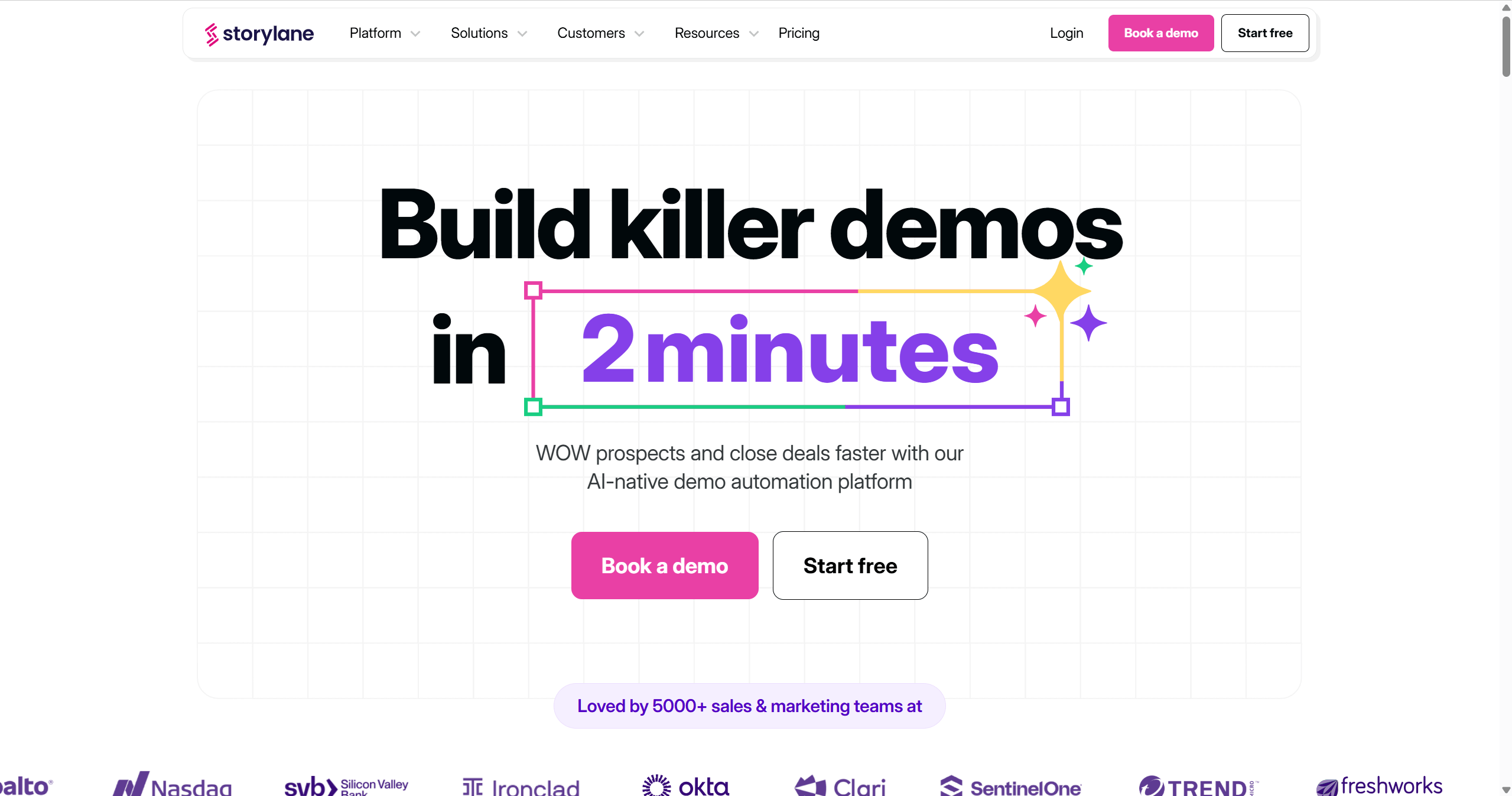
Storylane is the leader in "Product-Led Sales" enablement. It allows you to create a "front-end clone" of your software that prospects can click through at their own pace.
Key Features:
- HTML Capture: Unlike video, it captures the actual code of your app, ensuring text stays crisp and layouts remain responsive.
- Lead Capture Gateways: You can place a "Want to try this yourself?" form directly inside the demo.
- Branching Logic: Create "choose your own adventure" paths where users can select the use case most relevant to them.
Pros:
- Provides deep analytics on exactly which "hotspots" users clicked on.
- Allows prospects to feel the product without needing a sandbox account.
Cons:
- Can be time-consuming to set up complex branching logic.
- If your product’s UI changes frequently, you may need to update your captures more often than a simple video.
Best For: Website homepages, "Take a Tour" CTAs, and sales teams who want to leave behind a "leave-behind" demo after a call.
3. Loom — Best for Fast Walkthroughs and Async Communication
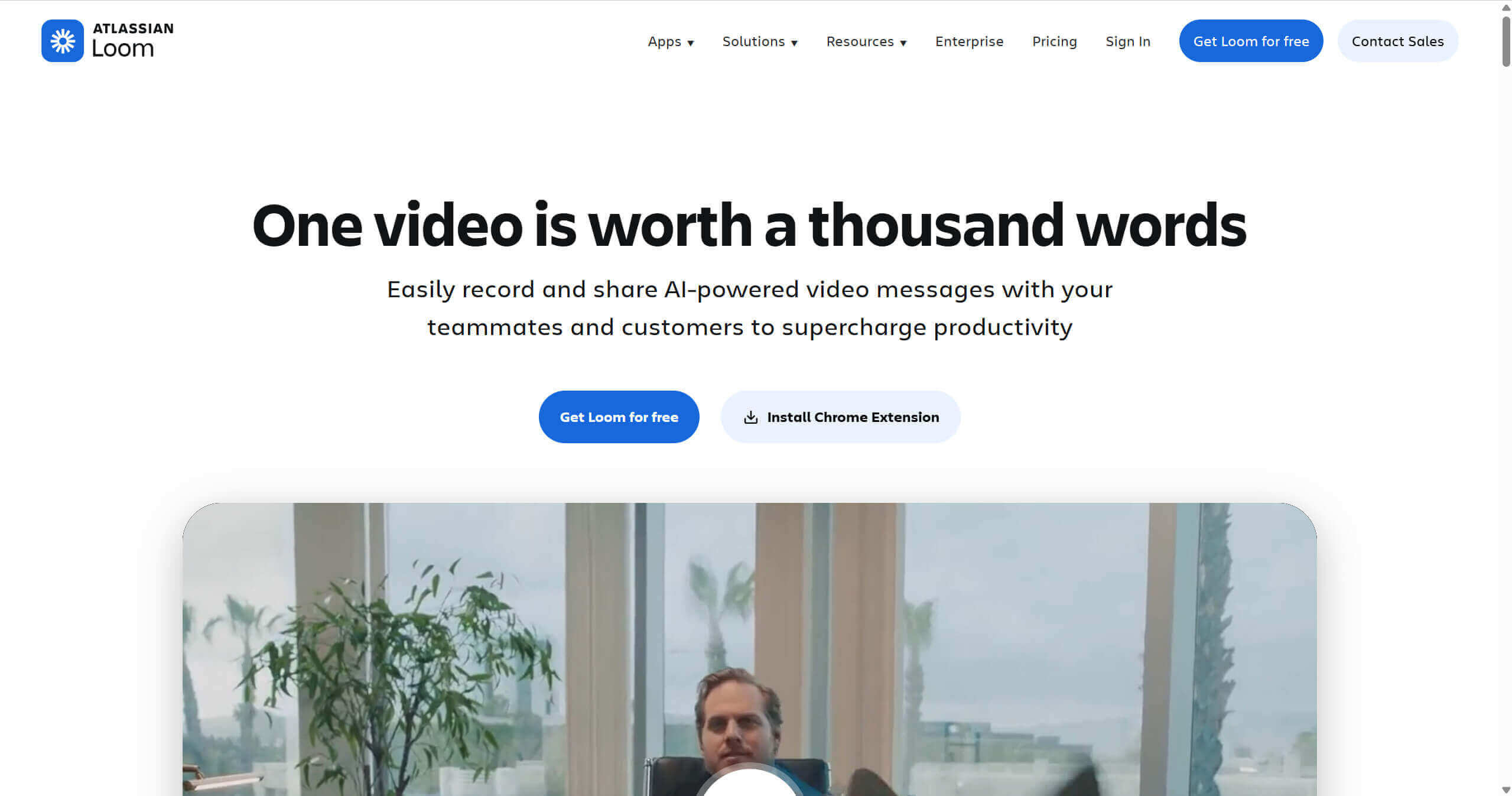
Loom has become the "standard language" of the modern office. In 2026, it is no longer just a recorder but an AI-powered communication hub that saves hours of unnecessary meetings.
Key Features:
- Loom AI: Automatically generates titles, summaries, and even tasks/action items based on the transcript of your recording.
- Instant Editing: Trim mistakes or remove filler words ("um," "uh") with a single click.
- Engagement Tracking: Get notified the second a prospect watches your video and see exactly how much of it they viewed.
Pros:
- Frictionless sharing via a simple link.
- The "bubble" overlay (showing your face while recording) builds immediate human trust.
Cons:
- Videos are often viewed as "casual" or "raw," making them less suitable for high-end marketing sites.
- The free version has limited recording time and storage.
Best For: Internal team launches, quick "how-to" responses for customers, and personalized 1-to-1 sales outreach.
4. Supademo — Best for Step-by-Step Product Tutorials
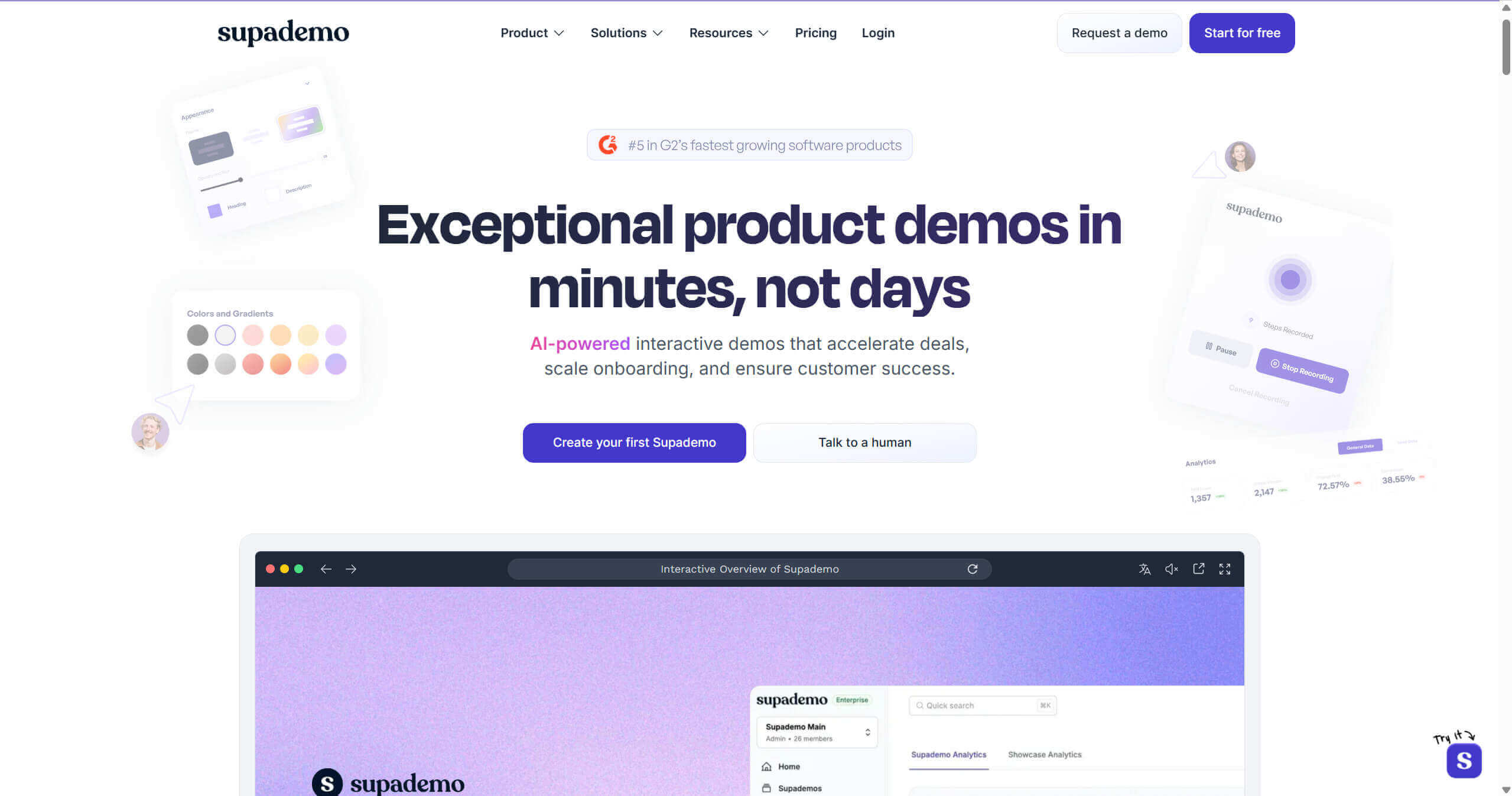
When a user wants to know how to perform a specific task, they don't want a 5-minute video; they want a 30-second guided flow. Supademo specializes in these "micro-learning" moments.
Key Features:
- Auto-Generated Hotspots: As you click through your product, Supademo creates a tooltip for every action you take.
- Embed Anywhere: Works seamlessly with Notion, Zendesk, and Intercom help centers.
- Multi-Format Export: Export your guide as a video, a GIF, or an interactive web embed.
Pros:
- The fastest way to create a "How-To" guide in existence.
- Updates are easy; you can swap out single screenshots without re-recording the whole flow.
Cons:
- Lacks the narrative "storytelling" feel of a video.
- Limited branding options on lower-tier plans.
Best For: Product documentation, customer success training, and "What's New" feature release logs.
5. HeyGen — Best for AI-Generated Product Explainer Videos
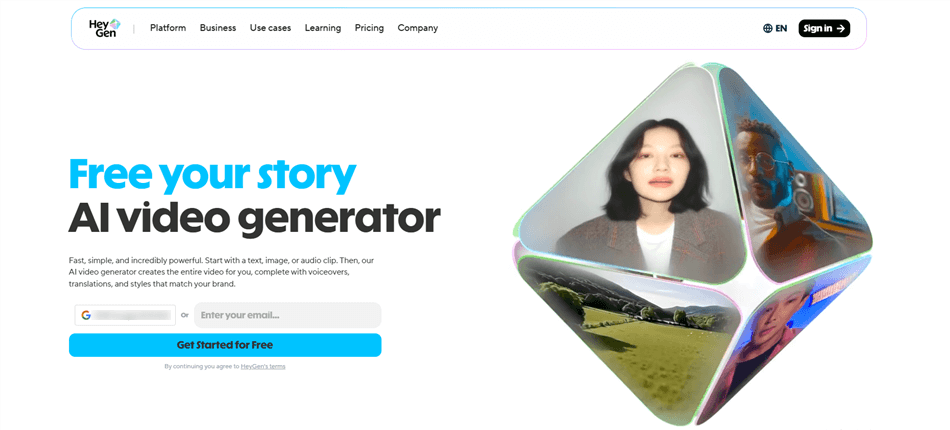
If you want a human face in your product videos but don't have a spokesperson or a camera, HeyGen is your solution. It uses generative AI to create "talking head" videos that are indistinguishable from reality.
Key Features:
- Avatar Creation: Choose from hundreds of realistic avatars or create a digital twin of your own founder/PMM.
- Multi-Language Dubbing: Record a script in English and instantly translate it into 40+ languages with perfect lip-syncing.
- Text-to-Video: Change a single word in your script, and the AI regenerates the video instantly—no re-filming required.
Pros:
- Massively scalable; you can create 100 personalized videos in the time it takes to film one.
- Perfect for global teams targeting international markets.
Cons:
- Can occasionally look "uncanny" if the script is too long or complex.
- Pricing can be steep for high-volume video generation.
Best For: Scaled sales enablement videos, multi-language product explainers, and personalized onboarding welcomes.
6. Pendo — Best for In-App Product Marketing
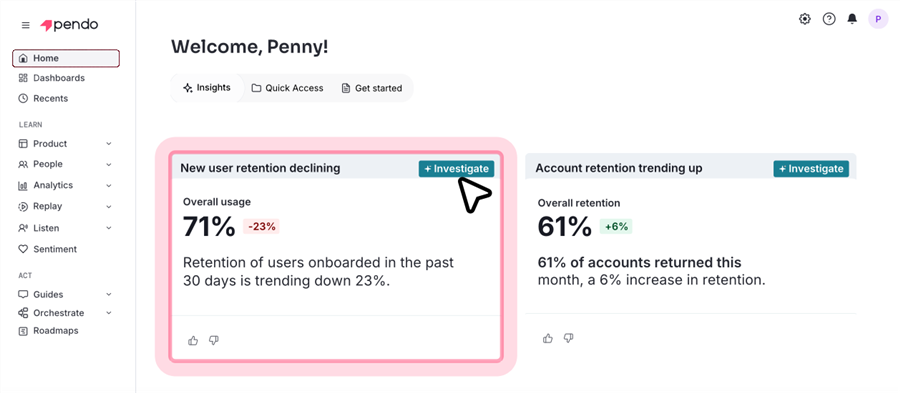
Pendo ensures that your marketing efforts don't stop at the "Sign Up" button. It allows you to communicate with your users while they are actually using your software.
Key Features:
- In-App Guides: Overlay tooltips, banners, and walkthroughs without needing an engineer to deploy code.
- Usage Analytics: See which features are being ignored and which are driving retention.
- NPS & Feedback: Trigger surveys at the exact moment a user completes a task to get fresh, contextual feedback.
Pros:
- Provides a holistic view of the "Product-Led" funnel.
- Allows for highly targeted messaging (e.g., only show a "Pro Feature" tip to users on the Basic plan).
Cons:
- Implementation requires a technical "snippet" installation.
- The interface is complex and has a significant learning curve.
Best For: Driving feature adoption, reducing churn, and enterprise-level product usage analytics.
7. UserGuiding — Best for User Onboarding Experiences
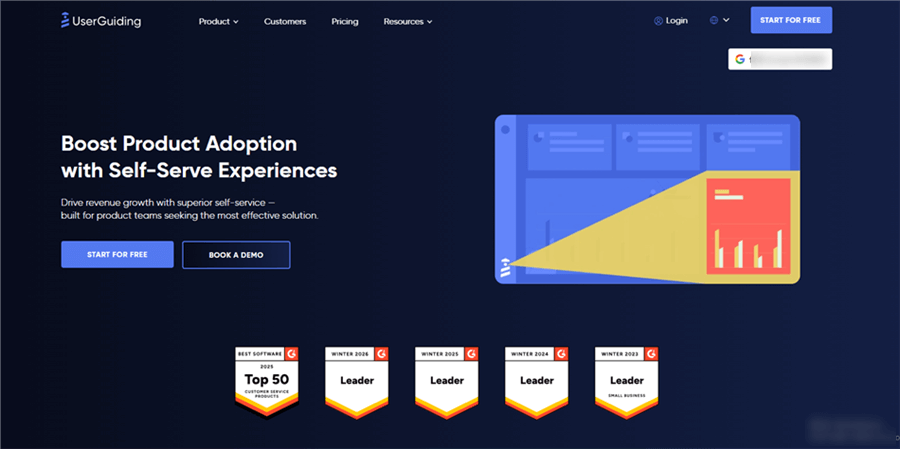
For many SaaS teams, Pendo is overkill. UserGuiding offers a more accessible, "lean" way to build beautiful onboarding flows.
Key Features:
- Onboarding Checklists: Give users a clear path to success with gamified task lists.
- Resource Centers: A small widget in the corner of your app that houses all your guides, FAQs, and updates.
- Segmentation: Show different onboarding paths based on the user’s role (e.g., Admin vs. Viewer).
Pros:
- One of the most user-friendly "no-code" builders on the market.
- Very affordable pricing for early and mid-stage startups.
Cons:
- Analytics are less robust than enterprise competitors like Pendo or Appcues.
- Limited flexibility for highly custom or non-standard UI elements.
Best For: Improving "Time-to-Value" for new users and automating the initial activation phase.
8. Amplitude — Best for Product Marketing Analytics
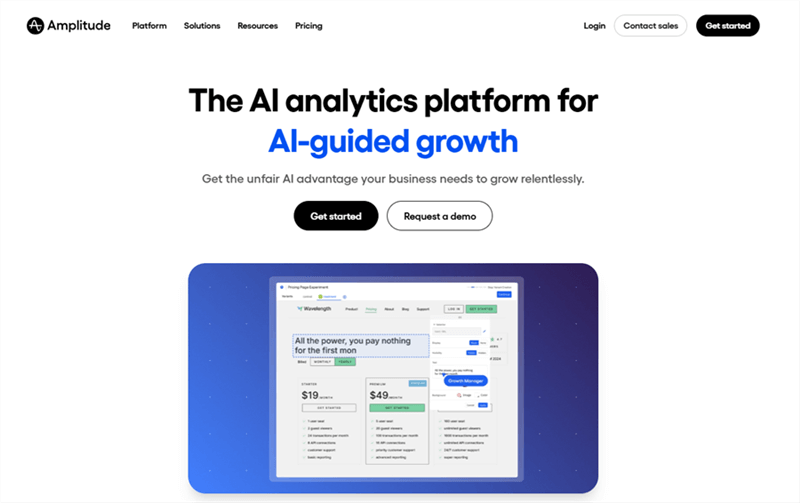
Amplitude is the "brain" of your product marketing operation. It helps you understand the behavior behind the clicks.
Key Features:
- Funnel Analysis: See exactly where users drop off in your sign-up or upgrade flow.
- Cohort Tracking: Compare the behavior of users who saw a specific demo video versus those who didn't.
- Predictive Analytics: AI that identifies users who are "at-risk" of churning before they actually leave.
Pros:
- Incredibly deep data that helps PMMs justify their strategies with ROI.
- Integrates with almost every other tool on this list (HubSpot, Segment, etc.).
Cons:
- Requires a dedicated analyst or a very data-savvy PMM to get the most value.
- Data is only as good as your instrumentation (i.e., you have to tag events correctly).
Best For: Data-driven product marketers who need to optimize conversion funnels and measure long-term feature impact.
9. Hotjar — Best for Visualizing User Behavior
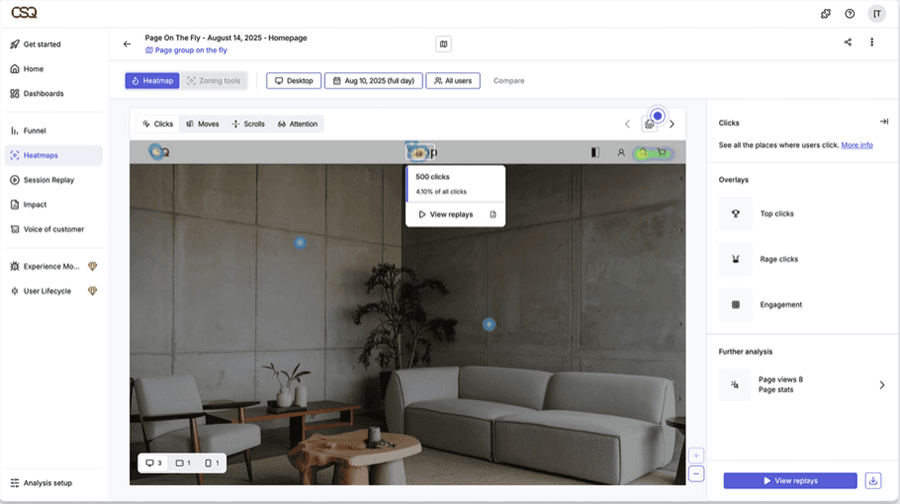
If Amplitude tells you what happened, Hotjar shows you how it happened. It is the closest you can get to sitting next to your user as they browse your site.
Key Features:
- Heatmaps: Visualize where users click, move, and scroll. Great for seeing if your "Watch Demo" button is being ignored.
- Session Recordings: Watch real users navigate your product demos to see where they get confused or frustrated.
- On-Page Surveys: Quick pop-up questions (e.g., "What stopped you from signing up today?") to catch feedback in the moment.
Pros:
- Provides immediate "Aha!" moments for PMMs and Designers.
- Very easy to set up with a single script tag.
Cons:
- High-volume session recording can be overwhelming to analyze manually.
- It can slightly impact page load times if not configured correctly.
Best For: Identifying UX friction, optimizing landing page messaging, and testing the effectiveness of new product demos.
10. HubSpot — Best All-in-One Platform for Distribution and Automation
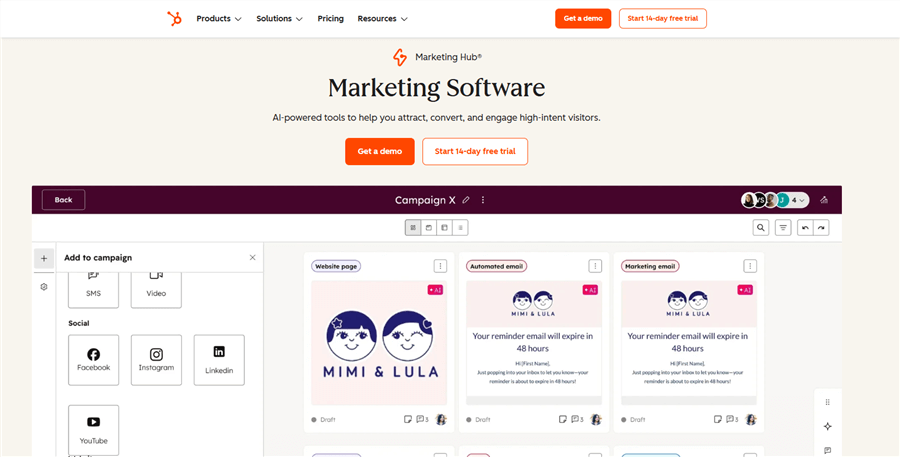
You’ve built the videos, tracked the data, and created the guides. Now you need to deliver them. HubSpot is the central command center for all your product marketing and distribution.
Key Features:
- Marketing Automation: Trigger an email containing a specific Poindeo demo video the moment a prospect visits a certain feature page.
- CRM Integration: See exactly which demos a lead has watched before a sales rep calls them.
- Landing Page Builder: Quickly spin up pages to house your interactive tours and videos.
Pros:
- Keeps your entire team (Marketing, Sales, Success) on the same page.
- Powerful segmentation allows for "Personalization at Scale."
Cons:
- Can become very expensive as your database grows.
- "Jack of all trades, master of none"—sometimes dedicated tools for specific tasks (like video) are still necessary.
Best For: Managing the lead lifecycle, distributing product content, and proving the revenue impact of your PMM work.
Comparison Table: 2026 Product Marketing Tools
|
Tool |
Category |
Best For... |
Primary Impact |
|
Poindeo |
Video Demo |
Cinematic marketing videos |
High Conversion |
|
Storylane |
Interactive Demo |
Clickable website tours |
High Engagement |
|
Loom |
Screen Recorder |
Fast, personal updates |
Team Alignment |
|
Supademo |
Guided Tutorial |
Step-by-step education |
Faster Learning |
|
HeyGen |
AI Video |
Multi-language explainers |
Scalability |
|
Pendo |
In-App Guide |
Driving adoption |
Retention |
|
UserGuiding |
Onboarding |
New user activation |
Lower Churn |
|
Amplitude |
Analytics |
Understanding behavior |
Strategy Data |
|
Hotjar |
UX Research |
Finding friction |
Better UX |
|
HubSpot |
CRM/Automation |
Scaling distribution |
Revenue Growth |
How to Choose the Right Tool for Your Team
Select tools based on your company stage and GTM motion:
Identify Your Motion
- Product-Led (PLG): Tools like Pendo, UserGuiding, and Storylane help users experience the product independently.
- Sales-Led: Tools like Poindeo, Loom, and HubSpot help sales tell compelling stories and close deals faster.
Consider Product Complexity
- Simple UI: Basic demos may suffice.
- Complex product: High-impact Poindeo videos help explain the “big picture” before diving into details.
Budget & Resources
- Start simple: Poindeo for polished videos, Hotjar for insights.
- Scale gradually with advanced analytics and in-app guidance.
Final Thoughts
The data for 2026 is clear: Showing beats telling every single time. The most successful SaaS companies are those that treat their product as their primary marketing asset. By leveraging tools that allow prospects to see, touch, and understand your software instantly, you remove the friction that kills deals.
Start by auditing your current website. Do you have a "Product" page that is just a wall of text? Replace it with an interactive Storylane tour or a cinematic Poindeo demo. Your conversion rates—and your sales team—will thank you.