In 2026, creating a product demo feels harder than it should. You know buyers won’t convert unless they see the product, but every attempt turns messy—screen recordings feel dull, the flow is unclear, and you end up showing too much without explaining why it matters. You either ship something that looks amateur or spend so long perfecting it that it never goes live.
The real problem isn’t recording a video—it’s making one that lands. Your audience wants the “aha” in seconds, not a full walkthrough. You don’t have time to script, edit, and re-record endlessly, which is exactly why choosing the right SaaS product demo video software can help you create product demo videos easily and directly impact your conversion rate.
Which SaaS Demo Category Do You Actually Need?
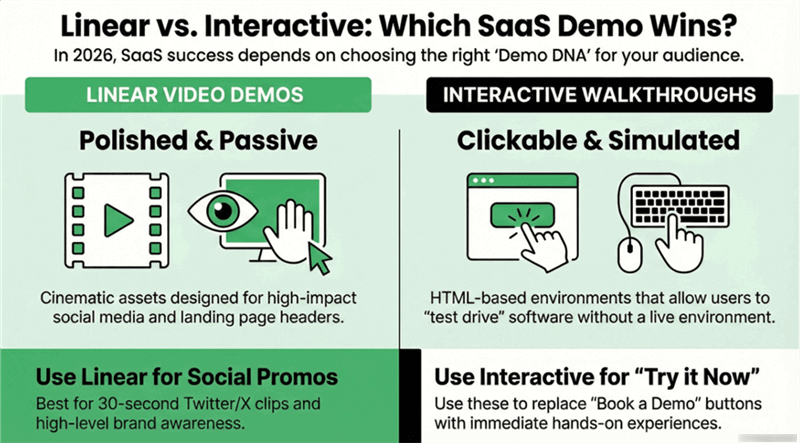
Before diving into the tools, you must identify your "Demo DNA." In 2026, the market will have split into two distinct paths:
- Linear Video Demos: Cinematic, polished, and passive. These are high-impact assets for social media, YouTube, and "above-the-fold" landing page sections.
- Interactive Walkthroughs: Clickable, HTML-based tours. These allow users to "test drive" the software. They aren't "videos" in the traditional sense; they are simulated environments.
Quick Choice Guide:
- Need a 30-second Twitter/X promo? Go Linear.
- Need to replace a "Book a Demo" button with "Try it Now"? Go Interactive demos.
- Need to turn a Figma mockup into a video? Go Poindeo.
The 8 Best SaaS Product Demo Video Software of 2026
Discover the best SaaS demo video tools to showcase your product and convert more users in 2026.
1. Poindeo
Best for Point-and-Click, Attention-Focused Product Demos
Poindeo, as a professional product demo video maker, is built for founders who need polished, cinematic product demos—even when the product isn’t fully built yet.
Instead of relying on perfect live recordings, Poindeo lets you turn static UIs, Figma mockups, screenshots, or partial workflows into intentional, high-conversion demos.
By guiding viewer attention with automatic zooms, smooth pans, and visual emphasis, Poindeo makes complex flows instantly understandable—whether you’re recording a real screen or explaining a design concept. The result is a demo that feels deliberate and story-driven, not like an accidental screen capture.
Key features
- Simultaneous screen and webcam recording to capture both your product and presenter in one take
- Automatic click-based zooms that highlight key interactions as you record
- Fully editable zoom effects, including position, zoom level, and duration, adjusted directly on the canvas or timeline
- Flexible recording modes, supporting full screen, application window, or browser tab
- Multi-format content support, allowing you to upload and combine screenshots, images, PDFs, and existing video clips into guided walkthroughs
- On-canvas annotations, such as labels, titles, and callouts, for both zoomed and static sections
- Built-in polish tools, including one-click subtitles, background music, watermarks, and preset aspect ratios
- Flexible export options, with support for MP4 videos, animated GIFs, and single-frame images
Pros
- Automatically highlights what matters, reducing viewer confusion
- No need for perfect takes—easy to revise and update demos
- Works well for both live workflows and static UI explanations
- Clean results without complex editing knowledge
Cons
- Not designed for advanced motion graphics or cinematic storytelling
- Less suitable if you want heavy timeline-based manual animation
Best for: Product-led SaaS founders, marketers, and educators who want high-conversion demos that clearly show where to look and why it matters—without spending hours editing.
Pricing: Free plan available; Pro plans start at $3.33/month billed annually or $19.99/month, with an optional $99 lifetime license.
2. Screen Studio
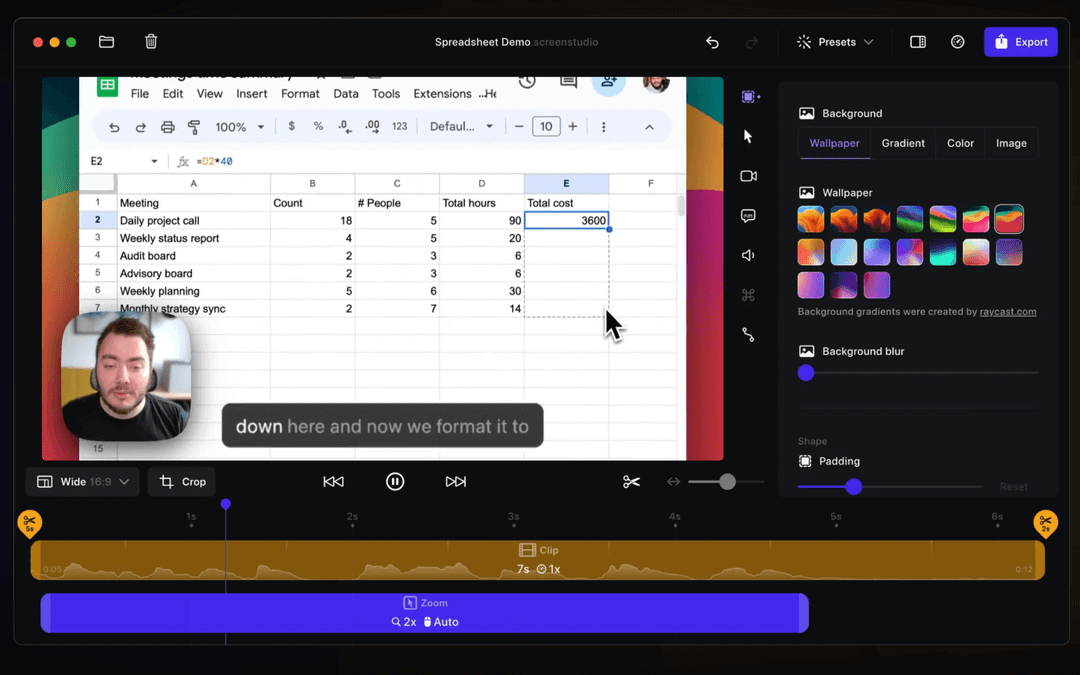
Screen Studio, best for polished macOS screen recordings, is widely regarded as the gold standard for high-quality screen recordings on macOS. It’s a native Mac app designed to make live screen recordings look smooth, deliberate, and cinematic—without manual keyframing. If you’ve seen buttery-smooth zooms and cursor motion in tech influencer demos, Screen Studio likely powered them.
Key features
- Native macOS screen recording
- Automatic cursor smoothing and click-based zooms
- Clean motion and framing optimized for live workflows
- High-quality video export with minimal setup
Pros
- Excellent motion quality with almost no setup
- Automatically removes jitter and awkward cursor movement
- One-time license instead of a subscription
Cons
- macOS-only
- Requires a live, working product (no mockup or static UI animation)
- Can be resource-heavy on older Macs
Best for: Mac-based founders and creators who want premium-looking live screen recordings with minimal editing.
Pricing: Subscription $29/month
3. Arcade
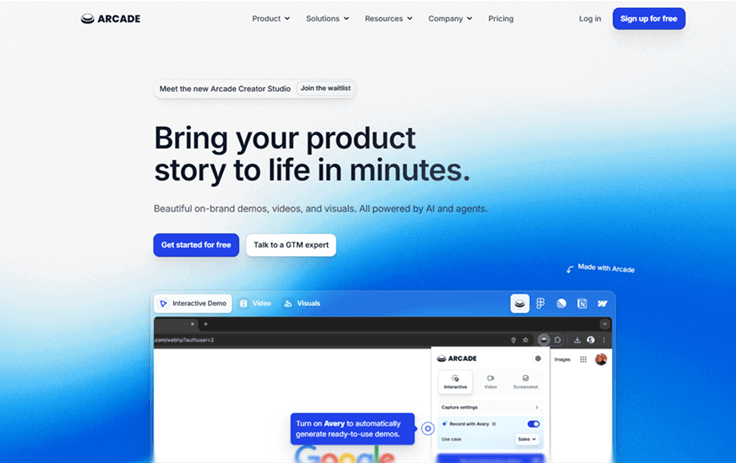
Arcade isn’t a video tool—it’s an interactive demo platform. Instead of watching a walkthrough, users can click, explore, and experience a guided version of your product directly in the browser. These “playable” demos closely resemble the real app, making them especially effective for product-led growth. Best for interactive, playable product demos.
Key features
- Capture product flows as interactive, clickable demos
- Browser-based embeds for websites, blogs, and help centers
- Guided steps and tooltips layered on real UI
- Shareable links with engagement tracking
Pros
- Extremely high engagement compared to passive video
- Lets users learn by doing, not watching
- Easy to embed across marketing and documentation
Cons
- Not suitable for cinematic video storytelling
- Best for UI flows, not conceptual or narrative demos
Best for: PLG-focused SaaS teams that want interactive demos for landing pages, onboarding, and documentation.
Pricing: Pro plans start at approximately $32/month
4. Tella
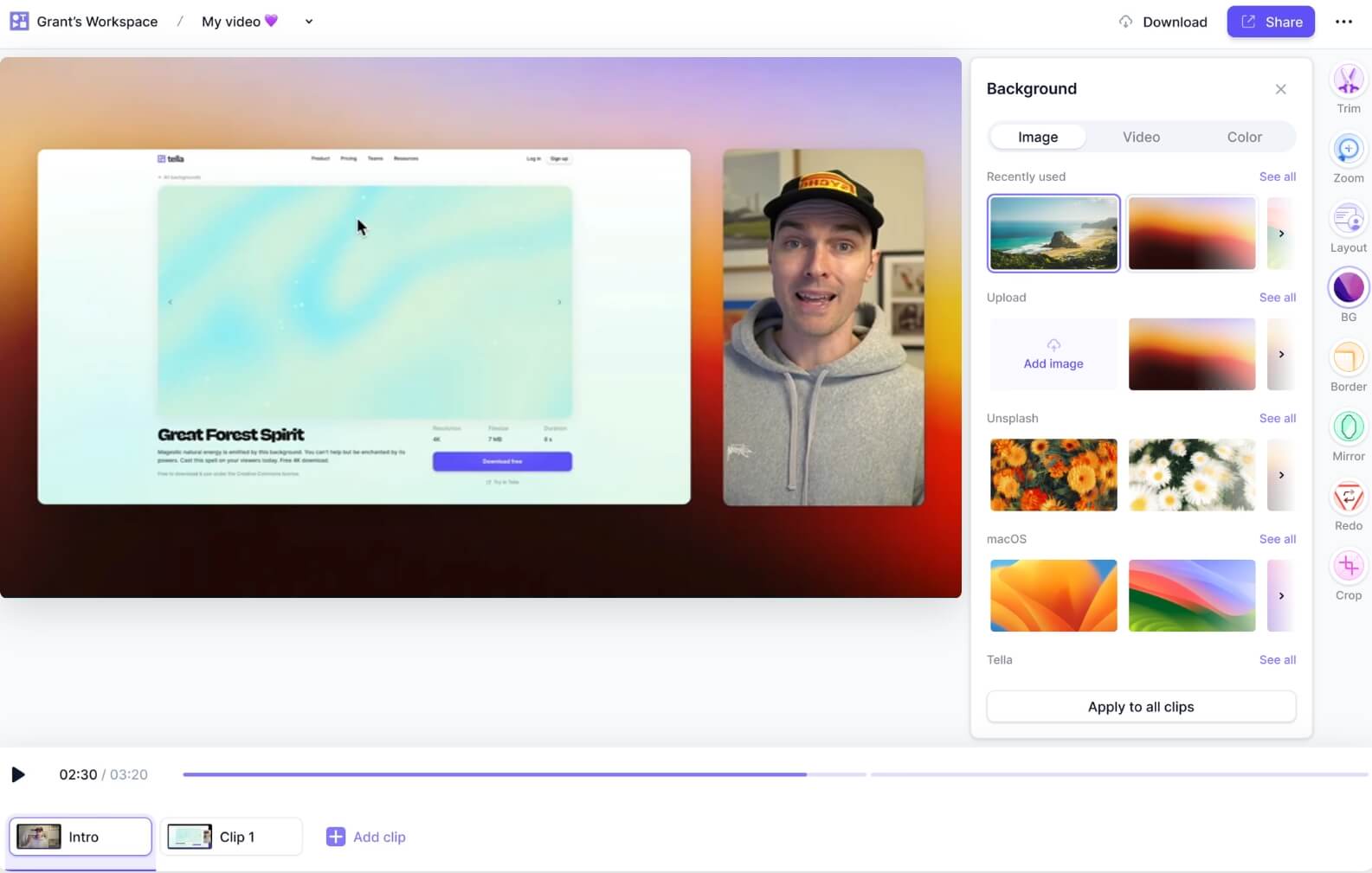
Tella is designed for founders who want to be on camera and tell a story—not just show a UI. It combines screen recording with polished webcam layouts, making it easy to create personable, brand-forward demo videos directly in the browser. Best for creator-style product storytelling.
Key features
- Screen and webcam recording with customizable layouts
- Multi-clip recording for intros, demos, and conclusions
- Browser-based editing with automatic transitions
- Visual emphasis on presenter + product
Pros
- Great for narrative-driven demos and personal branding
- Easy multi-clip workflow without traditional editing
- Strong visual polish for talking-head content
Cons
- Less focused on precise UI highlighting
- Not ideal for purely product-led, no-presenter demos
Best for: Founders building in public, educators, and teams where the presenter is central to the demo.
Pricing: Individual plans start at $26/month
5. Supademo
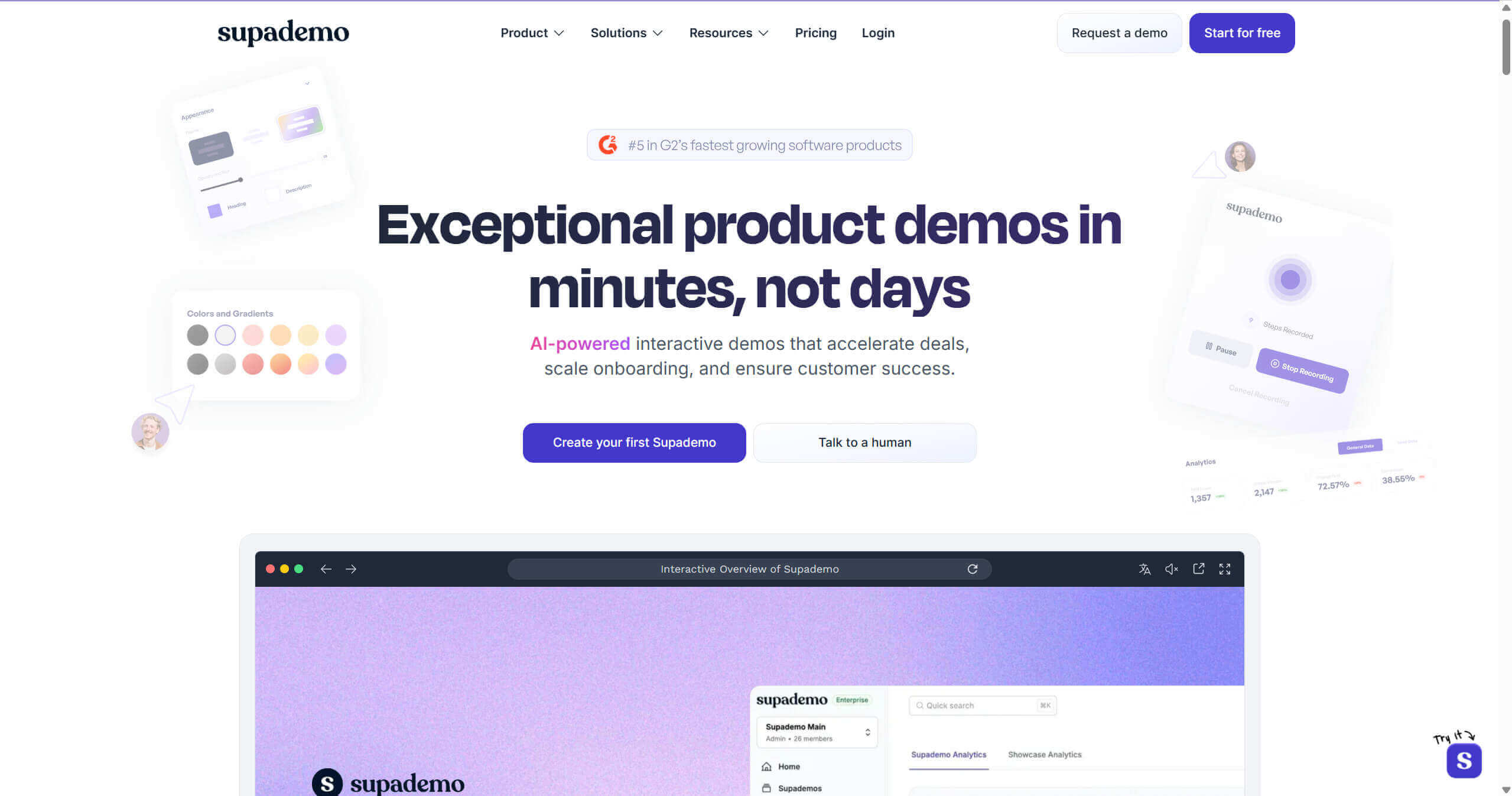
Supademo focuses on speed. It’s built for teams that need to document product flows quickly and at scale, using AI to generate instructions and narration from user actions. The result is interactive, guided demos with minimal manual effort. Best for fast, step-by-step interactive guides.
Key features
- Click-based capture of product workflows
- AI-generated step descriptions and voiceovers
- Interactive, scrollable demo format
- Personalization options for sales and onboarding
Pros
- Extremely fast to produce documentation-style demos
- Minimal manual writing required
- Well-suited for onboarding and feature education
Cons
- Less control over visual storytelling
- Output feels instructional rather than cinematic
Best for: Teams that need to create many onboarding or help-center demos quickly.
Pricing: Free tier available; Pro plans start at $50/month
6. Descript

Descript is a full-featured audio and video editor built around text. Instead of editing timelines, you edit transcripts—making it uniquely powerful for voiceover-driven demos, explainers, and marketing videos. Best for script-heavy marketing demos.
Key features
- Text-based video and audio editing
- Automatic transcription
- AI-powered “Overdub” voice replacement
- Multi-track audio and video editing
Pros
- Extremely efficient for voiceover-heavy content
- Easy to fix mistakes without re-recording
- Strong podcast and marketing video capabilities
Cons
- Steep learning curve for simple demos
- Overkill for basic screen recordings
Best for: Marketing teams and founders producing scripted demos, explainers, or long-form content.
Pricing: Plans start at $24/month
7. Loom
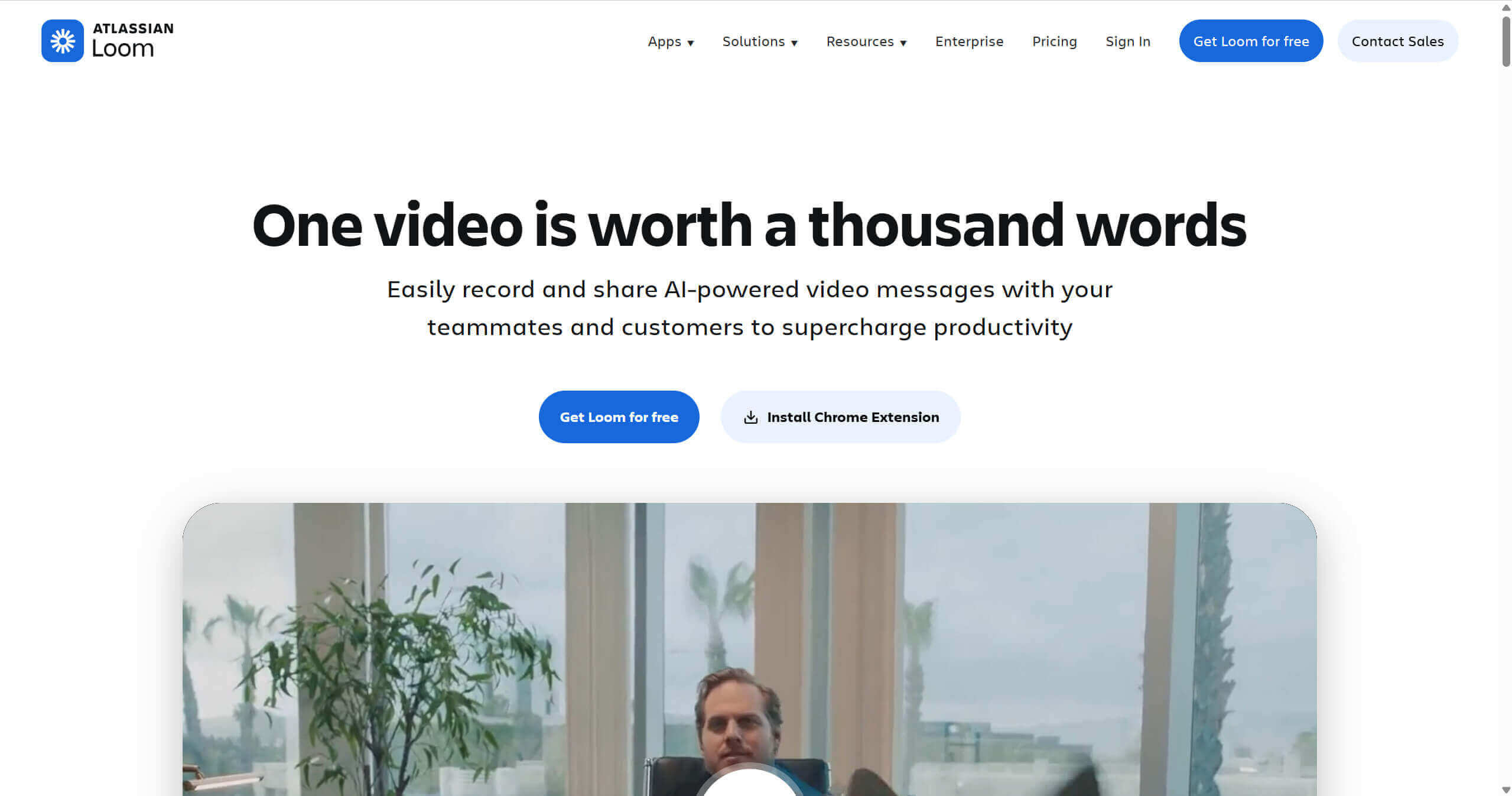
Loom is the fastest way to send a personal video. It’s not designed for polished homepage demos—but it excels at quick, human communication for sales, support, and internal updates. Best for 1-to-1 async sales and support videos.
Key features
- Instant screen, camera, or combo recording
- Automatic cloud hosting and sharing
- Viewer notifications and basic analytics
- Browser extension and desktop apps
Pros
- Zero friction from recording to sharing
- Great for personalized outreach
- Easy for non-technical teams
Cons
- Limited visual polish
- Not suitable for high-production demos
Best for
Sales reps, customer success, and founders sending personalized async videos.
Pricing
Business plans around $15/month
8. Storylane
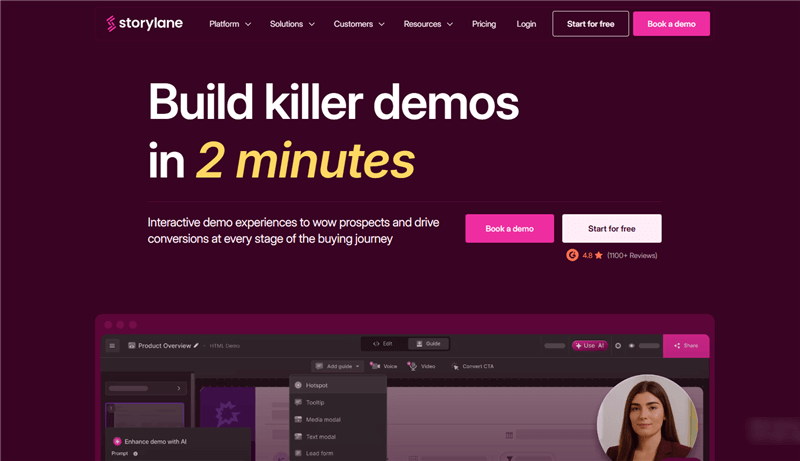
Storylane is built for scale. Instead of individual demos, it helps teams create full demo environments that sales reps can personalize and share across complex buying committees. Best for enterprise GTM and demo centers.
Key features
- Interactive sandbox-style demos
- Personalization for accounts and personas
- Advanced engagement and stakeholder analytics
- Sales and CRM integrations
Pros
- Designed for enterprise sales motion
- Deep insight into buyer behavior
- Supports multi-stakeholder deals
Cons
- Expensive for early-stage startups
- Overkill for simple demo needs
Best for: Mid-market and enterprise SaaS GTM teams running complex sales cycles.
Pricing: The starter plan is $40 per month.
SaaS Demo Software Comparison Table (2026)
| Tool | Primary Use Case | Asset Type | Automation Level | Platform |
| Poindeo | Cinematic Marketing, demo | Linear Video | High (Auto-Zooms) | Web-Based/Chrome Extension |
| Screen Studio | Professional Tutorial | Linear Video | High | macOS |
| Arcade | Product Tours | Interactive | Low | Web-Based |
| Tella.tv | "Face-cam" Tutorials | Linear Video | Medium | Web-Based |
| Supademo | Rapid Support Guides | Interactive | High (Text/Voice) | Web-Based |
| Descript | Script-based Editing | Linear Video | Very High (Voice) | Desktop/Web |
| Loom | Internal/Sales Comms | Linear Video | Medium | All |
| Storylane | Enterprise Sales | Interactive | High (Data) | Web-Based |
The 2026 Buying Checklist: 5 Features You Can't Ignore
Before you swipe your company card, ensure your chosen tool has these five modern essentials:
- Cursor Smoothing: Human mouse movement is jerky. Professional tools must "math out" the curves to make it look cinematic.
- Responsive Embedding: Your interactive demo must work perfectly on a mobile phone. If a user has to "pinch and zoom" to see your tour, they will bounce.
- HTML vs. Pixel Capture: Interactive tools should ideally capture the code (HTML/CSS) rather than just pixels. This ensures the text stays sharp on high-resolution Retina displays.
- In-Video CTAs: The goal isn't "views"; it's "conversions." Can you put a "Start Free Trial" button directly inside the video player?
- Analytics Depth: You need to know more than just "how many people watched." You need to know: At what second did they drop off?
FAQs on SaaS Product Demo Video Software
What is the best software for SaaS product demos for non-designers?
For linear video, Poindeo is the easiest because it uses a "point-and-click" interface rather than a complex timeline. For interactive demos, Supademo is highly intuitive for beginners.
Should I use a professional voiceover or AI?
In 2026, AI voices (from tools like ElevenLabs, integrated into many of these platforms) have reached "Human Parity." For most feature demos, AI is preferred because it's easier to update if the script changes. Use a human voice only for your "Hero" brand video.
How long is the ideal SaaS demo?
- Landing Page Hero: 45-90 seconds.
- Social Media Clip: 15-30 seconds.
- Interactive Tour: 10-12 "steps" or clicks.
Can I record my webcam and screen at the same time?
Yes, tools like Tella and Loom are built specifically for this. Descript also allows for advanced "Talking Head" layouts with AI-generated backgrounds.
What is the most cost-effective tool for a solo founder?
Poindeo and Tella offer the best balance of "High-End Look" for a low monthly cost. Screen Studio is a great value if you only want to pay once ($89).
Conclusion
In 2026, a product demo isn't just a "how-to" guide—it’s a sales closer. If your demo feels like a chore to watch, your product will feel like a chore to use.
For founders who want to move fast, Poindeo offers the most innovative "Static-to-Video" workflow that saves hours of re-recording. For those who want their users to get "hands-on" immediately, Arcade or Supademo are the industry leaders.
Your next step: Pick one linear tool (like Poindeo) for your marketing and one interactive tool (like Arcade) for your onboarding. By covering both bases, you ensure that every visitor—no matter where they are in the funnel—can see the value of your SaaS in seconds.
Ready to turn your screenshots into a cinematic demo? Try Poindeo for free today and see why founders are ditching the timeline for the point-and-click revolution.