Ready to Edit Texts Over a Video in Poindeo
Join content creators to use Poindeo online editor and quickly add texts, words, and subtitles.
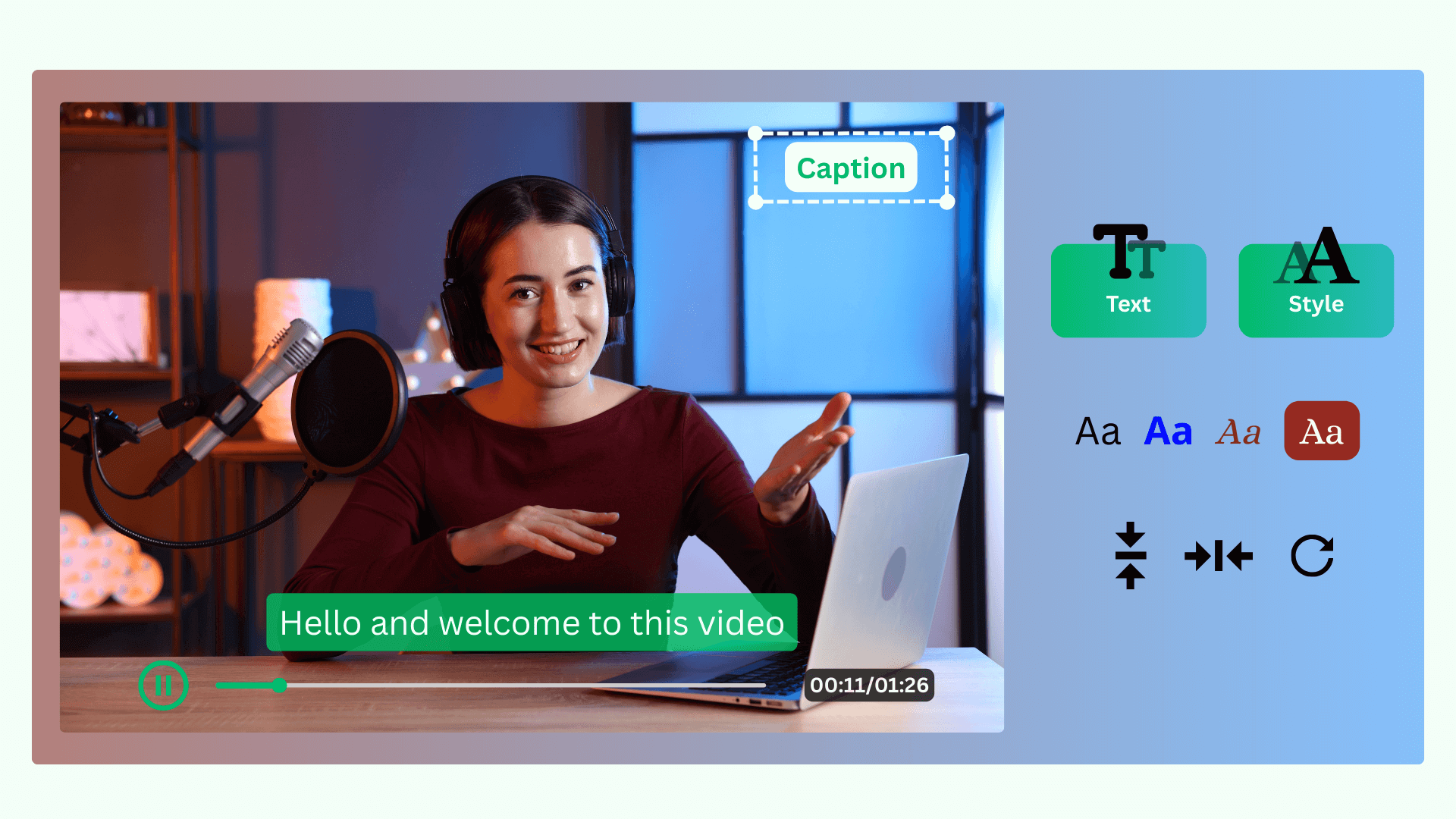
Click “Start Adding Text Now ” above to enter the Poindeo editor. Tap on Upload to get your videos on the timeline. Photos and PDFs are also supported.
Navigate to the Subtitle panel. Choose Manual Subtitle to type text message and set the starting and ending time, or click Auto Subtitle for text transcription.
Use the Style tab to adjust font, color, background, and position. Once perfected, hit Export to save the video with text overlays and high-quality.
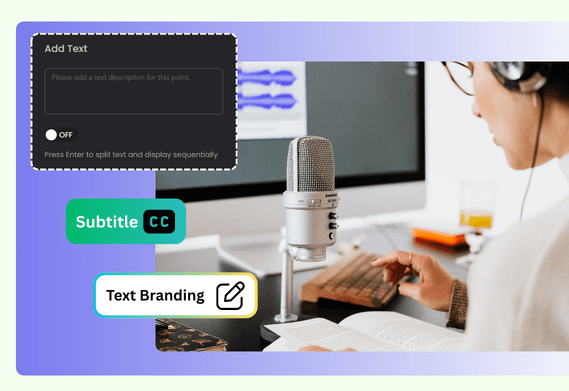
Poindeo is a browser-based tool, ready when you are. From eye-catching captions and subtitles to watermarks and dynamic zoom annotations, it covers all your needs.
Add text manually, or generate speaking text automatically from the Subtitle panel. Add text watermark from the Branding panel. Put text overlays to describe zoom-in effects or highlighted steps when zooming in on a video.
Customize text to match your video. Adjust font family, size, and color. Add a text background to ensure your text message is readable against any background. Place text anywhere. Set the starting and ending time for subtitles. Click Enter to split text and display sequentially. And you can even apply a text watermark across multiple videos with one-click.
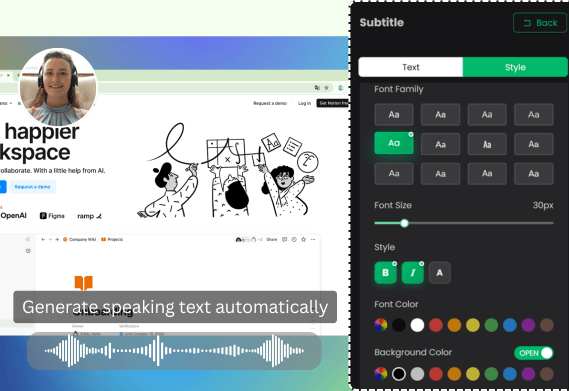
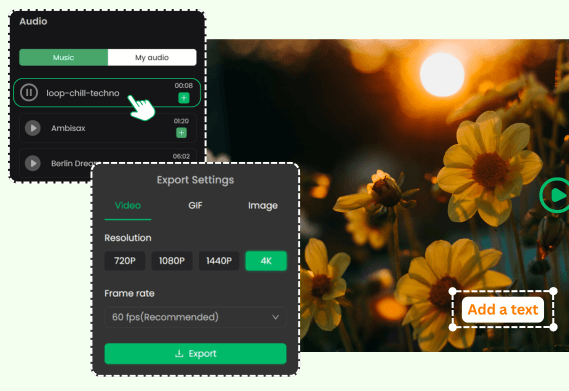
Beyond just stylish text overlays, you can split a video into clips, add music, change video speed and shadow style, add mosaic to blur sensitive info, or add a recording clip with auto-zoom. And, with high-quality and lightning-fast exports, you can share your beautiful videos with ease.
Text videos are popular for content creators, educators and marketing teams.
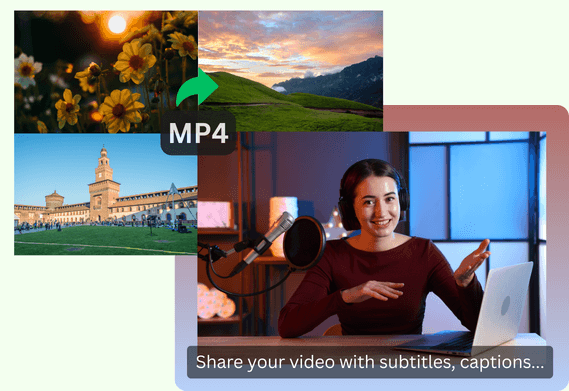
Text makes your content descriptive, more accessible and engaging. It helps convert speech to text, explain key features, highlights important steps, and ensures your message is understood even when the sound is off.
Just open the Poindeo editor, upload your MP4, and use the Subtitles panel to add and style your text. No software installation required.
Upload or record a video with speech voiceover in Poindeo. Click the Subtitles panel, choose Auto Subtitle and generate speaking text automatically. Customize text, style, and export with embedded subtitles.
Yes. You can upload up to two videos and add text, subtitles, or watermarks for free.
Poindeo supports all the common video formats to edit, including MP4, MOV, WEBM, MKV, and more.
You can enhance your videos by using beautiful background images, adding MP3 files, resizing for social media platforms, cutting video clips, and more. Poindeo enables you to edit videos simply right in your browser.
Join content creators to use Poindeo online editor and quickly add texts, words, and subtitles.
Poindeo online video editor is an easy tool for adding text to video, image, or PDF. It is also efficient for creating product demos, tutorials, training videos with full features below:
Capture your entire screen, a browser tab, webcam, and audio directly in your browser. Auto-sync to the timeline for seamless editing.
Organize visuals, zoom sequences, and multiple audio tracks on a simple timeline.
Automatically highlight specific visual areas to guide your viewer’s attention - perfect for showcasing product details or demonstrating a process.
Choose from stunning backgrounds, stylish padding, and music to enhance your storytelling.
Add your logo and text, customize fonts and colors, and apply your brand identity to every creation.
Make eye-catching videos for professional demos, audio-enhanced materials, and compelling content for YouTube, Instagram, and online courses.